
Professional Video Prompts Need Information Architecture
LinkedIn viewers do not need more generic cinematic office footage. For ai linkedin video generator, AI Video Creation workflows on Xelta are most useful when the team defines the LinkedIn video brief, destination, and approval rules before generating scenes. Every input format carries its own hidden assumptions, and those assumptions need review.
For B2B marketers, founders, product teams, employer-brand teams, and agencies, the practical task is to turn a business message, audience role, proof asset, speaker or subject direction, brand references, platform format, motion plan, lighting logic, timing map, and CTA into a set of professional feed videos with readable openings, controlled motion, credible lighting, efficient scenes, and clear business relevance. The article uses the Message-Motion-Light-Time-Flow Prompt Model to focus on professional feed behavior, motion purpose, lighting credibility, scene duration, information density, and sequence continuity. The Message-Motion-Light-Time-Flow Prompt Model does not assume that generation clears rights, proves a claim, or removes the need for editing. Its main risk is that the output may look expensive while communicating no specific business insight, evidence, or next action.
The LinkedIn Prompt Answer in Plain Language
Write the business tension first, give every movement a communication job, describe lighting that keeps people and proof readable, and time scenes according to information density. Scene-by-scene prompts usually create a clearer professional narrative than one oversized request. A ai linkedin video generator is useful when its drafts preserve the LinkedIn video brief, respond to targeted revision, and can be approved for one named destination.
Translate the Business Point Into Visible Scenes
Write the downstream decision at the top of the brief. The real question is how to write prompts that create useful professional scenes rather than cinematic fragments with weak information flow. Name the audience, final placement, allowed interpretation, protected facts, and reviewer. Then decide which parts of the LinkedIn video brief should be retained, shortened, rebuilt, or omitted. For ai linkedin video generator, this decision prevents a tool comparison from becoming a collection of attractive samples.
The Message-Motion-Light-Time-Flow Prompt Model
The Message-Motion-Light-Time-Flow Prompt Model uses five connected records. Source Control defines the approved LinkedIn video brief and protected details. The editorial map states the viewer question, message, and omissions. The generation plan translates the LinkedIn video brief plan into scenes, prompts, references, audio, and edit points. The assembly review tests the LinkedIn videos designed for professional feeds, product stories, expert insights, and campaign distribution as a sequence. The release record identifies the approved ai linkedin video generator version, destination, limitations, and owner. The Message-Motion-Light-Time-Flow Prompt Model records stop a LinkedIn video brief problem from being repaired in the wrong place. A source error should not be hidden with a new visual for LinkedIn videos designed for professional feeds, product stories, expert insights, and campaign distribution.

Define the First-Frame Business Tension
Write the business problem, affected role, visible consequence, and reason to keep watching. Describe the opening subject, environment, framing, on-screen proof, and first transition. Avoid generic teams walking through glass offices unless the action communicates the problem. Professional viewers need relevance before visual spectacle. Input: The approved message, audience role, and one proof source. Output: A first-frame brief with one business tension. Review: Check that the opening works muted and without a long setup. Next: Write two alternative openings around the same point.
Give Motion a Communication Purpose
Assign camera and subject movement to a job: reveal a process, compare states, guide attention, show scale, connect cause and effect, or move from context to proof. Limit each scene to one main camera behavior and one subject action. Purposeful motion improves comprehension and reduces visual noise. Input: The opening brief and scene objective. Output: A motion line for every planned scene. Review: Remove movement that does not change what the viewer understands. Next: Add lighting and composition instructions.
Use Lighting to Support Credibility and Focus
Describe source direction, contrast, color temperature, practical lights, screen brightness, and the information that should receive visual emphasis. Match the lighting to the professional setting and brand tone rather than using dramatic neon by default. Lighting should clarify the scene and support trust. Input: Brand references, environment choice, and subject or product details. Output: A lighting note tied to each scene purpose. Review: Check skin, product color, screens, and text for readability. Next: Set scene duration and transition timing.
Time Scenes by Information Density
Estimate how long the viewer needs to understand the action, caption, proof, and transition. Give dense diagrams, interfaces, and claims more time than atmosphere. State the start frame, key beat, and end frame so scenes can be assembled cleanly. Timing is an editorial decision, not a uniform prompt setting. Input: The scene list, caption plan, audio, and target duration. Output: A timed sequence brief with edit points. Review: Read captions aloud and preview the sequence at feed size. Next: Generate a controlled first pass and review the full flow.
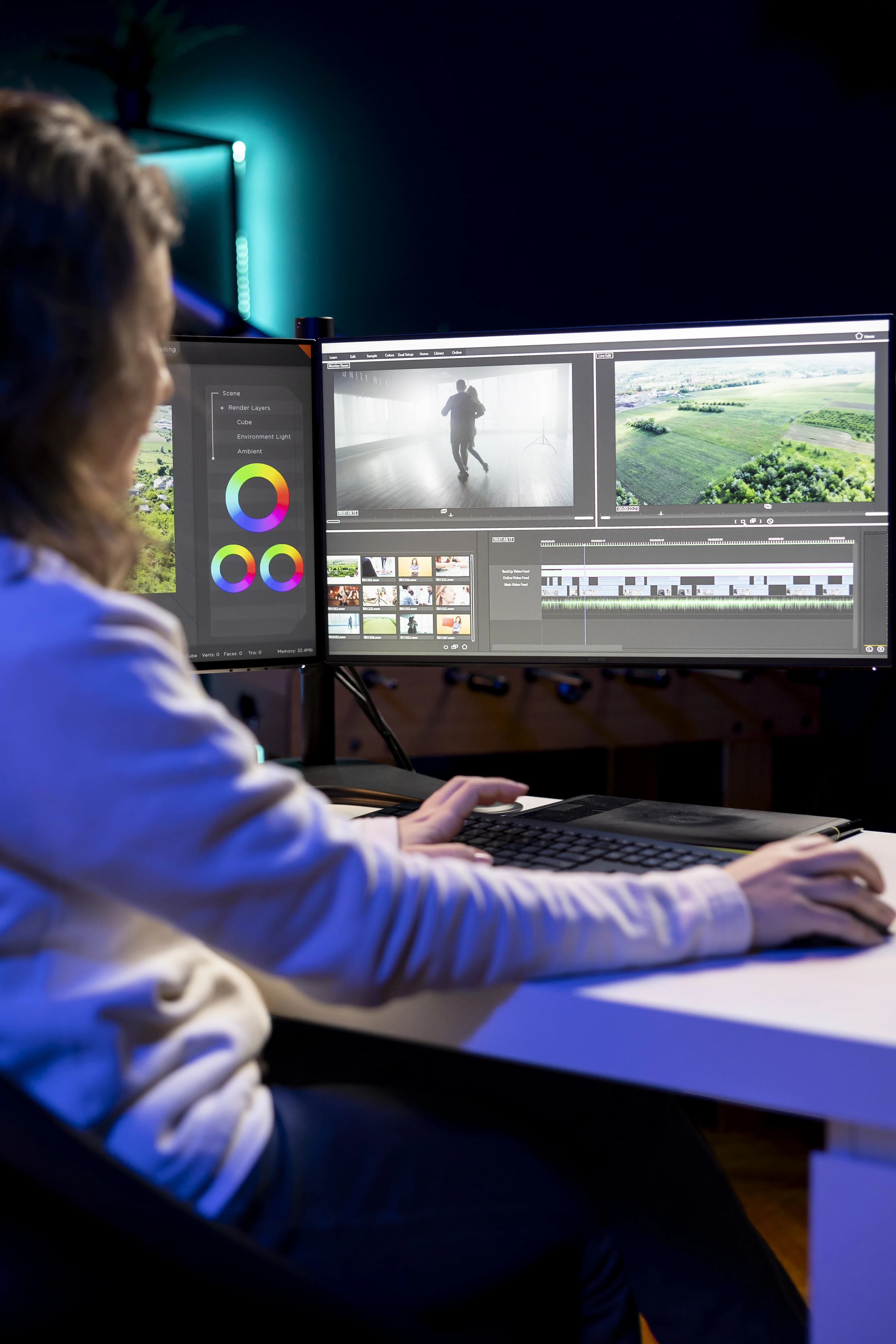
A Cybersecurity Insight Turned Into a Feed Narrative
Consider this controlled example: a cybersecurity company turning one research insight into a 25-second feed video using an evidence-led opening, office context, interface proof, expert takeaway, and report CTA. The ai linkedin video generator team first identifies protected facts in the LinkedIn video brief and one viewer outcome. It then creates a source map, a Message-Motion-Light-Time-Flow Prompt Model plan, and a named checklist for LinkedIn videos designed for professional feeds, product stories, expert insights, and campaign distribution. Early ai linkedin video generator drafts are assembled before every detail is polished, so LinkedIn video brief sequence problems appear while they are still inexpensive to change. This LinkedIn video brief scenario is a worked example, not a performance claim.
Single Long Prompt, Scene Prompts, or Timeline Brief
The ai linkedin video generator options below solve different production problems. Compare them using LinkedIn video brief fidelity, control, review effort, editability, and destination fit. For LinkedIn videos designed for professional feeds, product stories, expert insights, and campaign distribution, the strongest method preserves required information and reaches approval without hiding repair work.
Prompt Habits That Produce Empty Corporate Cinema
The most damaging failure patterns are prompting for premium corporate visuals without a business point, using constant camera movement that competes with captions, choosing dramatic lighting that makes products or screens unreadable, giving every scene the same duration, and generating scenes separately without defining their visual and narrative connection. For ai linkedin video generator, these errors make the LinkedIn videos designed for professional feeds, product stories, expert insights, and campaign distribution harder to verify and teach the team very little.
Review Controls for Professional Feed Videos
A stronger operating standard is to lead with a role-specific business tension, assign one communication purpose to each movement, describe practical lighting and protected details, time scenes according to information density, and write start, key beat, and end states for clean assembly.

Where Xelta Supports LinkedIn Production and Publishing
Xelta can enter after the team has prepared the LinkedIn video brief, the production map, and the acceptance criteria. The core video generator can support initial scene creation, while a LinkedIn workflow for organizing, reviewing, and publishing professional social content offers a more specific route for this article's workflow. The ai linkedin video generator user still chooses the LinkedIn video brief, approves instructions, compares drafts, and finishes the LinkedIn videos designed for professional feeds, product stories, expert insights, and campaign distribution edit.
The Message-Motion-Light-Time-Flow Prompt Model advantage is that exploration and variation happen closer to the approved LinkedIn video brief. That does not make every LinkedIn videos designed for professional feeds, product stories, expert insights, and campaign distribution detail accurate. Product facts, speaker identity, rights, accessibility, continuity, and the final ai linkedin video generator placement remain human review responsibilities.
What Iteration Looks Like for a B2B Team
A useful first session begins with a business message, audience role, proof asset, speaker or subject direction, brand references, platform format, motion plan, lighting logic, timing map, and CTA. The user turns the LinkedIn video brief into one narrow ai linkedin video generator assignment and generates a small comparison set. The first LinkedIn videos designed for professional feeds, product stories, expert insights, and campaign distribution draft is inspected for direction and source fidelity before polish. During Message-Motion-Light-Time-Flow Prompt Model revision, accepted elements stay fixed while one important variable changes.
Xelta workflow examples can support learning for ai linkedin video generator, but project approval must come from the user's own LinkedIn video brief and checklist. The ai linkedin video generator learning curve is mainly editorial: deciding what the viewer needs from the LinkedIn video brief, writing visible instructions, and diagnosing defects. The final LinkedIn videos designed for professional feeds, product stories, expert insights, and campaign distribution should be tied to one approved use and version.
Make the Supporting Page Easy to Understand and Retrieve
For search and generative retrieval, a ai linkedin video generator page should answer the central question early, define the LinkedIn video brief input and LinkedIn videos designed for professional feeds, product stories, expert insights, and campaign distribution output, and explain the Message-Motion-Light-Time-Flow Prompt Model with task-specific headings. Keep the ai linkedin video generator transcript, visible article, FAQs, and structured data aligned. Label LinkedIn video brief examples clearly and avoid invented search volume, performance numbers, legal conclusions, or tool capabilities. This guidance is designed for B2B marketers, founders, product teams, employer-brand teams, and agencies and uses a reproducible editorial method: controlled source material, explicit transformation choices, staged review, and a documented release decision.
Build a Prompt System Around Repeatable Business Stories
Begin with one approved LinkedIn video brief, one viewer job, and one destination. Use the Message-Motion-Light-Time-Flow Prompt Model to create a small draft set, record what changed, and approve only the version that preserves the required information. For ai linkedin video generator, the next practical step is to open LinkedIn Autoposting Workflow and test the topic-specific workflow with controlled LinkedIn video brief material.