A Good Result Begins With One Decision the Asset Must Support: Marketing Video
Most weak marketing video projects fail before generation. The brief mixes several goals, the source material is incomplete, or nobody has defined what must remain unchanged.
This guide uses a SaaS team producing three versions of a feature-launch video for cold, warm, and existing users as the working example. The objective is to create message variations while keeping the product demonstration and claims consistent. That narrow scenario matters because it gives the workflow a real constraint. A general request can produce attractive variations, but it cannot decide which product fact, visual detail, claim, or audience action is essential.
Xelta brings image, video, advertising, social, and supporting creative workflows into one platform. The useful way to evaluate it is to match a verified workflow to the task, keep the brief small enough to review, and document the corrections needed after the first result. The article therefore treats generation as draft production, not automatic approval.
A Reviewable Production Route From Start to Finish
Open Xelta AI Ads only after the source pack is stable. The first production pass should be small: one message, one format, and one controlled output. Volume hides errors. A baseline makes them visible.
- Define one audience action and one duration. Do not combine awareness, tutorial, and conversion goals in one short video.
- Break the script into shots. Give every shot a subject, action, camera instruction, duration, and transition purpose.
- Lock reference images, product details, faces, logos, and written copy that must remain unchanged.
- Generate the simplest opening and closing shots first. They reveal identity, motion, and format problems quickly.
- Build the middle sequence only after the visual baseline is approved.
- Review motion, continuity, hands, faces, object shape, subtitles, pronunciation, and safe zones frame by frame.
- Correct one problem at a time. Separate prompt fixes from manual editing fixes.
- Export a platform test, watch it on a phone with sound on and off, then approve the final publish version.
This sequence creates a useful revision trail. If the first result fails, the team can decide whether the problem came from missing facts, a vague prompt, a weak reference, a model limitation, or a task better handled in a conventional editor. That diagnosis is more valuable than generating another random variation.
Create a Small Brief That a Reviewer Can Check
Prepare a source pack before starting this AI marketing video generator project. The pack should contain facts and assets that a reviewer can verify, not only inspiration. Creative direction can change during exploration, but the approved source material should remain stable.
A useful source pack includes:
- Approved script or message outline.
- Shot list or reference frames.
- Product and brand assets.
- Duration and aspect ratio.
- Voice, caption, and music requirements.
- Platform safe zones and cta.
For a SaaS team producing three versions of a feature-launch video for cold, warm, and existing users, the team should label every input as locked, preferred, or flexible. Locked items cannot change. Preferred items guide the first pass but can be revised. Flexible items are open to exploration. This simple distinction makes feedback more precise than comments such as make it better, more premium, or more viral.
A Working Example: A SaaS team producing three versions of a feature-launch video for cold, warm, and existing users
Consider a SaaS team producing three versions of a feature-launch video for cold, warm, and existing users. The team is not asking the system to invent the campaign. It already knows the audience, offer, approved proof, and destination. The task is to create message variations while keeping the product demonstration and claims consistent.
A practical first prompt should describe the subject, what changes, what stays fixed, the environment, composition, motion or lighting, the final format, and any exclusions. For this marketing video, the locked details should be repeated plainly rather than hidden inside a long paragraph of style words.
Use the video ad generator workflow for the most specific sitemap-verified step in this workflow. Generate one baseline, reject factual or identity errors, and then issue a correction that changes only the failed element. That controlled second pass shows whether the workflow can support production rather than one lucky result.
The final learning should be written down. Save the source pack, prompt or script, selected settings, rejected result, correction note, final export, and approver. This record makes the next campaign faster without pretending the first output was automatically reliable.

What a Human Reviewer Must Confirm Frame by Frame
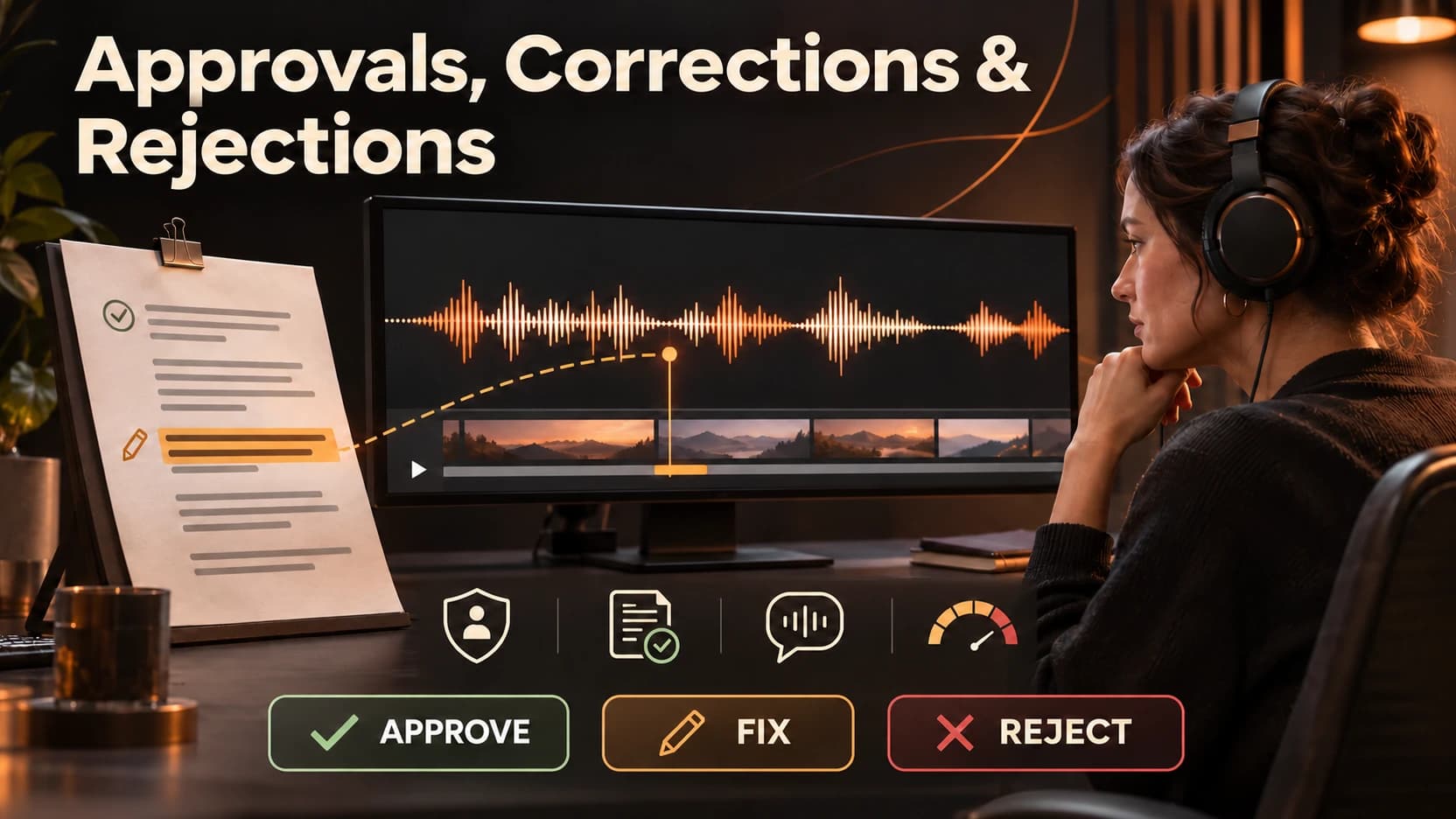
Review in two passes. The first pass is a rejection check for factual, identity, policy, or rights problems. The second pass is an editorial check for hierarchy, relevance, style, and audience fit. A visually attractive result should not move to the second pass if the first pass fails.
- Hook clarity in the first second.
- Face, hand, product, and character continuity.
- Camera movement and physical logic.
- Captions, pronunciation, and timing.
- Music and stock-asset rights.
- Safe zones, final frame, and cta.
- Export playback on the target device.
Inspect the output in its real context. A caption can look correct in a document and fail inside a mobile interface. A product image can appear sharp at thumbnail size and reveal warped packaging at 100 percent. A video can feel smooth with music but become confusing when viewed silently.
Define What a Usable Marketing Video Must Prove
Before opening the AI marketing video generator workflow, define the standard the first draft must meet. A usable result does not need to be final, but it must be specific enough that a reviewer can identify the next correction.
- Purpose: What decision should the marketing video help the viewer make?
- Locked facts: Which names, prices, features, dates, or visual details cannot change?
- Format: Where will the asset appear, and what size, length, or safe zone applies?
- Reference strength: Which images, scripts, examples, or brand assets reduce ambiguity?
- Review owner: Who can reject an inaccurate or off-brand result?
- Exit rule: What must be true before the team creates more versions?
These criteria prevent the common mistake of calling a result successful because it looks polished. A strong draft is one that makes the next decision easier. It should reveal whether the brief is complete, whether the tool follows important constraints, and whether a targeted revision can improve the output without introducing new errors.
The Tool Can Propose, but the Team Must Decide
This AI marketing video generator workflow can reduce the time needed to reach a reviewable draft, but it cannot approve the truth of the source material or the suitability of the final use. Someone still owns the product facts, audience promise, brand identity, rights, and publishing decision.
Common failure patterns include:
- Generating all scenes before approving the character or product baseline.
- Changing camera, subject, setting, and style in one correction.
- Accepting synthetic speech without checking names and regional pronunciation.
- Using trending music without confirming rights.
- Publishing an untested crop or caption layout.
Choose regeneration when the model misunderstood the main instruction or the composition is fundamentally wrong. Choose manual editing when the correction is precise, such as replacing final copy, aligning a logo, trimming a pause, adjusting a crop, or correcting a small edge. Stop the workflow when the missing information is factual, legal, medical, financial, or permission-related. A new prompt cannot repair an unapproved claim.
Make the Workflow Easier to Repeat Than to Reconstruct
The final asset is only one part of the deliverable; the decision trail matters too.
For a SaaS team producing three versions of a feature-launch video for cold, warm, and existing users, save the approved brief, locked facts, source assets, generation or draft instructions, revision notes, final format, rights check, and approver. When the team returns to the campaign, it should be able to reproduce the logic even if it chooses a different model or editing tool.
Use the first project to establish a small operating standard: what must be supplied, what can be generated, what must be checked, who can approve, and which errors require manual work. That standard prevents speed from turning into inconsistency and keeps automation accountable to the actual business task.

Frequently asked questions