How AI Is Changing Filmmaking in 2026
A filmmaker can now sketch out a scene, test different camera moves, clean up dialogue, and prepare dubbed versions before a traditional production would have finished its first round of planning. That sounds like a major shortcut, and sometimes it is. But it does not put filmmaking on autopilot. It simply changes where the team spends its time, budget, and creative energy.
This guide looks at how AI is changing filmmaking in 2026, from the first script breakdown to the final social cut. You will see where it genuinely helps, where it can create more work, and how a platform such as Xelta's AI creative platform can support the process without taking creative decisions away from the filmmaker.
Quick Answer
AI is making many parts of filmmaking faster in 2026, including script analysis, previsualization, shot creation, editing, VFX, and dubbing. Its real value is that filmmakers can try more ideas before committing time and money. People are still responsible for the story, performances, continuity, rights, safety, and final cut.
AI Filmmaking Is Becoming a Workflow, Not a Single Tool
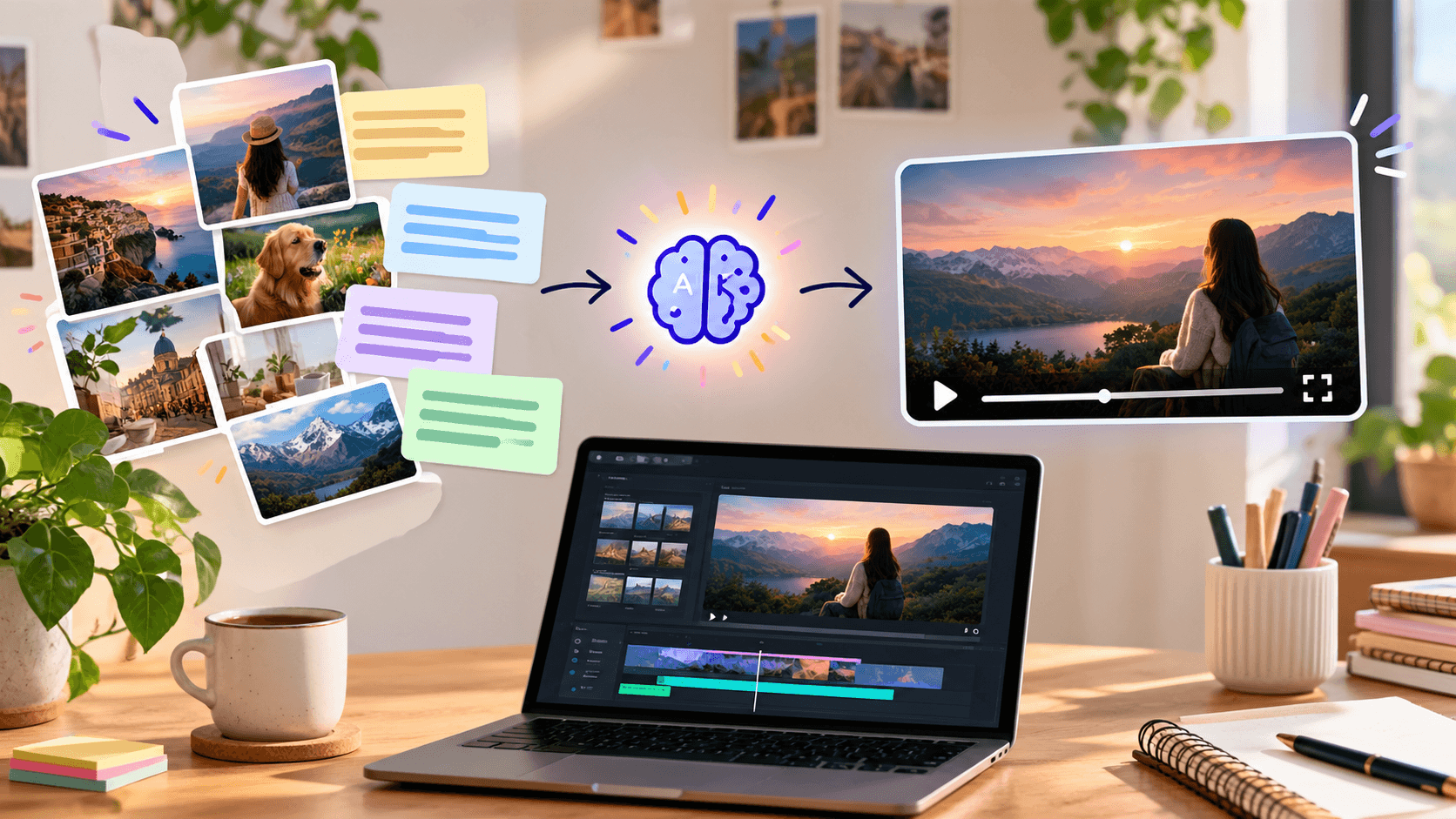
AI filmmaking means using machine learning or generative models in one or more stages of creating a film. It can include script breakdown, concept images, synthetic shots, background extension, dialogue cleanup, lip synchronization, editing assistance, localization, or trailer creation.
The bigger change in 2026 is not one impressive new model. It is the way these tools are beginning to work together. A beautiful generated clip is not much use if the character, lighting, props, or eyeline suddenly change in the next shot. A convincing result still depends on planning, editing, sound, and careful review.
That is why the better question is no longer, "Can AI make a film?" It is, "Which production decisions can AI accelerate while the filmmaker retains control?"
Where AI Is Changing the Production Pipeline
Development Moves From Blank Page to Testable Concept
Writers and producers can use AI to summarize research, identify plot inconsistencies, create script breakdowns, or compare alternate scene structures. Concept art and temporary voice tracks can make an early pitch easier to understand.
These outputs are starting points, not creative verdicts. AI can suggest three versions of a scene, but it cannot tell you which one feels honest to the character or whether the story is being told from the right point of view.
Pre-Production Becomes More Visual and Iterative
Teams can create mood boards, character references, location concepts, shot lists, and animatics before committing to a shoot. A director can test whether a low-angle tracking shot supports the scene or simply looks impressive.
For independent filmmakers, this can make early planning far more accessible. An idea that once needed a concept artist, a location scout, and early VFX work can now be explored before a large budget is committed. The team must still check whether the idea is practical, safe, affordable, and legally usable.
Production Becomes Hybrid
AI-generated footage does not have to replace live action. It can supplement it with establishing shots, impossible environments, crowd extensions, transitions, inserts, or stylized sequences. Virtual production can also combine real performers with generated or real-time backgrounds.
The sensible choice depends on the shot. If a scene relies on subtle acting or genuine interaction, filming a real performance may still be the better option. AI becomes more useful when a shot is dangerous, impossible, highly stylized, or simply too expensive for its importance in the story.
Post-Production Absorbs the Most Repeatable Work
Editing systems can help organize footage, search transcripts, identify takes, remove backgrounds, reduce noise, match dialogue, create captions, and prepare rough assemblies. Generative tools can support object removal, frame extension, VFX concepts, and pickup-shot alternatives.
Industry analysis from McKinsey similarly places current AI use across development, physical production, and post-production rather than in one isolated step.
Distribution Begins During the Edit
A finished film is rarely delivered once and forgotten. It may also need a trailer, vertical clips, thumbnails, captions, dubs, and several platform-specific versions. AI can adapt approved material for each format, but somebody still needs to check that the meaning, pacing, claims, and cultural context have not changed along the way.
A Practical AI-Assisted Filmmaking Workflow
-
Define the creative rules. Record the audience, story purpose, visual language, aspect ratio, performance style, and non-negotiable continuity details.
-
Create approved references. Lock character, wardrobe, prop, location, and color references before generating motion.
-
Build shot cards. Give every shot a purpose, duration, composition, camera action, performance beat, sound cue, and transition.
-
Generate small tests. Validate the hardest shot and continuity risk before producing the full sequence.
-
Edit early. Place rough clips on a timeline to expose pacing, eyeline, and screen-direction problems.
-
Finish in layers. Refine picture, dialogue, sound design, music, color, captions, and delivery versions separately.
-
Run human review. Check story, identity, consent, rights, factual claims, artifacts, and platform requirements before release.
Creators who want these stages closer together can explore Xelta's AI filmmaking tools for cinematic creation, microdramas, promotional video, and editing workflows.
Start with one scene, one approved reference set, and one delivery format. A controlled test reveals more than generating an entire film before checking continuity.
Where AI Helps and Where Human Direction Still Matters
| Production Area | AI Is Useful For | Human Responsibility |
|---|---|---|
| Script development | Summaries, variations, and breakdowns | Theme, voice, originality, and emotional truth |
| Previsualization | Concepts, storyboards, and shot alternatives | Visual intent, feasibility, and safety |
| Image and video generation | Inserts, environments, and stylized shots | Continuity, performance, and final selection |
| Editing | Logging, transcripts, and rough organization | Rhythm, meaning, and narrative emphasis |
| Sound and localization | Cleanup, temporary voices, and dubbing support | Performance approval, language nuance, and consent |
| Marketing | Trailers, clips, and format adaptation | Positioning, claims, and audience judgment |
AI may shorten the production process, but it does not remove responsibility. The people releasing the film still answer for what the audience sees and hears.
How We Evaluated the Change
Rather than judging AI filmmaking by its best demo, evaluate it across the complete production path:
- Creative control: Can the team direct composition, motion, performance, and revisions?
- Continuity: Do identities, environments, props, lighting, and geography remain stable?
- Correction cost: Can one weak element be fixed without rebuilding the shot?
- Workflow fit: Does the output move cleanly into editing, sound, review, and delivery?
- Rights and consent: Are sources, likenesses, voices, music, and training-related risks documented?
- Scalability: Can the process create several approved versions without multiplying errors?
- Business impact: Does it save useful production time rather than merely create more options to review?
The best tool is not always the one that produces the flashiest first clip. In real production, the better choice is usually the one that lets a team repeat a look, fix weak details, and move from the original brief to an approved export without losing control.
Three Realistic Ways Teams Can Use AI
An independent filmmaker might previsualize a science-fiction location, shoot the performances on a controlled set, and use AI-assisted compositing for selected wide shots. The result is still built around acting and direction.
An agency might create one approved campaign film, then produce vertical edits, language versions, alternate hooks, and platform-specific cuts. Here, consistency and approval history matter more than novelty.
A social storyteller might build a short microdrama from character references and shot cards, generate clips scene by scene, and assemble them with designed dialogue and sound. Xelta's guide to an AI video production workflow offers a useful next step for planning that process.
What AI Still Gets Wrong
AI video still struggles with the small details that viewers notice instinctively. A hand may move between cuts, a prop may disappear, or a character may look in the wrong direction. Text can become unreadable, physical actions may feel weightless, and a simple correction can unexpectedly change the rest of the shot. These problems usually become more obvious as scenes get longer.
Legal and ethical questions are equally important. A technically convincing result may still be unusable if the team lacks permission for a face, voice, copyrighted asset, or confidential source material. Disclosure requirements and labor agreements can also vary by production and market. Teams should obtain appropriate legal guidance instead of assuming model access equals usage rights.
Common Mistakes That Make AI Films Feel Artificial
- Generating scenes before defining character and location references
- Writing prompts without shot purpose, timing, or performance beats
- Trying to create a long sequence in one generation
- Choosing visual spectacle over narrative continuity
- Adding dialogue and sound only after the picture is locked
- Ignoring consent, provenance, and usage rights
- Publishing the first acceptable output without frame-level review
The answer is not necessarily a longer prompt. It is better production discipline: shorter shots, locked references, early editing, clear approvals, and sound that has been designed rather than added as an afterthought.
The Filmmaker's Role Is Expanding, Not Disappearing
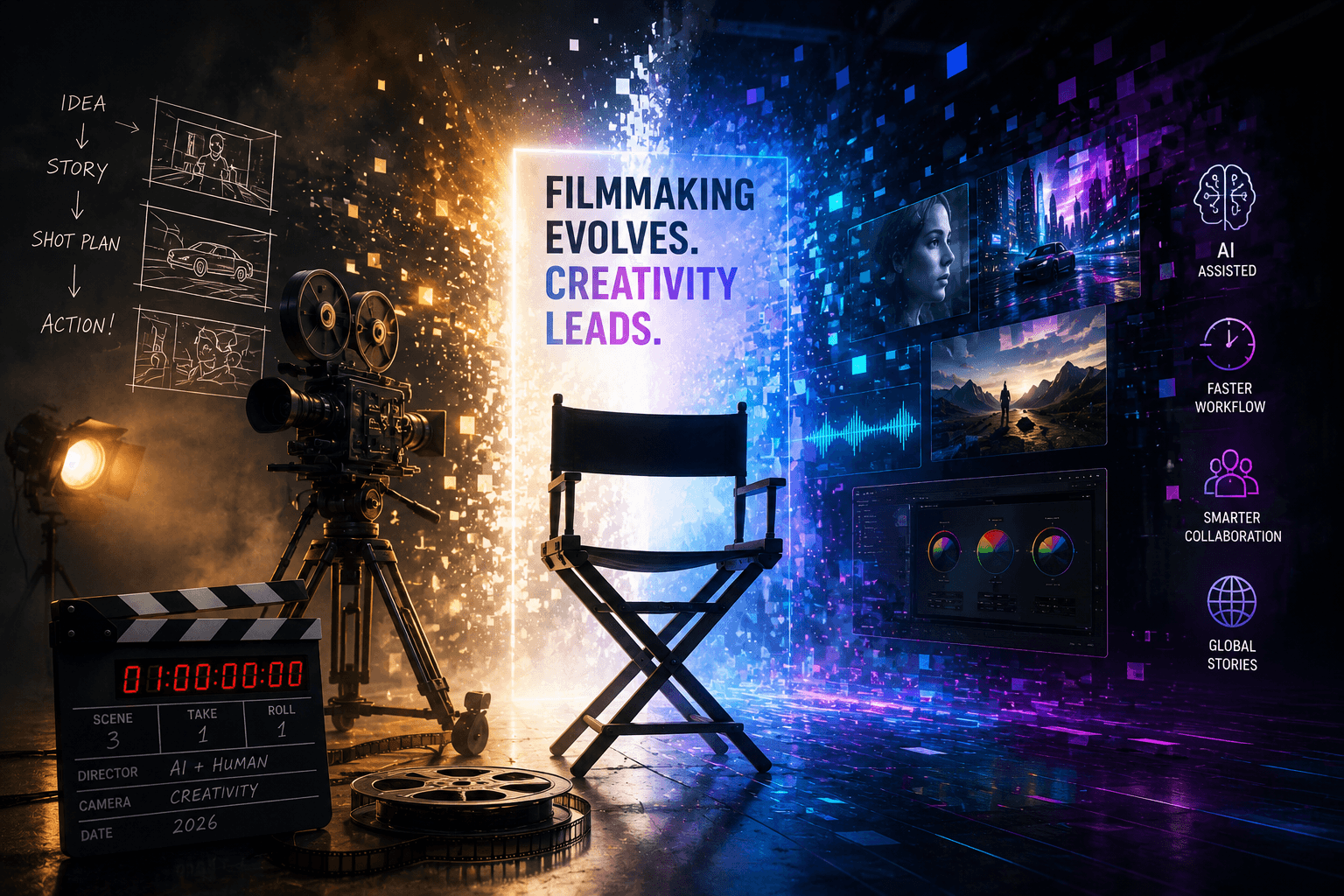
AI is changing filmmaking in 2026 because more ideas can be tested before a team commits to full production. Small teams can now explore sophisticated previsualization, synthetic shots, post-production, and localization. The tradeoff is that they also create more material that someone must direct, reject, correct, and approve.
The smartest way to begin is with one frustrating part of the workflow. Choose a task that is slow, repetitive, or unusually expensive, decide what a usable result should look like, and compare the full process with your current method. If you want to try a director-led AI workflow, explore Xelta's creative tools and start with one short sequence that your team can properly review.
Frequently Asked Questions
Will AI Replace Filmmakers in 2026?
AI can automate or accelerate specific production tasks, but it cannot assume a filmmaker's creative, ethical, and legal responsibility. Roles will evolve as teams spend less time on repetitive execution and more time directing, reviewing, and integrating outputs.
How Is Generative AI Used in Filmmaking?
Generative AI can produce concept images, storyboards, temporary voices, backgrounds, visual effects, synthetic shots, and marketing variations. It is most reliable when used within a planned, shot-based workflow with human review.
Which Stage of Filmmaking Benefits Most From AI?
Post-production currently offers many practical uses because tasks such as logging, transcription, cleanup, masking, localization, and versioning are structured and repeatable. Previsualization is also valuable because teams can test ideas before committing production resources.
Can AI Make a Complete Movie?
AI can generate components of a movie and, in some workflows, much of its visual and audio material. A coherent film still requires human decisions about story, performance, continuity, editing, sound, rights, and final delivery.
Is AI Filmmaking Cheaper Than Traditional Filmmaking?
It can reduce costs for selected shots, early visualization, repetitive post-production, and multiple content versions. Costs can rise when inconsistent outputs require repeated generation, manual repair, or legal review, so teams should measure the full workflow.
What Skills Do AI Filmmakers Need?
They need storytelling, shot design, editing, sound awareness, reference management, and quality control. Prompt writing helps, but the ability to identify why a shot fails and how it connects to the sequence matters more.
What Are the Main Risks of AI in Film Production?
Key risks include unauthorized use of likeness or voice, unclear asset rights, inconsistent output, factual errors, bias, data exposure, and loss of creative coherence. Clear permissions, source records, approval gates, and human review reduce these risks.