Xelta logo
Image
Video
Audio
Xelta Cut
Video Editing
Video Stitching
Photo Lab
Moodboard AI
Background Remover
Motion Control
VFX Effects
AI MultiCam
Back Stage
Video To Anime
Edit
Xelta CutOpen the Xelta Cut video editor
Microdrama
MicroDrama 2.0
Movie Trailer
Comic Flow
Microcourse
Video Lens
Cinematic Studio
Anime Microdrama
Xelta Nexus
AI Lords
AI Film
MicrodramaCreate engaging micro-dramas
Future Canvas
Gen Avatar
Sketch To Motion
AI Wallpaper
Sketch To Image
Virtual Try On
Home Design
Design Studio
Future CanvasVisualize ideas on Future Canvas
Instant Ad
Ad Maker
Prime Ad (60 sec)
Street Ad
UGC Ads
Giant Ads
URL to Ads
Marketing & Ads Usecase
AI Ads
Instant AdCreate campaign with just a link
Voice Dub
Voice Lip Sync
AI Voices
Audio Enhancer
AI Music
Voices
Voice DubAdd voiceovers and dubbing to videos
Reel Creator
Instagram Autopost
LinkedIn Autopost
Facebook Autopost
Linkedin Brand Website
Youtube Autopost
AI Influencer
Social Usecase
SocialVerse
Reel CreatorCreate engaging 30-second reels with AI
Website Builder
Face Swap
Design Usecase
Tools
Website BuilderGenerate full websites
Developer
Games
Pricing
AI FilmAI FilmEditCreateAI AdsAI AdsDesign Studio
Home/Blog/Best Free AI Image Generator in 2026

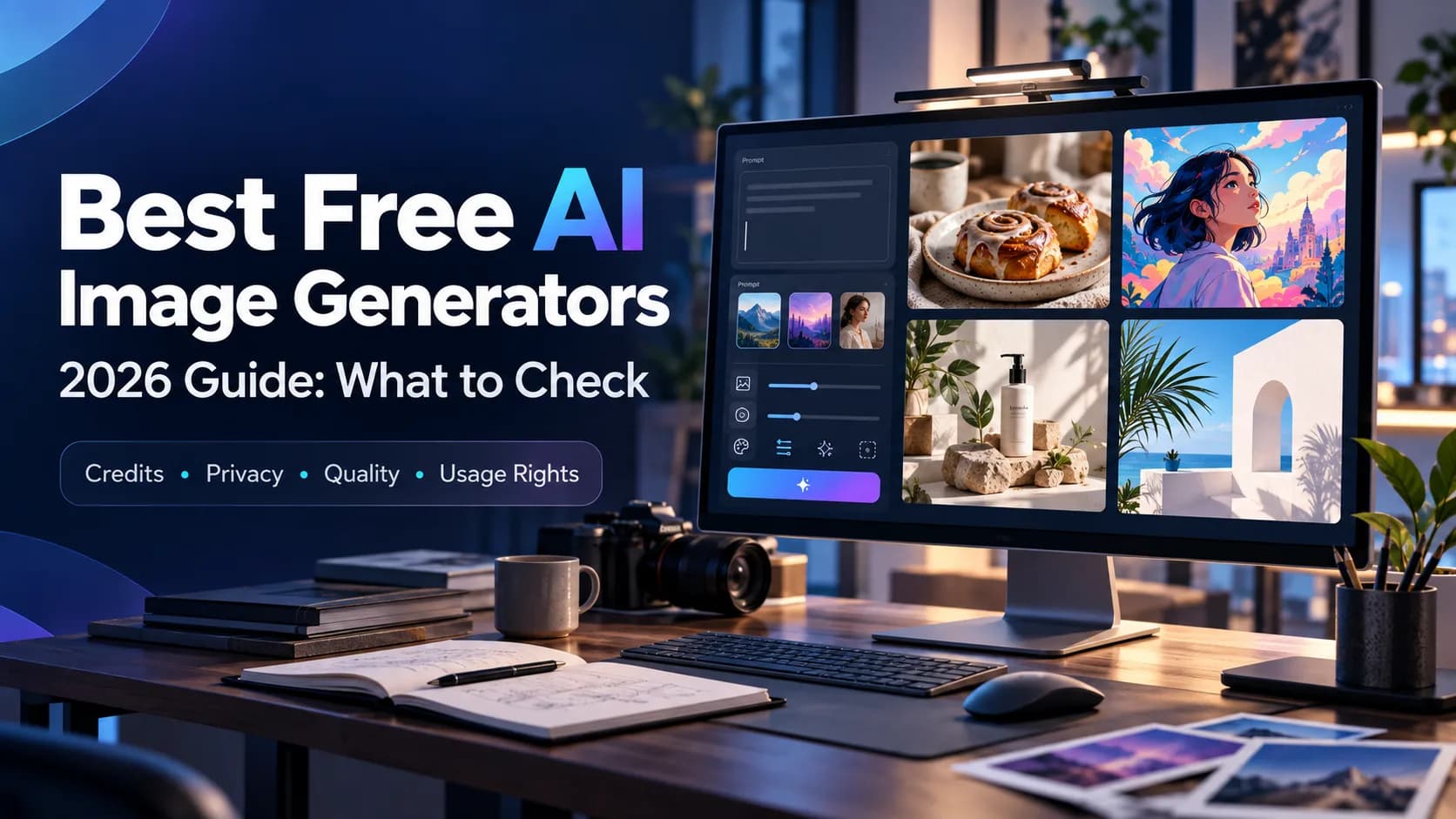
Best Free AI Image Generator in 2026

Looking for the best free AI image generator? Compare features, benefits, real examples, use cases, buying factors, expert tips, and discover how Xelta AI supports professional image creation and creative workflows.

Xelta LogoXelta
August 1, 2026
9 minute read
Best Free AI Image Generator in 2026
Share

Best Free AI Image Generator: What Should You Look For in 2026?

Creating professional images traditionally required design software, technical skills, stock photo libraries, or a professional designer.

Nowadays, a free AI image generator will assist people in creating visual concepts from a text prompt. Without looking for the right image on stock photo websites or drawing each visual image by hand, creators can describe their ideas and create new images with AI.

For instance:

“A modern luxury villa with an infinity pool overlooking the mountains at sunset, cinematic lighting, realistic architectural photography.”

The AI will process the text prompt and create a new visual concept according to it.

But the best free AI image generator is not the one which creates the most visually appealing image with one click of a mouse. The right evaluation criteria include:

Image quality Text prompt understanding Creative possibilities Speed of generating a new image Possibilities for editing generated images Output formats Rights to use the images Scalability Integration with the creative workflow

In 2026, the value of AI image generation becomes more evident when AI image generators are integrated into the content creation workflow.

AI platforms like Xelta AI provide an AI creative ecosystem with a possibility to generate images as well visual content, marketing, design, social, e-commerce, and related creative workflows.

What Is a Free AI Image Generator?

Free AI Image Generator is an Artificial Intelligence technology that allows the creation of pictures based on text input or other creative content input without following a typical design process.

It may depend on a particular software, but users may create:

Marketing graphics Social media visuals Product visuals Webpage banners Blog illustrations Concept art Visuals for real estatesx Interior designs Advertising creatives Educational visuals

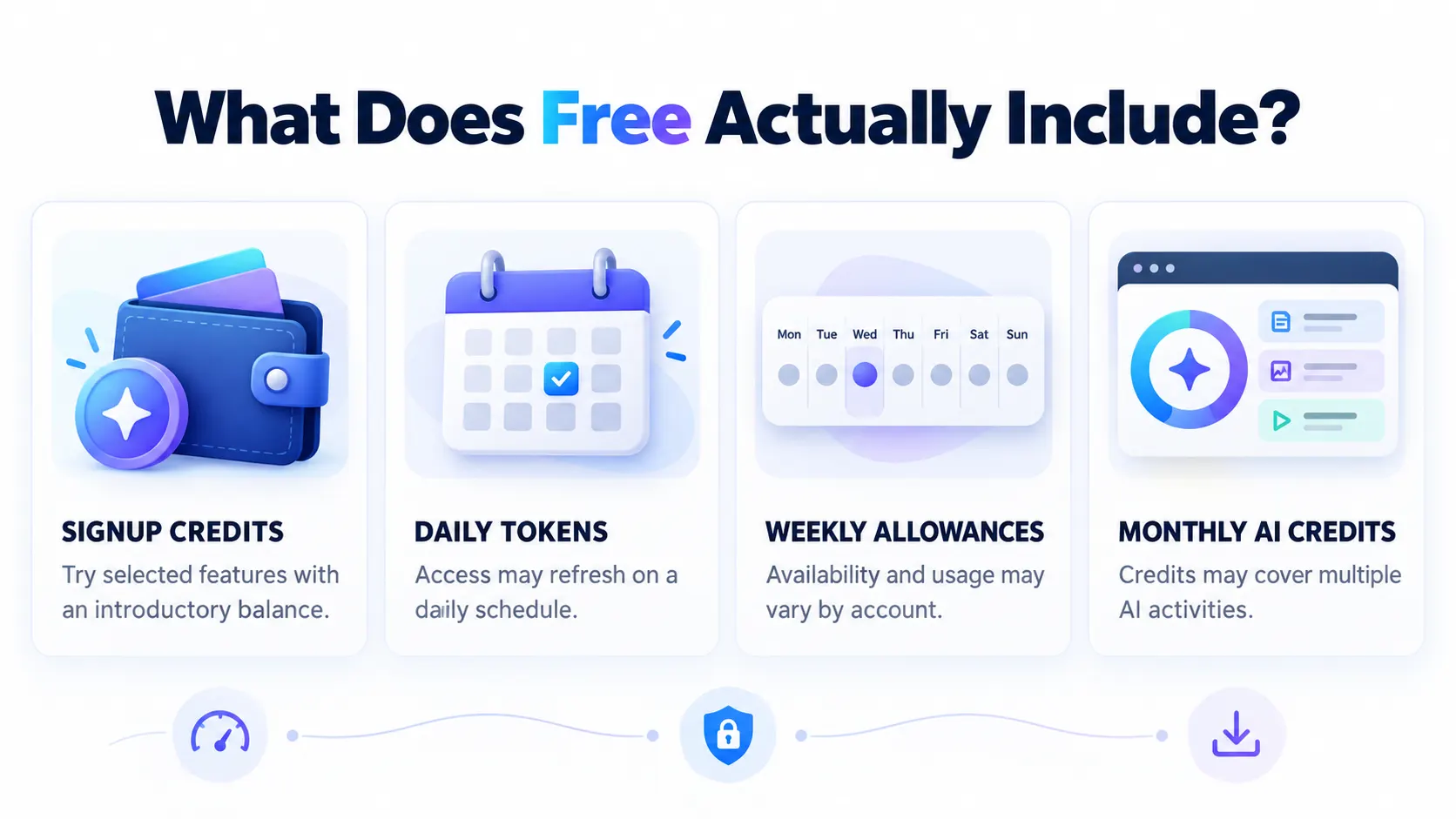
Free may imply various meanings depending on the particular website or software that offers this service. Some software gives credits, free trials, free daily uses, etc.

Important Buying Tip

Always check the current limits of a free plan, including: Number of generations Resolution Watermarks Commercial usage Available models Export options

The word “free” should not automatically be interpreted as unlimited or unrestricted commercial use.

Important Buying Tip

Step 1: Define the Purpose of the Image

Before writing a prompt, decide what the image needs to achieve.

Is it for:

A product page? An Instagram post? A blog article? An advertisement? A presentation? A website hero section?

A visually attractive image may still be ineffective if it does not support the purpose of the page or campaign.

Step 2: Write a Clear Prompt

A useful prompt can include:

Subject Environment Action Lighting Camera angle Style Mood Composition

Example Prompt

“A premium wireless headphone placed on a modern marble table, soft studio lighting, realistic product photography, clean background, luxury technology advertising style.”

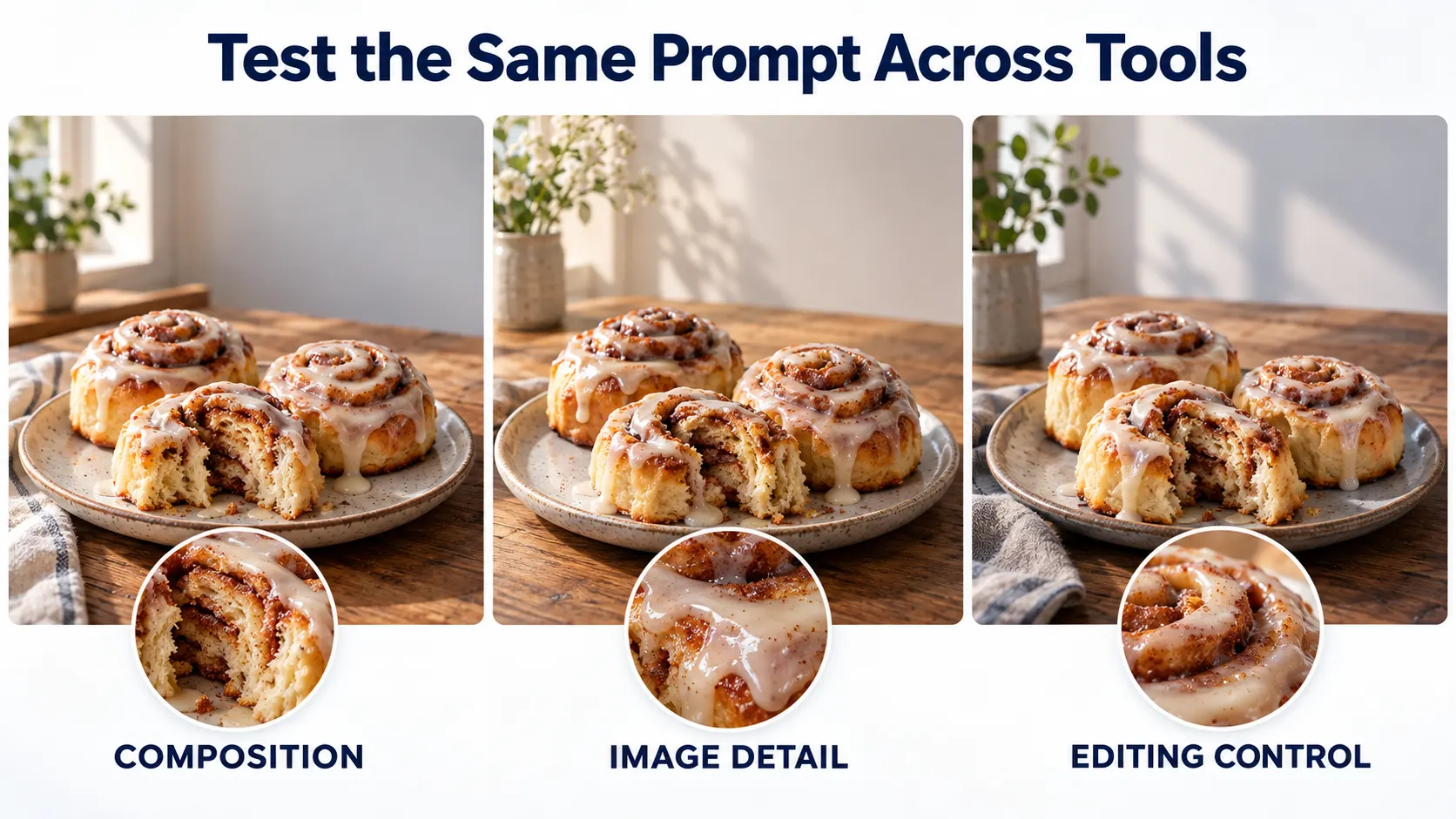
Step 3: Generate Variations

Instead of relying on one output, produce several different versions.

You can adjust:

Background Lighting Angle of camera Color tone Composition Style

This will make it easier for you to select the best option.

Step 3: Generate Variations

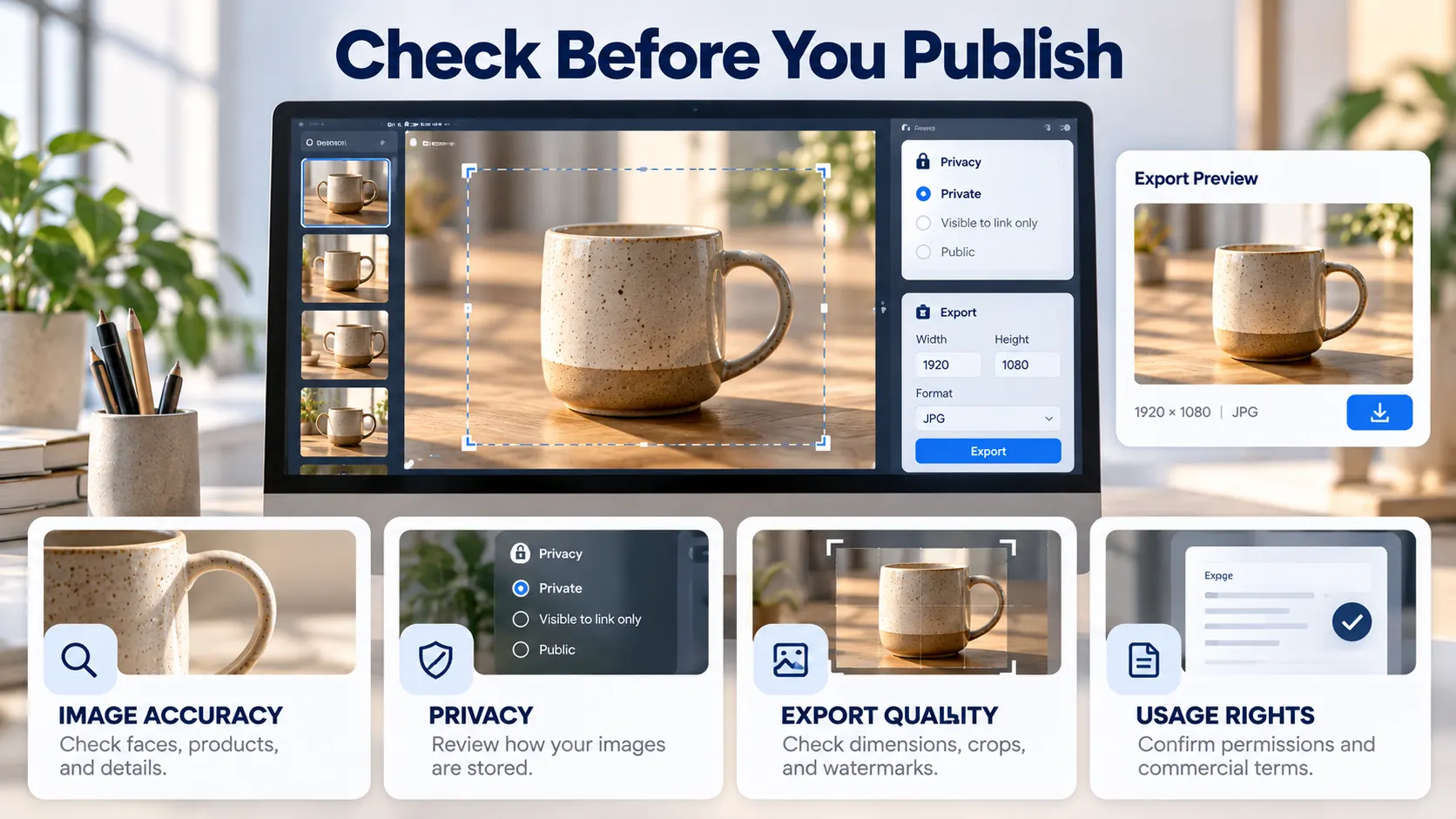
Step 4: Review Before Publishing

AI-generated images should be reviewed for:

  • Visual accuracy
  • Brand consistency
  • Unwanted objects
  • Incorrect text
  • Product details
  • Misleading visual claims

Human review remains important, especially for commercial content.

1. Text-to-Image Generation

This is the basic feature that allows users to turn written descriptions into visuals.

A good text-to-image workflow should understand details such as:

Objects Materials Colors Locations Lighting Visual styles

2. Multiple Visual Styles

Different projects require different aesthetics.

Photorealistic Images

Useful for:

Product marketing Real estate Fashion Commercial campaigns

Photorealistic Images

Digital Art

Useful for:

Illustrations Creative projects Social media

3D Renders

Useful for:

Architecture Interior design Product concepts

Cinematic Visuals

Useful for:

Storytelling Advertising Film concepts

3. AI Image Editing

A complete image workflow may include more than generation. Among useful features of editing are:

Background removal Object replacement Image enlargement Style transfer Image editing Color correction Upscaling

The Xelta's AI ecosystem incorporates image generation and editing features together with other creative workflows that allow the user to go beyond prompt-based generation.

3. AI Image Editing

4. High-Quality Output

The output should be suitable for the intended use.

For example:

Social media may need fast, platform-ready visuals. Product marketing may require sharper details. Websites may need specific aspect ratios. Print projects may require higher resolution.

The best tool is the one that matches your actual content requirements.

5. Easy-to-Use Workflow

A powerful AI image generator should not require advanced design expertise for basic image creation.

A beginner should be able to:

Write a prompt. Generate an image. Review the result. Create variations. Download or move the asset into a larger workflow.

Faster Visual Content Creation

Traditional design processes can involve multiple stages and revisions.

AI can help teams create initial visual concepts quickly.

This is especially useful for marketing teams that need fresh visuals regularly.

Lower Creative Entry Costs

Small businesses and new creators may not have a large design budget.

A free AI image generator can help them experiment with visual content before investing in advanced creative resources.

Lower Creative Entry Costs

More Creative Experimentation

AI makes it easier to explore multiple directions.

For example, one product idea can be visualized as:

Luxury advertising Minimalist product photography Lifestyle marketing Seasonal promotion Social media creative

More Content from One Idea

A single campaign concept can generate multiple visual variations.

This can support:

A/B testing Social media campaigns Blog visuals Website banners Advertisement concepts

Useful for Beginners

You do not need to be an expert designer to start experimenting with AI image creation.

However, learning how to write better prompts and review outputs can significantly improve results.

Prompt

“Premium wireless headphones placed on a clean white marble surface, soft studio lighting, realistic shadows, luxury technology product photography.”

Prompt

Useful For

Product pages Social media Digital advertisements Promotional banners

Prompt

“Modern luxury villa with glass walls, infinity pool, landscaped garden, mountain background, warm sunset lighting, realistic architectural photography.”

Useful For

Property listings Builder websites Brochures Social media campaigns

Prompt

“Fresh Italian pizza with melted cheese and basil on a rustic wooden table, warm restaurant lighting, professional food photography.”

Prompt

Useful For

Menu visuals Food delivery promotions Social media Restaurant advertising

Prompt

“Modern minimalist living room with neutral colors, textured walls, designer furniture, natural sunlight, realistic interior photography.”

Best Free AI Image Generator vs Traditional Design Tools

FactorFree AI Image GeneratorTraditional Design Software
Starting PointText prompt or creative ideaManual design process
SpeedFast concept creationUsually more time-consuming
Learning CurveEasier for beginnersCan require technical training
Creative VariationsEasy to generateOften more manual
PrecisionRequires reviewHigh manual control
Best ForIdeation and rapid contentDetailed production design
Best Free AI Image Generator vs Traditional Design Tools

Expert Perspective

AI-based images generators and conventional design applications may not necessarily replace each other directly in all instances.

AI can be highly effective in:

Idea generation Concept development Creative iteration Marketing imagery Experimental designs

However, conventional design software might be more suitable in:

Brand layout specifications Editing at a pixel level Typography complexities Technical graphics Production precision

Why Xelta AI Is Different

Xelta AI, on the other hand, is designed to be a more extensive AI-based content creation solution than just an image generator.

The AI image workflow offered by Xelta can cater to various types of content needs, such as:

Marketing imagery Product imagery Social media imagery Website imagery Blog imagery Concept art Adverting imagery

The ecosystem provided by Xelta also allows for the integration of image creation with other AI-driven content creation processes.

From One Creative Idea to Multiple Content Assets

Workflow could be as follows:

Idea → AI Image → Variation → Editing → Video → Marketing Asset

For instance:

Determine the goal of the visual. Create the initial AI image. Produce the variations under control. Edit the chosen image. Transform the image to other content if required. Prepare it for the publishing platform.

Such a workflow might assist in creating a repeatable process instead of a random one.

You are welcome to try the Xelta AI Image Generator to create AI visuals and combine it with the Xelta AI Video Generator in case a static visual should be transformed to a video.

What Is Your Main Use Case?

First, consider what is your main requirement.

Do you want:

Pictures for social media? Pictures for products? Illustrations for blog posts? Creatives for real estate? Design ideas for interior decoration? Ad pictures?

Your needs can vary.

What Is Your Main Use Case?

How Well Does It Understand Prompts?

A strong AI image generator should be able to interpret specific instructions rather than producing a generic result.

Are Editing Features Available?

If the platform also supports editing, enhancement, background removal, or other creative tools, it can reduce the need to move between multiple platforms.

Can the Tool Scale with Your Workflow?

A tool may be perfect for casual experimentation but insufficient for a growing agency or business.

Consider whether you may later need:

More generations Higher output quality More creative tools Team workflows Larger content volume

Start with the Image's Job

Before writing a prompt, ask:

“What should this image help the viewer understand, feel, or do?”

This is often more useful than starting with a visual style.

A product image may need to communicate quality. A blog image may need to explain a concept. An advertisement may need to attract attention.

Be Specific in Your Prompt

Weak:

“A luxury car.”

Better:

“A premium black electric sports car on a mountain road during golden hour, cinematic lighting, realistic automotive photography, low-angle camera perspective.”

Describe the Lighting

Useful examples include:

Golden hour Soft daylight Studio lighting Dramatic shadows Neon lighting Warm ambient light

Describe the Lighting

Specify the Camera Angle

Examples:

Close-up Wide-angle Low-angle Top-down view Portrait composition Isometric view

Create Controlled Variations

Do not change everything at once.

For example:

Variation 1: Change the background. Variation 2: Change the lighting. Variation 3: Change the camera angle.

This makes it easier to understand which creative decision improved the result.

Review the Final Image Carefully

Before publishing, check:

Faces Hands Logos Product details Text Reflections Proportions Brand accuracy

AI-generated content should always receive an appropriate human review.

Pillar Page

AI Image Generator

Supporting Articles

Best Free AI Image Generator AI Image Generator from Image Free AI Image Generator from Text Best AI Image Generator for Beginners AI Image Generator for Social Media AI Product Image Generator for E-commerce Image Generator for Interior Design AI Image Generator for Real Estate How to Write Better AI Image Prompts AI Image Generation vs Traditional Graphic Design

Frequently Asked Questions

What is the best free AI image generator?

Can I create professional images for free with AI?

What is the best AI image generator for beginners?

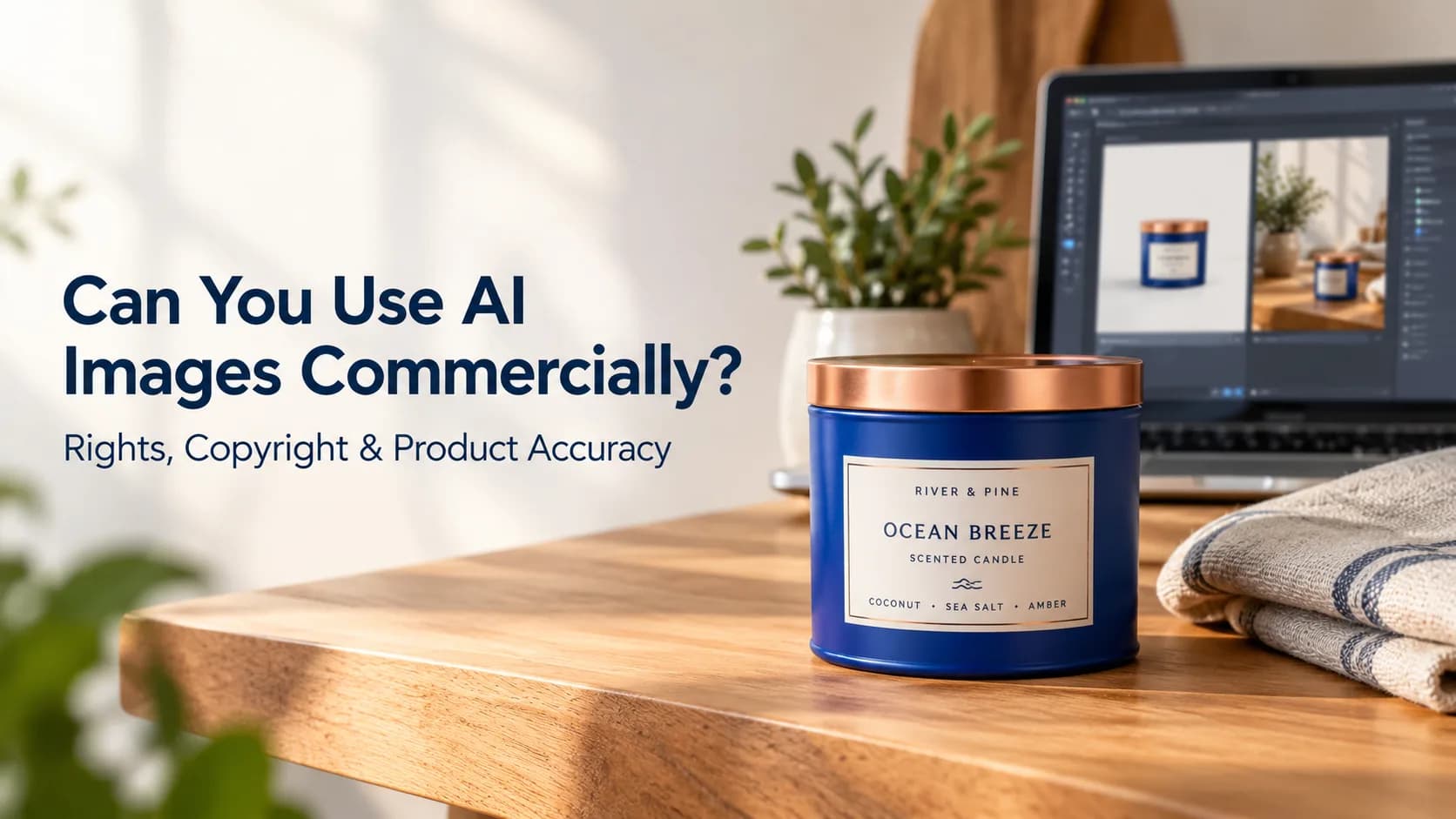
Can businesses use free AI-generated images?

Can AI image generators create product images?

Can AI images be used for social media?

Is Xelta AI only an image generator?

Client Testimonials and Reviews

“We can create campaign concepts much faster.”

“It is useful even when you are not a professional designer.”

“The broader workflow makes AI more practical.”

Final Verdict: Which Is the Best Free AI Image Generator?

Related Links

Xelta AIAI Image GeneratorAI-generated imagesXelta AI

Trending

Cinematic AI Video Prompts for 2026

Cinematic AI Video Prompts for 2026

Sep 3, 2026

How to Convert Text Into Video With AI

How to Convert Text Into Video With AI

Sep 3, 2026

Digital Marketing for Manufacturing Companies

Digital Marketing for Manufacturing Companies

Sep 3, 2026

Related Articles

Professional workflow for cinematic ai video prompts
AI Video Creation

Cinematic AI Video Prompts for 2026

How to Convert Text Into Video With AI cover
Uncategorized

How to Convert Text Into Video With AI

Manufacturers reviewing a controlled specification-to-sales-asset workflow for digital marketing for manufacturing
Industry Playbooks

Digital Marketing for Manufacturing Companies

xelta marketing team workflow workflow showing inputs, decisions, review, evidence, and final output
Xelta Workflows

How to Fix AI Prompt Failures in Marketing

Background

Built for the next
generation digital artists.

Xelta LogoXelta.AI
Google Play QR Code
Google Play
App Store QR Code
App Store

AI Generation

  • AI Image Generator
  • AI Video Generator
  • AI Audio Generator

AI Films

  • Microdrama
  • MicroDrama 2.0
  • Movie Trailer
  • Comic Flow
  • Microcourse
  • Video Lens
  • Cinematic Studio
  • Anime Microdrama
  • Xelta Nexus
  • AI Lords

AI Ads

  • Instant Ad
  • Ad Maker
  • Prime Ad
  • Street Ad
  • UGC Ads
  • Giant Ads
  • URL to Ads
  • Marketing & Ads

SocialVerse

  • Reel Creator
  • Instagram Autopost
  • LinkedIn Autopost
  • Facebook Autopost
  • Linkedin Website
  • Youtube Autopost
  • AI Influencer
  • Social Usecase

Resources

  • About Us
  • Blogs
  • Pricing
  • Press Releases
  • Contact
  • Community
  • AI Generator
  • Developer
  • Games

Image Models

  • Gemini 2.5 Flash Image
  • Flux Kontext Pro
  • Seedream 5.0 Pro
  • GPT Image 2

Edit

  • Xelta Cut
  • Video Editing
  • Video Stitching
  • Photolab
  • Moodboard AI
  • Background Remover
  • Motion Control
  • VFX Effects
  • AI MultiCam
  • Back Stage
  • Video To Anime

Design Studio

  • Future Canvas
  • Gen Avatar
  • Sketch To Motion
  • AI Wallpaper
  • Sketch To Image
  • Virtual Try On
  • Home Design

Voices

  • Voice Dub
  • Voice Lip Sync
  • AI Voices
  • Audio Enhancer
  • AI Music

Tools

  • Website Builder
  • Face Swap
  • Design Usecase

Video Models

  • Seedance 2.5
  • Seedance 2.0
  • Kling 3.0
  • Veo 3.0 Introduction
  • WAN 2.6
  • Grok Imagine 1.5
  • Gemini Omni Flash

AI Generation

  • AI Image Generator
  • AI Video Generator
  • AI Audio Generator

Edit

  • Xelta Cut
  • Video Editing
  • Video Stitching
  • Photolab
  • Moodboard AI
  • Background Remover
  • Motion Control
  • VFX Effects
  • AI MultiCam
  • Back Stage
  • Video To Anime

AI Films

  • Microdrama
  • MicroDrama 2.0
  • Movie Trailer
  • Comic Flow
  • Microcourse
  • Video Lens
  • Cinematic Studio
  • Anime Microdrama
  • Xelta Nexus
  • AI Lords

Design Studio

  • Future Canvas
  • Gen Avatar
  • Sketch To Motion
  • AI Wallpaper
  • Sketch To Image
  • Virtual Try On
  • Home Design

AI Ads

  • Instant Ad
  • Ad Maker
  • Prime Ad
  • Street Ad
  • UGC Ads
  • Giant Ads
  • URL to Ads
  • Marketing & Ads

Voices

  • Voice Dub
  • Voice Lip Sync
  • AI Voices
  • Audio Enhancer
  • AI Music

SocialVerse

  • Reel Creator
  • Instagram Autopost
  • LinkedIn Autopost
  • Facebook Autopost
  • Linkedin Website
  • Youtube Autopost
  • AI Influencer
  • Social Usecase

Tools

  • Website Builder
  • Face Swap
  • Design Usecase

Resources

  • About Us
  • Blogs
  • Pricing
  • Press Releases
  • Contact
  • Community
  • AI Generator
  • Developer
  • Games

Video Models

  • Seedance 2.5
  • Seedance 2.0
  • Kling 3.0
  • Veo 3.0 Introduction
  • WAN 2.6
  • Grok Imagine 1.5
  • Gemini Omni Flash

Image Models

  • Gemini 2.5 Flash Image
  • Flux Kontext Pro
  • Seedream 5.0 Pro
  • GPT Image 2

© 2026 Xelta. All rights reserved. Built for the
next generation of creators.

Follow us on: