Text-to-Video AI vs Image-to-Video AI: What's the Difference?
Creating an AI video can start in two very different ways: with an idea written in words or with an image you already have. That simple difference changes how much creative control you have, how the video is generated, and what type of content the workflow is best suited for.
Text-to-video AI creates a video from a written description, while image-to-video AI takes a still image and turns it into a moving scene. Both can be useful for marketers, creators, advertisers, educators, and filmmakers, but they solve different problems.
In this guide, we'll break down the difference between text-to-video and image-to-video AI, where each approach works best, their limitations, and how to choose the right workflow for your next project.
Quick Answer
Text-to-video AI generates a video from a written prompt, while image-to-video AI starts with an existing image and adds movement to it. Choose text-to-video when you need to create a scene from scratch. Choose image-to-video when you already have a product image, character, artwork, or composition that you want to animate.
What Is the Difference Between Text-to-Video and Image-to-Video AI?
The easiest way to understand the difference is to look at the starting point.
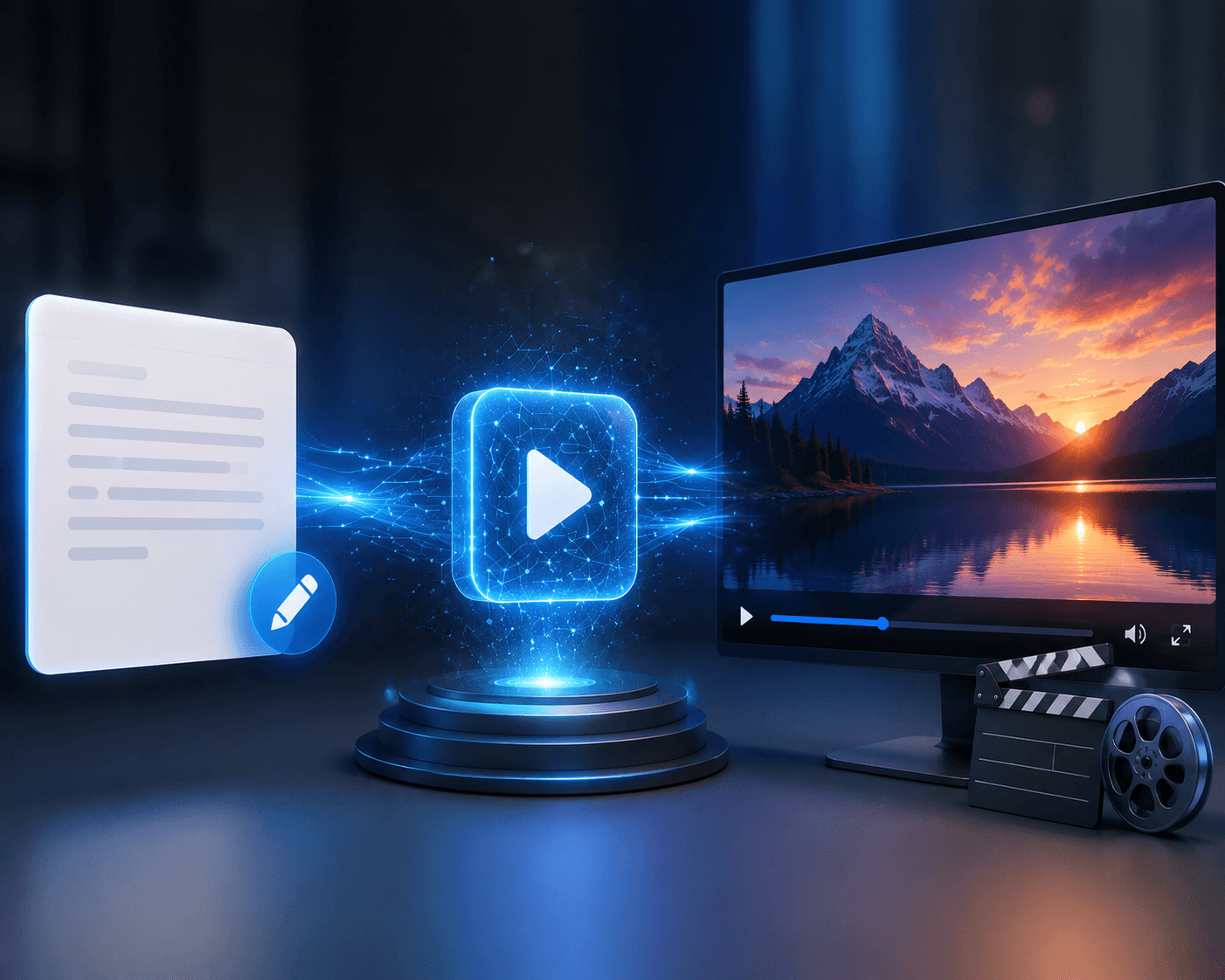
With text-to-video AI, you provide instructions such as the subject, setting, action, camera movement, lighting, and visual style. The AI then creates the scene.
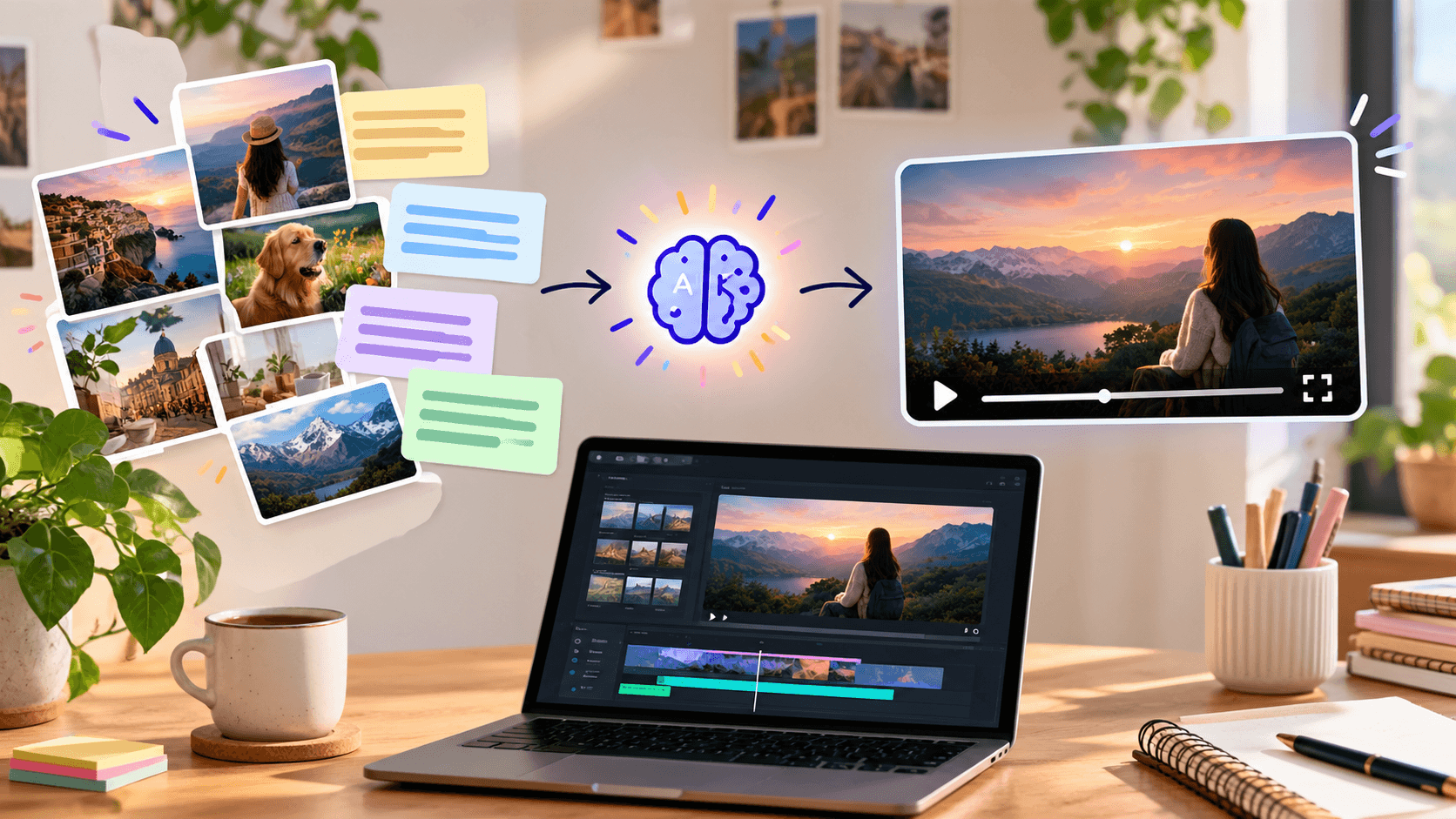
With image-to-video AI, the visual foundation already exists. You upload an image and describe how you want it to move. The AI generates motion around that starting frame.
Think of it this way:
Text-to-video:
Idea → Prompt → AI-generated scene → Video
Image-to-video:
Image → Motion prompt → Animated scene → Video
Neither method is automatically better. The right choice depends on what has already been decided before production begins.
What Is Text-to-Video AI?
Text-to-video AI turns a written description into a video clip.
Instead of recording footage or building every visual manually, you describe the scene you want. A useful prompt might specify:
- The main subject
- The environment
- The action
- Camera movement
- Lighting
- Mood
- Visual style
For example, a marketer could describe a futuristic city street at night with a person walking through neon-lit surroundings while the camera slowly follows them.
The AI interprets the description and generates the visual sequence.
Where Text-to-Video Works Well
Text-to-video is particularly useful when the visual concept does not already exist.
Common applications include:
- Creative concept development
- Social media videos
- B-roll
- Storytelling
- Film and trailer concepts
- Advertising concepts
- Educational visuals
- Background scenes
- Short-form content
The biggest advantage is creative freedom. You do not need to begin with a photograph or finished artwork.
The trade-off is that the AI decides more of the visual composition for you. If you have a very specific product appearance or approved brand visual, that can make iteration more difficult.
What Is Image-to-Video AI?
Image-to-video AI starts with a still image and adds movement.
The image could be:
- A product photograph
- Character artwork
- An AI-generated image
- A fashion visual
- A social media graphic
- A landscape
- A marketing creative
- A concept illustration
You then provide instructions describing the desired motion.
For example, imagine you have an image of a perfume bottle. Instead of generating the entire scene from text, you can use the existing image and ask the AI for a slow camera movement, subtle lighting changes, or atmospheric motion.
This makes image-to-video especially useful when the starting visual already matters.
When Image-to-Video AI Is the Better Choice
Choose image-to-video when the first frame or existing visual is already important.
Consider an ecommerce brand with a carefully designed product image. The brand may not want AI to reinvent the product's appearance. Instead, it may want to add movement to the existing visual.
Image-to-video can help turn that still asset into:
- Product advertisements
- Social media clips
- Animated posters
- Fashion visuals
- Character scenes
- Promotional content
- Visual storytelling
This workflow gives you a stronger starting point because the composition is already established.
However, an important limitation remains: the AI still has to generate what happens after the initial frame. Movement can introduce inconsistencies, especially with complicated subjects or large changes in camera perspective.
Can You Use Text-to-Video and Image-to-Video Together?
Yes. In many creative workflows, using both approaches can be more effective than choosing only one.
A practical workflow might look like this:
Step 1: Generate an Image
Create the desired character, product scene, environment, or visual concept.
Step 2: Refine the Visual
Make sure the composition, subject, and overall direction are appropriate.
Step 3: Animate the Image
Use image-to-video generation to introduce camera or subject movement.
Step 4: Create Additional Scenes
Use text-to-video when you need completely new environments or shots.
Step 5: Edit the Clips Together
Combine the generated scenes, add transitions, voiceover, music, effects, and captions.
This approach gives you a useful balance between creative exploration and visual control.
How to Choose the Right AI Video Workflow
Before opening an AI video generator, ask one question:
What do I already have?
If the answer is "just an idea," text-to-video is usually the natural starting point.
If the answer is "an image I need to animate," image-to-video is likely the better choice.
You should also consider four additional factors.
1. How Important Is Visual Consistency?
If a specific product, character, or composition needs to remain recognizable, starting from an image can give you more control.
2. How Much Creative Exploration Do You Need?
If you're still deciding what the scene should look like, text-to-video provides more room to experiment.
3. What Type of Content Are You Creating?
A cinematic concept scene may work naturally with text-to-video. A product animation may benefit more from image-to-video.
4. How Much Iteration Can Your Workflow Handle?
AI generation often requires refinement. The first output may not perfectly match your intention, so choose a workflow that makes revisions practical.
Common Mistakes to Avoid
AI video generation becomes less frustrating when you avoid treating it as a one-prompt-and-done process.
Starting With the Wrong Input
If you already have an approved product visual, generating the entire scene from text may create unnecessary inconsistencies.
Asking for Too Much Movement
Complicated motion can make generated footage less predictable. Start with a clear subject and a manageable action.
Writing Vague Prompts
"Make this cinematic" gives the model less useful direction than describing the camera movement, subject action, environment, and mood.
Expecting AI to Replace Editing
Generation is only one stage of production. A finished video may still need pacing adjustments, cuts, audio, captions, effects, and brand treatment.
How We Evaluated the Two Approaches
For this comparison, the most useful evaluation criteria are not simply visual quality. A practical AI video workflow should also be judged by:
- Creative control: How much of the final scene can you define?
- Starting requirements: Do you need an existing visual asset?
- Consistency: How well does the workflow preserve important visual elements?
- Iteration: How easily can you refine an unsuccessful generation?
- Workflow fit: Does it match the type of content you're producing?
- Production efficiency: Can it reduce unnecessary steps in the creative process?
This matters because the "best" AI video method depends more on the production problem than on the technology's name.
Where Xelta Fits Into the Workflow
If you want to work with both approaches without building separate workflows for each, Xelta AI brings text-to-video and image-to-video generation into the same creative platform.
Xelta's AI video generator supports both text and image inputs, allowing creators to start with a written concept or an existing visual. It also provides tools for editing, motion control, video stitching, visual effects, voice, and other parts of the creative workflow.
That can be useful when a project moves between different generation methods. For example, you could begin by generating a scene from text, create a supporting image, animate that image, and then edit the resulting clips into a larger piece of content.
Xelta also positions its video generation workflow for advertising, social media, storytelling, product content, and other creative applications.
The key advantage is not simply having another AI generator. It is being able to choose the starting point that fits the creative task.
A Simple Decision Framework
Use this quick framework before generating your next video:
Have an idea but no visual?
→ Start with text-to-video.
Have a finished image that needs movement?
→ Start with image-to-video.
Need a specific product or character to remain visually recognizable?
→ Consider image-to-video.
Still exploring the scene or visual concept?
→ Try text-to-video.
Need multiple types of shots?
→ Combine both workflows.
The important question isn't "Which AI video technology is better?"
It is:
"Which starting point gives me the right amount of creative control for this particular video?"
Conclusion
Text-to-video AI and image-to-video AI are two different ways of solving the same broader problem: turning ideas into moving visual content.
Text-to-video is strongest when you want to create a scene from an idea. Image-to-video is more useful when you already have a visual you want to preserve and animate.
For many real-world projects, you don't have to choose one permanently. A strong workflow can use text-to-video for creative exploration, image generation for visual development, image-to-video for animation, and editing tools to bring everything together.
If you're looking for a workflow that supports both starting points, Xelta's AI video generator can help you move from text or images toward finished video content within one creative environment.
FAQs
1. What is the difference between text-to-video and image-to-video AI?
Text-to-video AI creates a video from a written prompt, while image-to-video AI starts with an existing image and adds motion. Text-to-video offers more creative exploration, while image-to-video provides more control over the starting visual.
2. Is text-to-video AI better than image-to-video AI?
Neither is universally better. Text-to-video is generally more suitable for creating new scenes, while image-to-video is useful when you already have a specific visual that needs animation.
3. What is image-to-video AI used for?
Image-to-video AI can animate product images, artwork, characters, photographs, social media creatives, and other static visuals. It is particularly useful when the original composition needs to remain part of the final video.
4. Can AI generate a video from just text?
Yes. Text-to-video AI can interpret a written description and generate a moving scene without requiring an existing image or video.
5. Can I use text-to-video and image-to-video together?
Yes. A workflow can use text-to-video to create new scenes and image-to-video to animate selected visuals. Combining both can provide a useful balance between creative freedom and visual control.
6. Which AI video method is better for product marketing?
Image-to-video can be a strong option when the product's existing appearance needs to remain consistent. Text-to-video can be useful earlier in the process when the goal is to explore different advertising concepts or environments.
7. Does image-to-video preserve the original image perfectly?
Not necessarily. The image provides the starting visual, but AI still generates the movement and subsequent frames. Complex motion can sometimes introduce visual changes or inconsistencies.