Which AI Creative Platform Is Better in 2026?
All content related projects have two basic stages: preparation of assets and bringing them to the end users in a usable form.
A marketing team may want to get product images, promotional assets, ads, presentations and social media posts created and delivered to their website or social media accounts. Some services focus on content creation, while others aim to organize, edit and present existing visuals and written material.
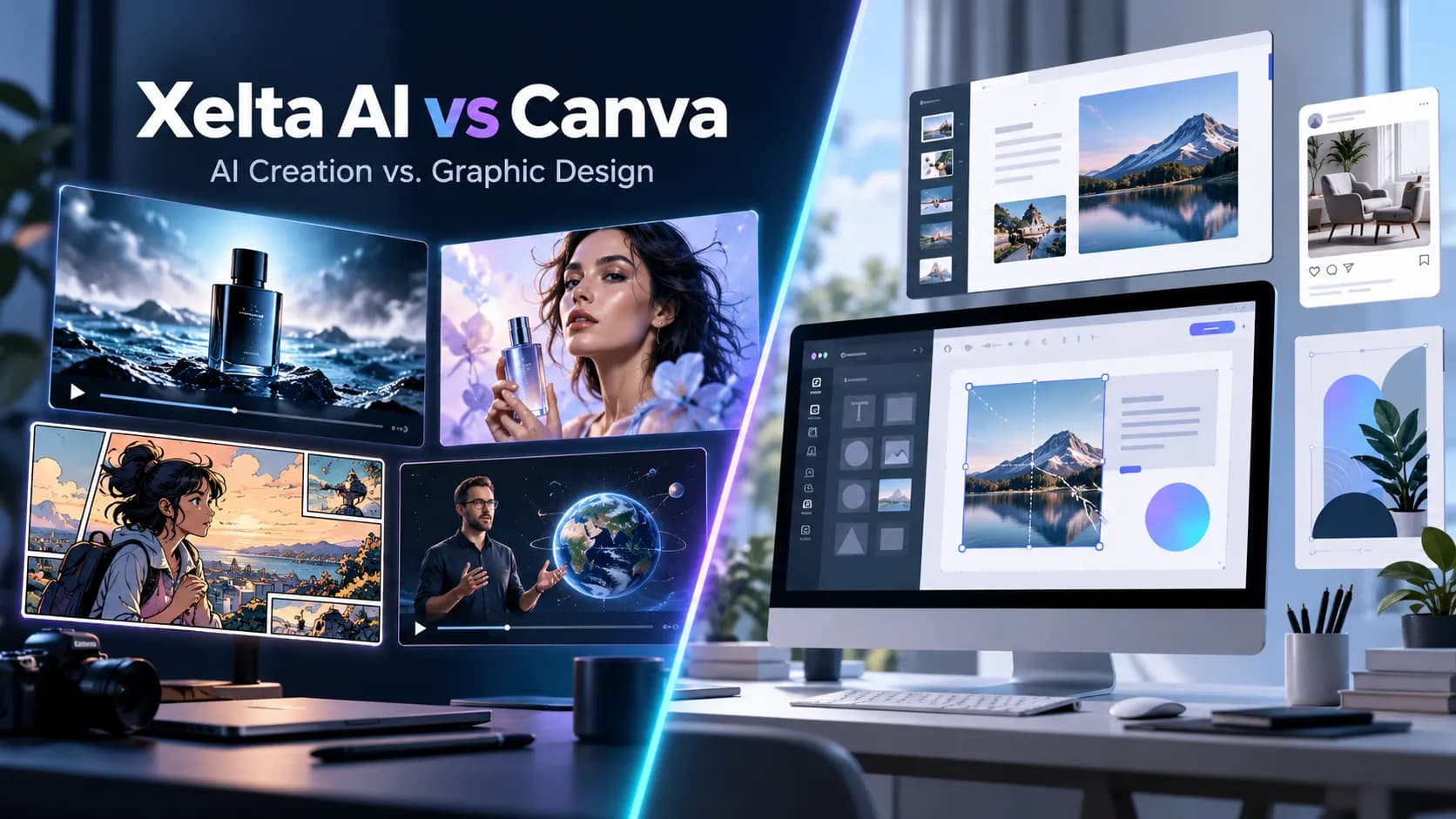
Xelta AI vs Canva AI comparison is a relevant one, as both software now offer an option to generate images with artificial intelligence. However, the two are different in the way that one provides solutions for graphic design, presentations, images, video editing, layout customization and brand management, while the other concentrates on AI-generated content and advertising media.
Quick Answer
Xelta AI versus Canva is a comparison of two different creative tools. Whereas Xelta is great for those who want to design and create images and video with the help of AI, Canva is an excellent choice for people looking to edit existing graphics, work with presentation software, manage brand assets, or use design templates. According to the article, it is necessary to pay attention to the fact that Canva has a free plan, while with Xelta, the paid subscription, which according to the text, costs about $10 per month and Canva Pro at $18 per month, is mandatory for access to the AI part of the service. Additionally, Xelta provides the ability to purchase credits for a one time fee. However, this does not mean that Canva is better than Xelta; if you need to create your own images or video with the help of AI, this program will be more helpful to you. Canva is ideal for people who need to edit existing graphics or use design templates.
Quick Feature Comparison
| Feature | Xelta AI | Canva |
|---|---|---|
| Main focus | AI content generation and creative workflows | Design, AI creation and brand management |
| AI image generation | Multiple image models | Canva AI and Magic Studio |
| AI video generation | Multiple video models and dedicated workflows | AI video clips and video editor |
| AI advertising | Ad Maker, Prime Ad, UGC Ads, URL to Ads | Canva Grow 2.0 and AI ad tools |
| Graphic design | Design Studio and image editing | Extensive editable design environment |
| Templates | Specialized creative workflows | Large design template library |
| AI filmmaking | Cinematic Studio, Movie Trailer, Microdrama | AI video generation and editing |
| Comic creation | Dedicated Comic Flow | Illustration and layout tools |
| Educational content | Microcourse workflow | Presentations, Docs and educational designs |
| Brand management | Creative reference and editing tools | Brand Kits, templates and approvals |
| Social publishing | Dedicated autopost workflows | Content scheduling and ad publishing |
| Starting price | $10/month | Free; Pro $18/month |
The better choice depends on whether the creative process starts with an original asset or an editable design.
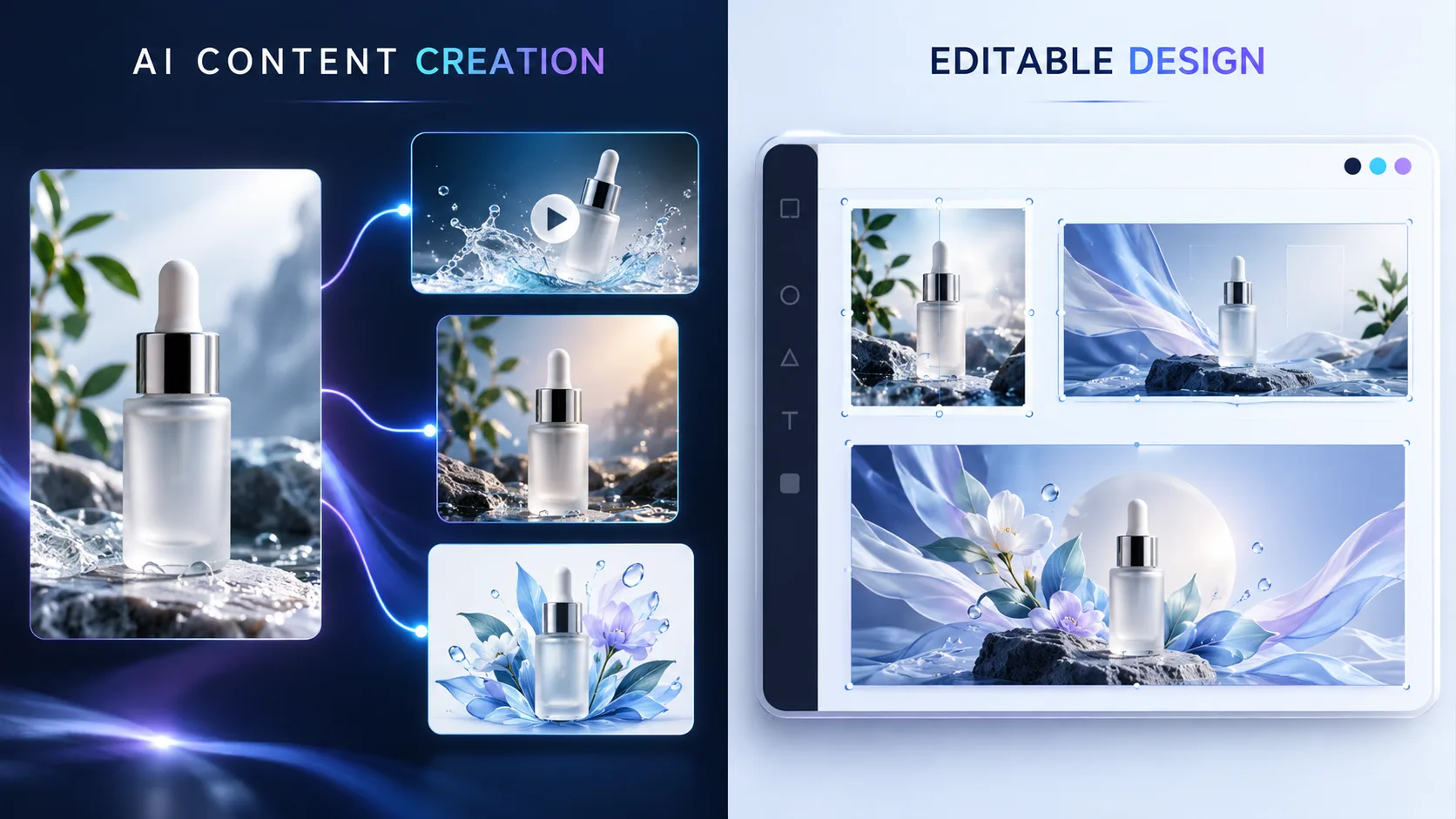
What Is the Main Difference Between Xelta AI and Canva?
Canva was originally meant and designed for graphic design, but it has evolved into an AI based content creation system.
The “Visual Suite” module contains such content types as presentations, documents, social media graphics, websites, videos, and other design formats.
Canva 2.0 in particular introduces conversational design and multilayered output with individual elements editable at will.
Canva is best suited for users who want to design a product around specific text, graphics, logos, and images arranged in a specific manner.
Contrastingly, Xelta’s entire production revolves around a completely dissimilar approach.
Their products are focused on building assets, promotional content, and entire creative sequences with specialized AI procedures.
End users can access individual tools for images and videos or branch out into dedicated modules for filmmaking, advertising, comics, and educational content.
To summarize, Canva allows the users to design their output with the help of the software to build an editable and production ready document. In contrast, Xelta offers a wider range of procedures to create entire creative assets using specialized AI procedures.
Xelta vs Canva for AI Image Generation
Both these services allow users to create images with specific textual descriptions and edit the photos.
Canva offers AI image tools and background removal, changing layouts, using templates and brand elements.
A user can create an image, edit the typography, color and place it in a finished social media design.
Xelta's image creation capabilities work differently.
The Design Studio has tools such as Sketch to Image, Virtual Try On and other specific creation features.
Photo Lab, Background Remover and other editing tools allow users to refine their images.
With Xelta's AI image generator, users can create original visuals using image models available before incorporating them into larger projects.
For businesses that need new visual concepts over and over again instead of using templates, this could be a valuable flexibility.
Verdict: Canva is incredibly useful for making images into editable branded designs. Xelta is attractive for creating and experimenting with original AI visuals for different creative workflows.
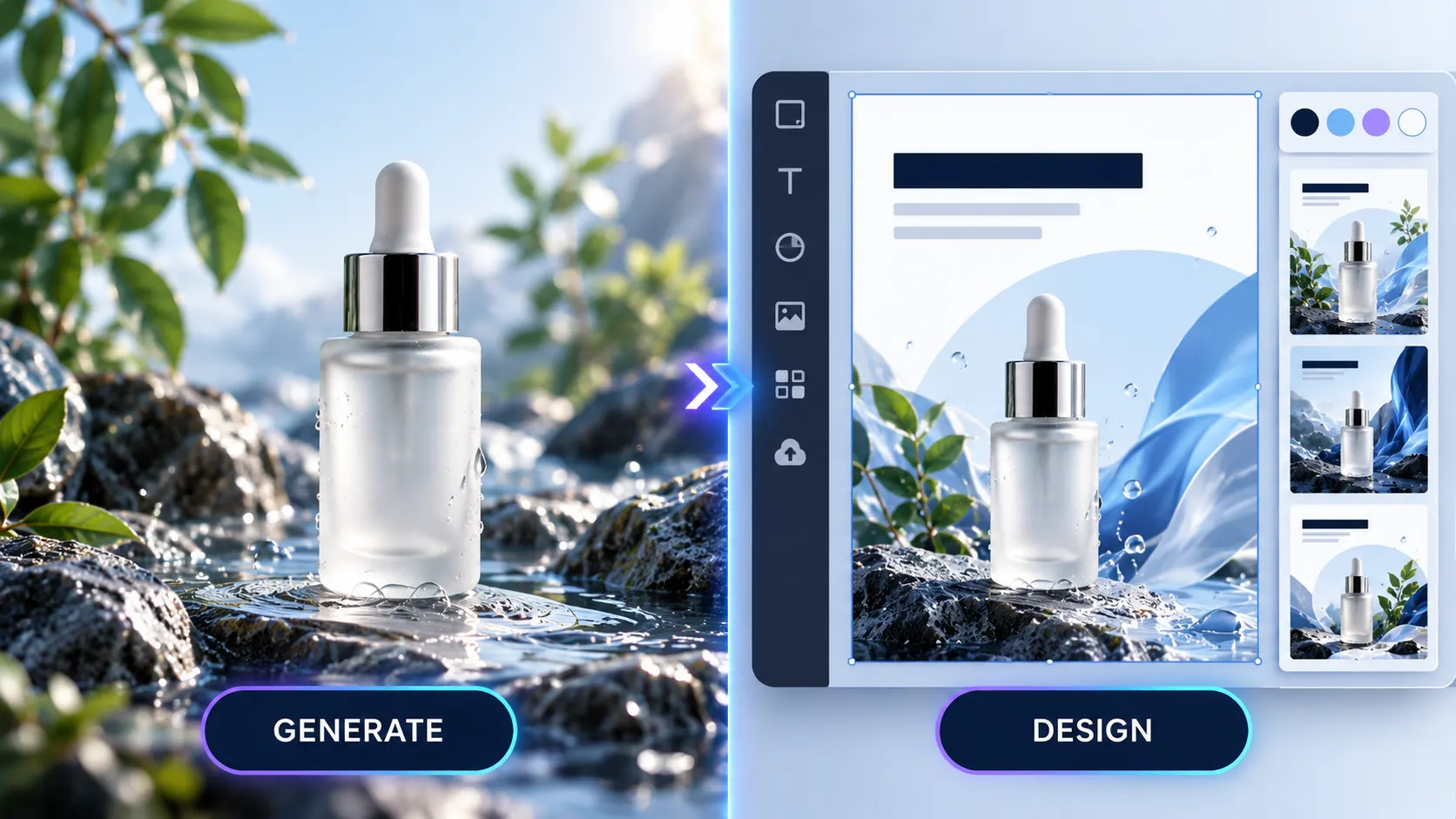
Which Platform Is Better for AI Video Generation?
Video production is an important area of comparison.
Canva's Create a Video Clip feature, powered by Google's Veo technology, allows users to create short videos with synced audio.
Its documented Veo 3 workflow can generate clips up to eight seconds long. And Canva's video editor can combine clips, graphics, transitions and audio into longer projects.
Canva also provides tools for trimming, resizing and adapting videos for different channels.
Why Consider Xelta for AI Video Production?
Xelta offers multiple AI video models and specialized creative tools designed for different production requirements.
Its filmmaking features include Cinematic Studio, Movie Trailer, Microdrama and Anime Microdrama.
It also offers Motion Control, Video Stitching, Character Replacement and other editing workflows.
The Xelta AI video generator supports creators who want to experiment with different video generation approaches rather than rely on one specific generation workflow.
Video duration, resolution and credit usage depend on the selected model.
Verdict: Canva is convenient for short AI clips incorporated into designed materials. Xelta is particularly appealing for users who prioritize AI video generation, filmmaking and specialized storytelling.
AI Advertising: Does Xelta Offer Anything Different From Canva?
Both platforms offer AI driven advertising options.
Canva Grow 2.0 enables marketing teams to create static and video advertisements leveraging business information, product imagery and brand context.
It also enables publishing on platforms such as Meta, TikTok and LinkedIn, alongside campaign performance insights.
This implies that Canva is much more than a basic advertising template editor.
Xelta offers a different range of advertising workflows.
Its tools include Instant Ad, Ad Maker, Prime Ad, UGC Ads, Street Ad, Giant Ads and URL to Ads.
Ad Maker supports creative brief development and storyboard approval before video generation.
URL to Ads uses a product webpage as the starting point for promotional content.
These tools offer users several approaches to address different advertising formats.
Verdict: Canva has strengths in ad design, publishing and performance workflows. Xelta offers specialized routes for generating original promotional videos and advertising concepts.
Practical Example: Promoting a Pottery Workshop
Imagine a small pottery studio that is offering weekend workshops for the first-time users
The business will need a promotional video, posters, social media posts, and educational material about the basics of pottery.
Creating the Campaign With Canva
The business can look for a poster template and brand kit in Canva to create promotional graphics.
The Canva AI tool could be used to generate additional images and the editor would allow changes to event dates, pricing, and registration information, and edit presentations and printable handouts.
It would be ideal for businesses that require frequent updates and have more text than images in their materials.
Creating the Campaign With Xelta
Xelta offers an alternative approach to creating a campaign for the pottery studio.
First, the business could generate images of pottery-making scenes and use an advertising workflow to edit and publish a promotional video.
Next, it could use microcourse to create short educational content pieces introducing participants to the basics of pottery.
Comic flow could be used to make a comic book style paper about the process of pottery making, and reel creators would support the production of social media videos with appropriate publishing tools.
The main difference between Xelta and Canva is that the former provides various specialized tools for promoting a business and educating clients. It allows creating original content and organizing it into a cohesive promotional campaign. Meanwhile, Canva is more focused on providing design tools that would allow the users to format their content. The two platforms could complement each other where the Xelta assets could be arranged in Canva to create a campaign with updated graphics.

Brand Management, Collaboration and Editing
In the sphere of established brand management tools there are clear advantages to Canva's offering.
The Pro plan provides for five Brand Kits while Business includes up to 100 Brand Kits with collaboration and approval features.
Collaborative editing and approval of brand assets such as fonts, colors, logos and reusable layouts can be undertaken for multiple projects.
In tandem with this Canva has extensive template offerings, presentation tools and cloud based collaboration.
Xelta focuses more on the creative generation, editing and format specific workflows.
Its image, video and social tools can be useful for new asset creation but the maturity of Canva's layout and brand management is more suited to teams working on large numbers of standardized designs.
This has clear implications for organizations engaged in the creation of proposals, presentations, brochures and branded documents.
Xelta AI vs Canva Pricing: Which Offers Better Value?
Pricing should be compared according to how each platform will be used.
Canva Pricing
| Plan | Monthly Price | Key Benefits |
|---|---|---|
| Free | $0 | Templates, design tools, limited AI |
| Pro | $18 | Premium assets, AI tools, 5 Brand Kits |
| Business | $25/person | Collaboration, 100 Brand Kits, increased AI usage |
| Enterprise | Custom | Advanced security, administration and branding |
Canva's paid plans include different AI usage allowances. Additional AI Pass options may involve extra charges.
Xelta AI Pricing
| Plan | Advertised USD Price | Credits |
|---|---|---|
| Pay As You Go | $6 one-time | 600 |
| Pay As You Go | $12 one-time | 1,200 |
| Social Media Starter | $10/month | 999 |
| Premium | $35.20/month | 3,499 |
| Creator Pro | $79.60/month | 7,999 |
These are Xelta's published promotional USD prices. Regional pricing and active offers may vary.
The Social Media Starter plan advertises allowances of 100 images and 20 videos per month, subject to supported models and usage conditions.
Higher plans provide additional credits and model access.
Which Platform Offers Better Pricing?
Canva is the more accessible choice for users needing free design tools.
However, Xelta's $10 entry subscription costs less than Canva Pro's $18 monthly subscription.
Xelta also offers one time credit purchases starting at $6, making occasional AI generation possible without committing to a recurring subscription.
These plans provide different services, so price alone cannot determine overall value.
For users primarily generating AI images and videos, Xelta's entry options are worth considering. For template based design and collaboration, Canva may provide better value.
Review the latest Xelta pricing plans before subscribing.
Prices are in USD and may vary by region, promotions, billing arrangements and AI usage.
Commercial Use: Can You Publish AI Generated Content?
Both platforms offer commercial use of generated content.
Canva allows commercial use of your designs that is covered by applicable product and licensing terms for their AI product.
Xelta lists commercial usage on their paid plans.
However, commercial permission does not ensure exclusive ownership, and there still can be intellectual property conflicts.
Before publishing, you should check the terms and conditions and make sure that there are no products, trademarks, copyrighted material, or other items which require permission.
Who Should Choose Xelta AI or Canva?
Choose Xelta AI if:
- You regularly generate original AI images and videos.
- You need specialized advertising and filmmaking workflows.
- You create microdramas, comics or educational content.
- You want flexible AI credit purchases.
- Your main priority is producing new creative assets.
Choose Canva if:
- You regularly design presentations, posters and social graphics.
- You need editable templates and consistent brand layouts.
- Your team collaborates on branded marketing materials.
- You want a free design plan.
- Your work depends heavily on design management.
Final Verdict: Is Xelta AI Better Than Canva?
Canva proves to be an excellent tool for graphic design, presentations, brand management and editable content.
Its rising AI capabilities also cater to video creation and digital advertising needs.
However, Xelta emerges as a formidable alternative for those whose work entails the creation of original AI generated content.
Its specialized filmmaking, advertising, storytelling, comics and educational workflows offer diverse creative production avenues beyond traditional design tasks.
For businesses and creators emphasizing on AI video generation and specialized content production, Xelta becomes an ideal choice. As for editable design, templates and brand collaboration, Canva stands out as particularly proficient.
The choice between the two tools hinges on whether the creation of original assets or the organization of completed designs constitutes the bulk of one's workload.
For user feedback, ratings and experiences with Xelta's creative tools, explore Xelta AI on Product Hunt.