Key Takeaways
- One impressive AI video might score a few likes.
- Each of these services offers AI video, image creation and advertising, but they provide different creative workflows.
- FeatureXelta AIPixVersePrimary focusMulti-format AI content productionAI video creation and commercial productionAI video generationMultiple video modelsV6, C1 and additional modelsAI image generationMultiple models and design toolsImage generation and editing modelsVideo effectsVFX Effects and Motion ControlEffects, Restyle, Swap, Mimic and ModifyProduct advertisingAd Maker, URL to Ads, UGC AdsAd Master and Growth StudioBatch advertisingSpecialized campaign workflowsProduct catalog and batch ad generationStorytellingMicrodrama, Anime Microdrama, Comic FlowC1 filmmaking and multi-shot videoEducational contentDedicated Microcourse workflowVideo and explainer creationSocial publishingDedicated autopost workflowsCampaign and catalog integrationsFree accessRegistration creditsFree Basic planStarting paid subscription$10/month$10/monthCredit packsFrom $6From $5Both provide more than basic AI video generation.
- PixVerse has developed its own video generation models, including V6 and C1.
Table of Contents
- 1.Which AI Creative Platform Is Better?
- 2.Quick Answer
- 3.Quick Comparison
- 4.How Do Xelta and PixVerse Handle AI Video Generation?
- 5.Video Effects: Where Does PixVerse Stand Out?
- 6.What Happens When One Creative Idea Becomes a Content Series?
- 7.Practical Example: Creating a Four-Week Content Series
- 8.Can Both Platforms Produce AI Video Advertisements?
- 9.AI Image Creation and Supporting Content
- 10.Pricing: Which Offers Better Value?
- 11.Commercial Use and Content Review
- 12.Who Should Choose Xelta or PixVerse?
- 13.Final Verdict
Which AI Creative Platform Is Better?
One impressive AI video might score a few likes. But what about when you need a constantly flowing supply of new content every week, in different formats for multiple channels, while keeping an entire campaign message consistent?
That's where choosing the right AI creative platform comes in.
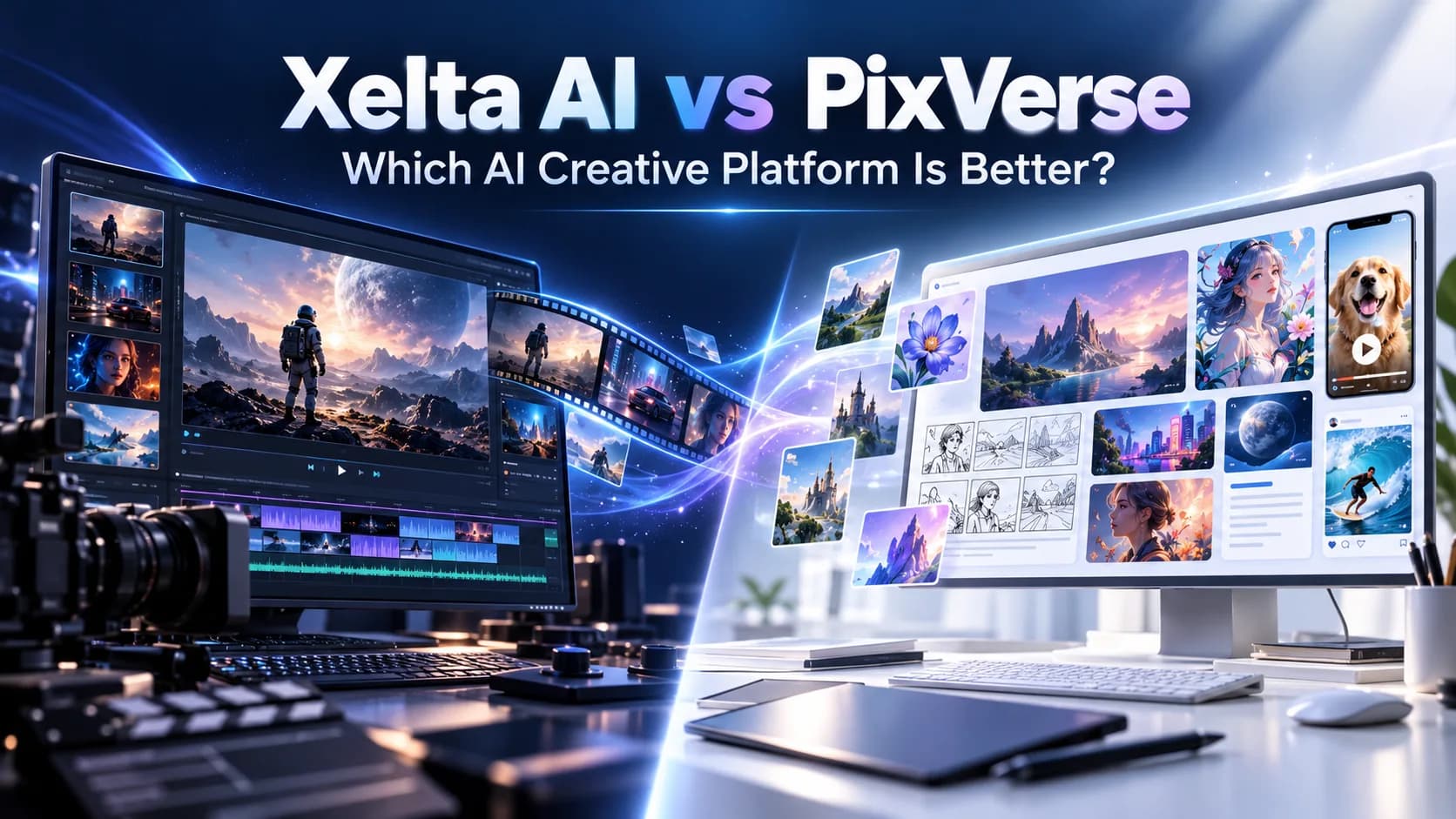
Xelta AI and PixVerse both offer AI powered video generation, image creation and advertising capabilities. But let's take a closer look at how their strengths shine through when you look beyond a single generation.
PixVerse offers proprietary AI video models, creative effects, video editing and large scale advertising tools. Xelta combines multiple generation models with specialized workflows for advertising, storytelling, educational content, comics and social publishing.
Xelta AI vs PixVerse comes down to whether your focus is on generating and experimenting with video content or different types of creative materials from a single creative concept.
Quick Answer
Each of these services offers AI video, image creation and advertising, but they provide different creative workflows. PixVerse focuses on proprietary AI video models, visual effects, transformation of motion and catalog based advertising, whereas Xelta AI offers multiple models for generating images, videos and specialized workflows for advertisements, microdramas, comics, educational content, social publishing and other types of media. In this way, PixVerse is an excellent choice for those who want to experiment with videos and promote products with catalogs, and Xelta AI is a great option for those who want to get more value out of one idea and use different types of media. The choice between Xelta AI and PixVerse depends on the user’s needs, budget, available models and credits, and rights to use media content.
Quick Comparison
Feature | Xelta AI | PixVerse |
Primary focus | Multi-format AI content production | AI video creation and commercial production |
AI video generation | Multiple video models | V6, C1 and additional models |
AI image generation | Multiple models and design tools | Image generation and editing models |
Video effects | VFX Effects and Motion Control | Effects, Restyle, Swap, Mimic and Modify |
Product advertising | Ad Maker, URL to Ads, UGC Ads | Ad Master and Growth Studio |
Batch advertising | Specialized campaign workflows | Product catalog and batch ad generation |
Storytelling | Microdrama, Anime Microdrama, Comic Flow | C1 filmmaking and multi-shot video |
Educational content | Dedicated Microcourse workflow | Video and explainer creation |
Social publishing | Dedicated autopost workflows | Campaign and catalog integrations |
Free access | Registration credits | Free Basic plan |
Starting paid subscription | $10/month | $10/month |
Credit packs | From $6 | From $5 |
Both provide more than basic AI video generation. The distinction lies in how their features support the entire creative process.
How Do Xelta and PixVerse Handle AI Video Generation?
PixVerse has developed its own video generation models, including V6 and C1.
PixVerse V6 supports text to video, image to video, native audio and multi-shot generation. Its documented capabilities include video lengths up to 15 seconds and resolution up to 1080p.
V6 is focused on camera movements, character performances and coherent motion across shots.
PixVerse C1 takes a filmmaking oriented approach, emphasizing action sequences, cinematic effects and storyboard-driven generation.
It supports 1080p output and videos up to 15 seconds, with audio generation.
These models are particularly useful when the video itself is the main creative deliverable.
What Does Xelta Offer for AI Video Creation?
Xelta provides access to multiple video generation models and creative production approaches.
Users can utilize its AI powered video generator for text to video and image to video projects, with particular duration, resolution, and controls based on the chosen model.
In addition, such tools as Cinematic Studio, Movie Trailer, Microdrama, Video Stitching and Motion Control are available.
Instead of a common video generation approach, users can choose from a variety of production workflows based on their content type.
Verdict: PixVerse provides powerful proprietary video models and advanced control over generated output. Xelta seems the best choice in case if video generation is part of a bigger creative production project.

Video Effects: Where Does PixVerse Stand Out?
Creative effects are among PixVerse's recognizable strengths.
Its platform provides several ways to modify existing footage and experiment with motion.
These include:
Restyle: Changes the visual appearance of a video.
Swap: Replaces selected subjects or elements.
Mimic: Transfers movement from reference footage.
Modify: Adjusts video content using instructions.
Lip Sync: Synchronizes speech with character movement.
These capabilities are useful for creators experimenting with viral effects, dramatic transitions and alternative visual styles.
Xelta also supports creative editing through VFX Effects, Character Replacement, Motion Control and other tools.
However, the two platforms organize the experience differently.
PixVerse places considerable emphasis on manipulating and transforming video footage. Xelta combines editing with workflows that generate different types of finished content.
For users primarily creating experimental visual clips, PixVerse deserves serious consideration.
What Happens When One Creative Idea Becomes a Content Series?
This is where the value proposition gets even more interesting.
An AI generated clip can be created in the blink of an eye, but sustaining the same level of quality across a recurring content series demands something different.
Creators require a reservoir of topics, scripts, graphics, characters, varying formats and a repeatable distribution process to sustain a recurring content series.
PixVerse offers multi-shot generation, character references and more to support continuity.
Xelta tackles the challenge from the perspective of specialized content creation workflows.
Its Content Flow collection includes:
Microdrama: Develops short-form, episodic storytelling content.
Anime Microdrama: Produces anime-oriented visual narratives.
Comic Flow: Turns concepts into illustrated stories and panels.
Microcourse: Structures educational topics into short lessons.
Script & Character: Supports character and narrative development.
These tools extend creative production beyond individual video clips.
A creator developing a fictional story could explore animated episodes and illustrated comic formats. An educator could turn expertise into structured learning content.
Xelta's advantage is the variety of dedicated content formats available within its creative workflow ecosystem.

Practical Example: Creating a Four-Week Content Series
Imagine that an urban gardening educator wanted to create a four week social media series focused on growing herbs in small apartments.
The series would include a number of educational, visual guides and promotional graphics and videos.
Each week’s content should provide a similar visual appeal but offer different guidance.
The educator could choose to make the series with PixVerse or Xelta.
PixVerse Option
The educator could leverage PixVerse V6 to create short video segments related to gardening from prompts or images.
Video creation and editing software could assist with transitions between growing, watering and harvesting scenes.
The educator could also use PixVerse’s audio tools to record narrations or add other sounds.
While this would offer them a lot of creative freedom when it comes to individual videos, they would need to spend extra time organizing their entire course and other media content.
Xelta Option
Xelta offers multiple approaches for this creator.
They could design the course with Microcourse and then turn to Comic Flow to create illustrated guides or Reel Creator for shorter videos.
Image creation tools might support the production of graphics for social media posts, while the educator could use existing social publishing tools to schedule their content.
They would still have to review each piece of media for their series to ensure consistency and accuracy.
The main difference is that PixVerse offers the creator a set of tools that they can use to design and edit their videos, while Xelta gives them unique tools meant for each component of a course, article or graphic.
Can Both Platforms Produce AI Video Advertisements?
Yes. Advertising is one of the areas where both websites offer a wide variety of specific tools and services.
PixVerse allows users to transform product images and selling points into short promotional videos using Ad Master.
Growth Studio, in its turn, enables to create product catalogs, advertise batches of videos and expand the potential audience. Since Growth Studio is integrated with Meta’s catalog, it becomes possible to create videos for each item in the catalog and increase the efficiency of advertising. This is a very useful feature for those companies that have a large product catalog and regularly test advertising campaigns.
Xelta: How Does It Work?
Xelta has a series of promotional tools, such as Instant Ad, Ad Maker, Prime Ad, URL to Ads, UGC Ads. Ad Maker allows to create a script and storyboards, review them and then generate the finished promotional video. URL to Ads option offers to turn information from a website page into a promotional video. Compared to an Xelta competitor, PixVerse, which suggests a comprehensive tool for creating a catalog of multiple promotional ads, Xelta provides users with different ways to develop advertisements of various types.
Conclusion: Which Software Is Better for Catalog Product Advertising?
The overall conclusion is PixVerse has more opportunities to create catalogs of promotional videos with Growth Studio, while Xelta provides more tools for developing various advertising concepts, such as Prime Ad, Instant Ad, and others. Thus, both software are useful, but they are designed for different purposes. The first program allows the promotion of multiple products by storyboards, while the second one offers more creative ideas for catalog advertisers.
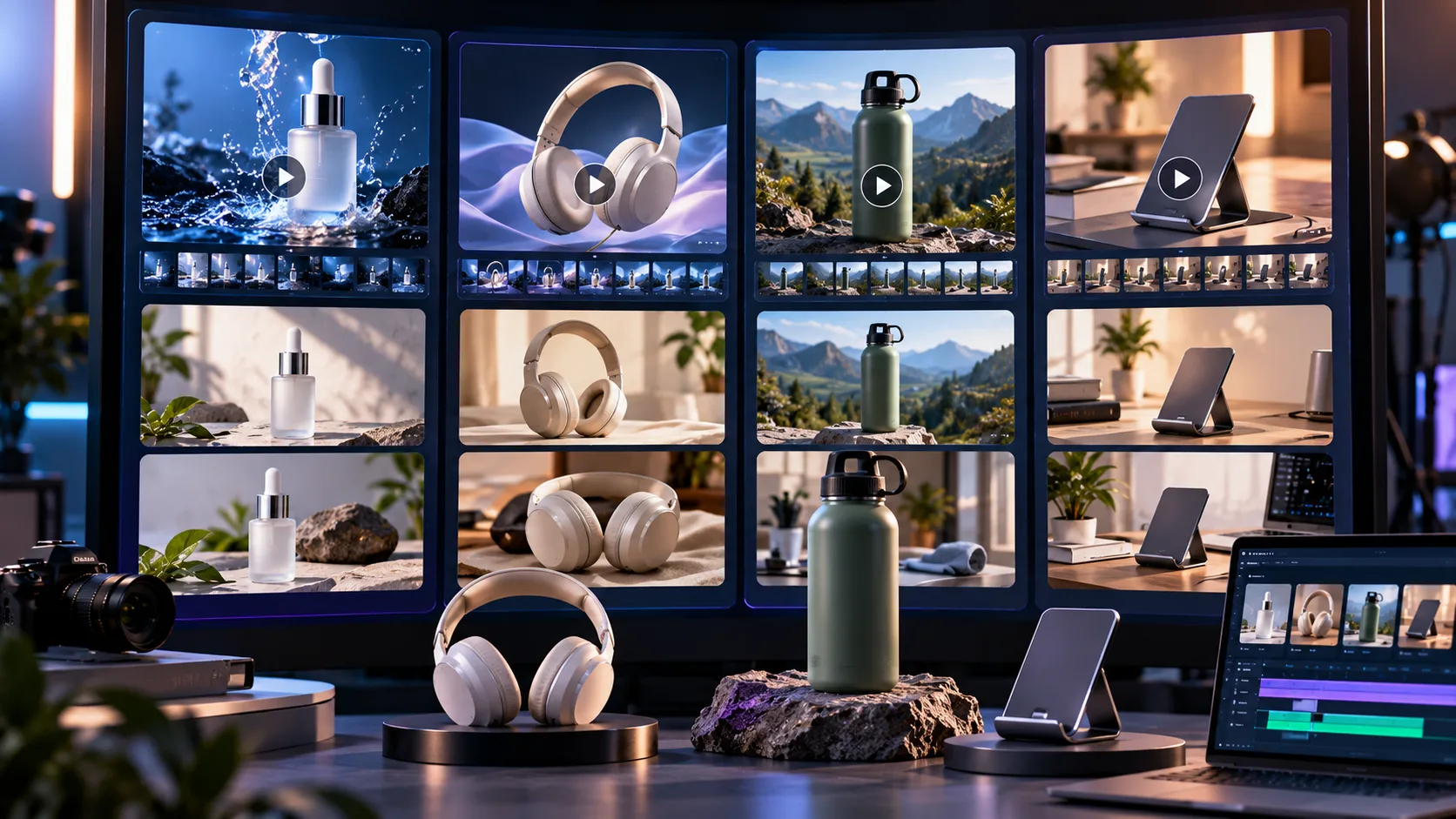
AI Image Creation and Supporting Content
The process of video making usually starts with images.
Sometimes, the creator needs references, backgrounds, promotional graphics or ideas to put them in motion.
PixVerse has image generation and editing tools aside from the video editing ones.
On the contrary, Xelta offers an image generator workspace and unique design tools like the Photo Lab, Background Remover and Sketch to Image.
With Xelta's AI image generator, the creator can come up with extra graphics for ads, stories or educational videos.
It becomes more beneficial when there is a need to apply the same visual to multiple types of content instead of a single video.
For instance, the created image might be used as a background for a promotional video, an illustrated guide or a social media graphic.
Pricing: Which Offers Better Value?
Both platforms use credits, but the quantity and cost of credits are not directly comparable.
Official PixVerse Pricing
According to PixVerse's official subscription page, the following prices apply to its individual plans.
Plan | Monthly Billing | Annual Billing (Monthly Equivalent) | Monthly Membership Credits |
Basic | Free | Free | Daily credits instead |
Standard | $10 | $8 | 1,200 |
Pro | $30 | $24 | 6,000 |
Premium | $60 | $48 | 15,000 |
Ultra | $249 | $149 | 25,000 |
PixVerse also provides daily credits and additional benefits depending on the subscription.
Standard supports watermark free generation and up to 720p output. Pro and higher tiers provide access to more models and advertised output options up to 4K, although supported resolution still depends on the model and workflow.
PixVerse also lists credit packs starting at $5 for 500 credits.
Xelta AI Pricing
Plan | Advertised Price | Credits |
Pay As You Go | $6 one-time | 600 |
Pay As You Go | $12 one-time | 1,200 |
Social Media Starter | $10/month | 999 |
Premium | $35.20/month | 3,499 |
Creator Pro | $79.60/month | 7,999 |
Xelta's subscription prices reflect promotional offers and may change.
Higher plans offer additional credits and model access, while individual generation costs depend on the selected tools.
Which Platform Offers Better Pricing?
Both services promise a $10 monthly subscription as a starting point.
However, PixVerse also has an option for a free account and cheaper monthly subscriptions if one pays annually.
On the other hand, Xelta has an option to purchase credits in one time payments for $6.
This way, one can manage the spending on creativity tools better without having to commit to a monthly subscription.
It is also noteworthy that both services provide a way to purchase credits in packs.
The main difference in services is the planned use of the tools.
Thus, it could be said that PixVerse is more suitable for people who want to use it for video editing and creating multiple clips with special effects.
Meanwhile, with Xelta, one could say that the same amount of money would allow for producing ads, images, video content for stories, and educational materials.
Check the latest Xelta pricing plans before purchasing credits or subscribing.
Prices are in USD and may change according to promotions, billing terms, model access and usage conditions.
Commercial Use and Content Review
While both platforms allow for professional level creation, users must be aware that there may be nuances in the use of published content on them.
Xelta makes it clear that the user grants the company the right to use content for commercial purposes.
By contrast, PixVerse Web terms state that there is a difference between ownership of the results of the platform’s use and permission for commercial use. Therefore, users must carefully check what licenses or rights to the specific version of the content they have access to and whether they have permission to use it commercially.
Moreover, both platforms may have restrictions due to third party references, assets provided and protected intellectual property. In this regard, for both platforms, it is necessary for marketers to study advertising options and product descriptions, as well as check trademarks, logos, licenses, and advertising claims before publishing.
Who Should Choose Xelta or PixVerse?
Choose Xelta AI if:
You regularly create several types of content from one idea.
You need advertising, storytelling and educational workflows.
You want AI image and video generation in the same workspace.
You produce comics, microdramas or short learning content.
You value social publishing tools alongside creative production.
Choose PixVerse if:
AI video effects and visual experimentation are priorities.
You frequently work with video transformations and motion references.
You need catalog driven product advertising at scale.
You prefer direct access to PixVerse's proprietary video models.
You want a free entry tier for initial experimentation.
Final Verdict
Able to experiment with video and scale product ad campaigns up, PixVerse is a competent AI video platform that boasts powerful proprietary models, creative effects and commercial video production tools.
V6 and C1 models, editing features and Growth Studio appeal to both video creators and to ecommerce marketing teams.
Xelta's specialized workflows allow users to create not only ads, but also episodic stories, comics, microcourses, and social media content, in addition to regular image and video generation.
This breadth of guided production formats proves beneficial to people who want more than a grab bag of individual AI video clips.
PixVerse suits video experimentation and scalable product ad campaigns, while Xelta is an attractive option for people who want to build a content pipeline that takes on multiple formats.
The better platform depends on whether one prioritizes individual video refinement or broader creative production.
To explore ratings and experiences shared by users of Xelta, visit Xelta AI on Product Hunt for community reviews.