







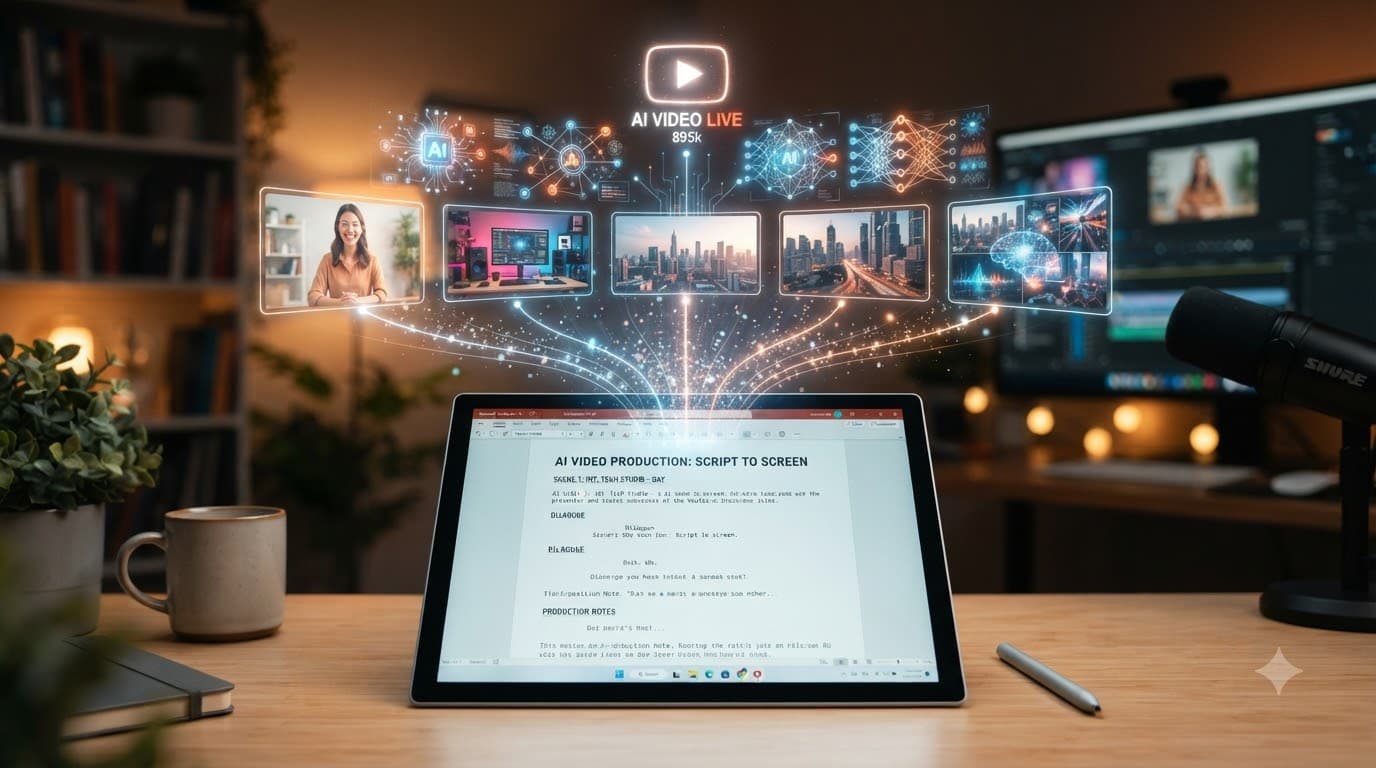
Text-to-Video AI for YouTube: From Script to Video
Creating a YouTube video normally involves several steps. First, you write a script. Then, you plan shots, find visuals, generate narration, edit footage, add captions, and finally prepare the upload.
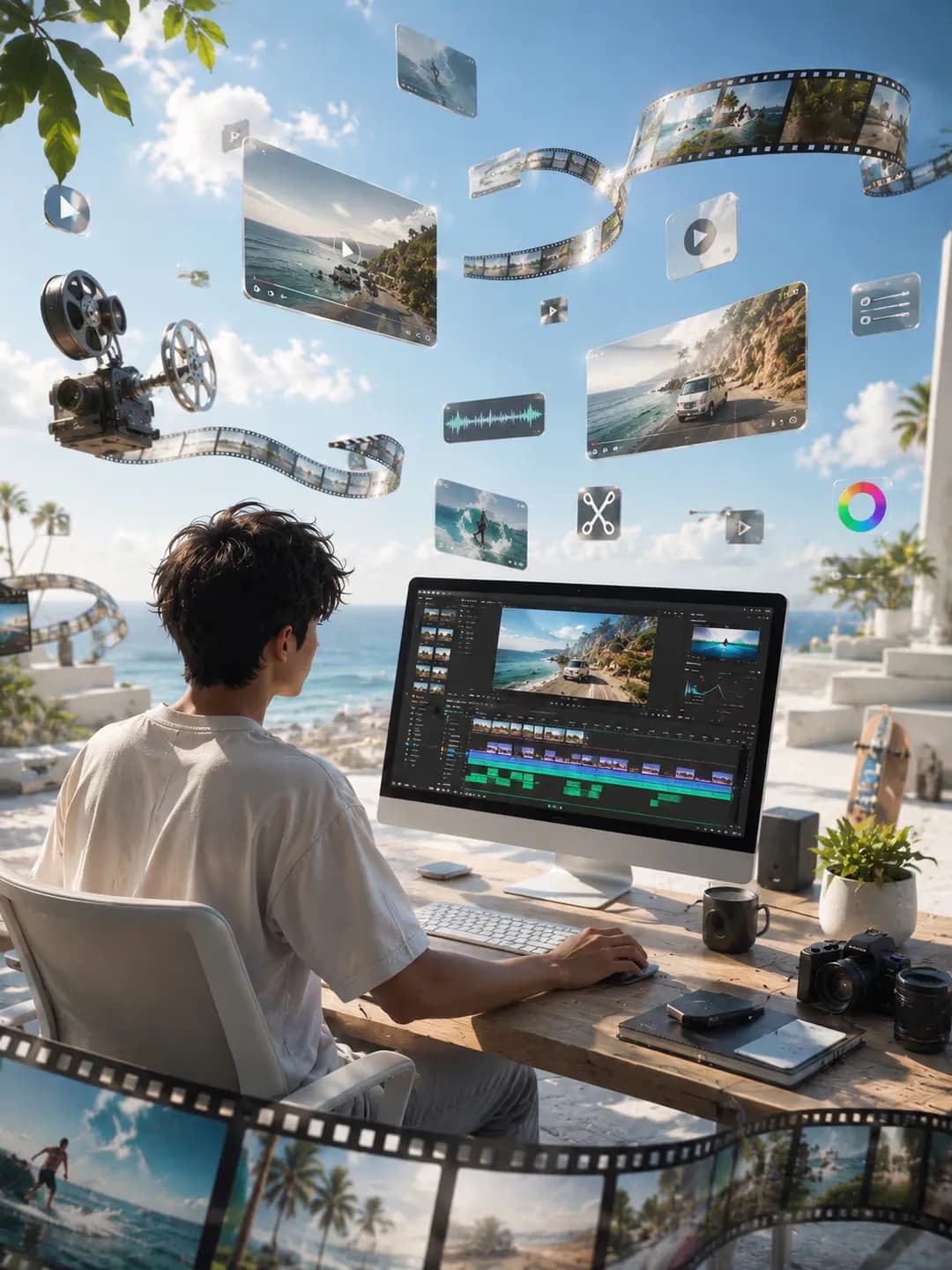
Text-to-Video AI can combine many of those steps. However, the best results do not come from simply pasting a script into an AI tool and accepting the first output. The real advantage comes from turning a script into a structured production workflow. This workflow gives Text-to-Video AI clear instructions while keeping human review in the loop.
This guide explains how to go from a YouTube script to an AI-generated video. It also explains what to include in prompts, where the workflow can fail, and how platforms such as Xelta can fit into the process.
Quick Answer
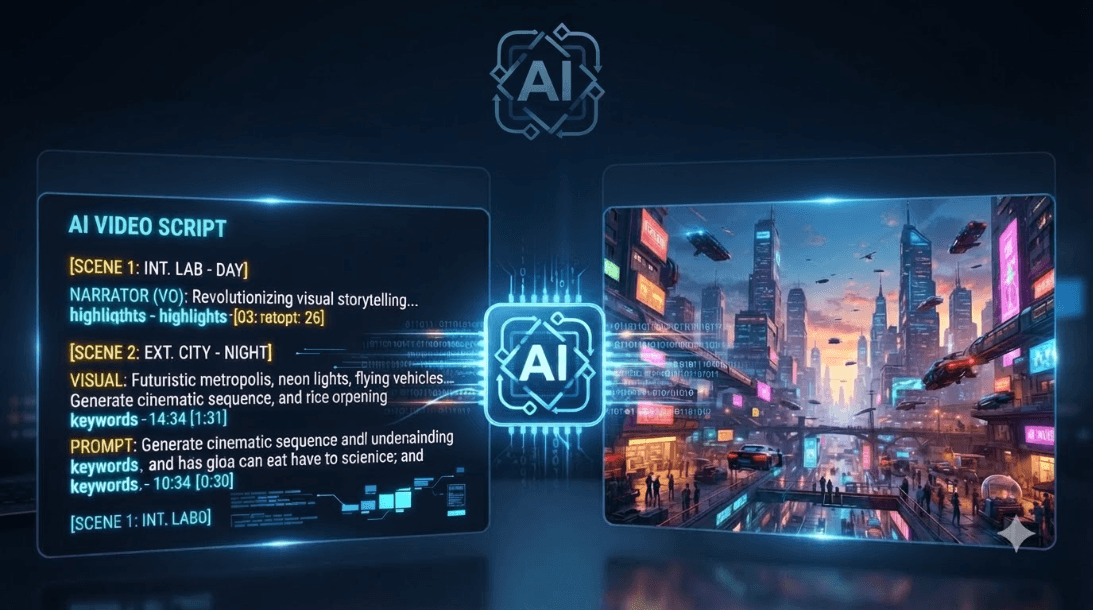
Text-to-Video AI converts written instructions, scripts, or prompts into video content by generating scenes, visuals, motion, and other production elements. For YouTube, the strongest workflow is script → scene plan → visual generation → voiceover → editing → review → export. This is more effective than relying on one prompt to produce an entire video.
From YouTube Script to Finished Video: The Workflow
A practical script-to-video workflow has seven stages:
- Prepare the script
- Break it into scenes
- Define visual direction
- Generate the video
- Add narration, captions, and audio
- Review and refine
- Export and publish
The distinction is that Text-to-Video AI can handle many production tasks, while the creator remains responsible for the message, accuracy, creative direction, and final approval.
1. Start With a Production-Ready Script
Before generating anything, make sure the script has a clear purpose.
A YouTube script should establish:
- Who the video is for
- What problem it addresses
- The main points being explained
- The desired viewer action
- Video length
- Important facts that cannot be changed
For example, a five-minute educational video about AI video creation should not simply contain paragraphs of information. Each section should give the video editor—or Text-to-Video AI system—a clear idea of what the viewer should understand at that point.
A strong script gives the video-generation process something useful beyond words alone. It gives context.
2. Turn the Script Into Scenes
A script tells the audience what to hear. A scene plan determines what they should see.
Break the script into visual sections.
For example:
- Opening hook: Use an establishing visual that immediately communicates the topic.
- Main explanation: Use supporting footage or a generated scene that illustrates the idea.
- Example: Show the product, process, situation, or concept being discussed.
- Key takeaway: Use a visual that reinforces the main point.
- CTA: End with a relevant closing frame.
This step is often where Text-to-Video AI workflows succeed or fail.
If the script says, "AI helps businesses produce content faster," that does not tell Text-to-Video AI whether to show a marketing team, a dashboard, an animated workflow, or something else.
The visual instruction needs to provide that context.
3. Give Each Scene Clear Visual Direction
A useful Text-to-Video prompt can include:
Subject + action + environment + camera + lighting + mood + visual style + format
For example:
A marketing team reviewing video content on screens in a modern studio, medium tracking shot, natural office lighting, professional and collaborative mood, realistic commercial style, 16:9 composition.
The objective is not to make every prompt extremely long. It is to remove ambiguity.
If a scene contains many actions, characters, camera movements, and locations, the generated result can become harder to control.
One focused visual idea per shot is often easier to review and refine.
4. Generate the First Video Draft
Once the scenes are planned, generate the first version.
This draft should be treated as a production starting point, not as a finished YouTube video.
Review whether:
- The visuals match the narration
- The pacing feels natural
- Scenes transition logically
- Important concepts are represented visually
- Characters or objects remain reasonably consistent
- The opening communicates the topic quickly
The first generation is valuable because it can reveal problems that may not have been obvious when writing the script.
Instead of expecting the first output to be perfect, use it to identify which scenes need better prompts, different visuals, or additional editing.
5. Add Voiceover, Captions, and Audio
A YouTube video needs more than visuals.
Depending on the project, the workflow may include:
- AI or recorded voiceover
- Background music
- Sound effects
- Captions
- On-screen text
- Brand elements
- Intro or outro
- Calls to action
Voiceover deserves attention. Names, terminology, acronyms, and regional pronunciation should be checked before publishing.
Captions should also be reviewed rather than treated as automatically correct.
For business videos, even a small pronunciation or transcription error can affect how professional the final video feels.
6. Review the Video Like a Viewer
A generated video can still be a poor YouTube video.
Watch the draft and ask:
Message: Can someone understand the main point without extra explanation?
Pacing: Does any section feel unnecessarily slow or rushed?
Visuals: Does each scene support what the narrator is saying?
Accuracy: Are facts, names, products, and claims represented correctly?
Brand: Does the visual style fit the channel?
Mobile viewing: Can captions and important visuals still be understood on a smaller screen?
This review stage is particularly important for business, financial, health, or news-related content.
AI can accelerate production. It does not remove the need for editorial judgment.
7. Export for the Intended YouTube Format
YouTube content can take different forms, from long-form educational videos to Shorts.
The production brief should therefore establish the destination before generation begins.
For example:
- 16:9 for YouTube videos
- 9:16 for vertical Shorts
- Appropriate caption placement for mobile viewing
- A strong opening frame
- Clear title and thumbnail concepts
The same script may need different visual treatment depending on the format.
A long-form tutorial and a 30-second Short can discuss the same subject, but their pacing, scene length, framing, and information density should not be identical.
Why the Script Alone Isn't Enough
One of the biggest misconceptions about text-to-video AI is that a complete script automatically equals a complete video.
It does not.
A script contains language. A video requires decisions about:
- Composition
- Movement
- Timing
- Visual hierarchy
- Transitions
- Narration
- Music
- Captions
- Brand identity
That is why a structured brief is more useful than uploading a long block of text.
Instead of asking an AI system to "make a YouTube video about AI marketing," define the audience, objective, duration, scene structure, visual style, narration requirements, and final format.
The clearer the production brief, the less guessing the system has to do.
Where Text-to-Video AI Saves the Most Work
Text-to-video AI can be particularly useful when a creator needs to produce visual assets from existing written material.
Potential use cases include:
- Educational YouTube videos
- Product explainers
- Tutorials
- Marketing videos
- Corporate presentations
- Video versions of blog content
- Social media adaptations
- Promotional videos
- Concept videos and storyboards
It can also help teams repurpose existing content.
For example, a long-form blog can become the foundation for a video script. That script can then be divided into scenes, converted into visuals, combined with narration, and adapted into social content.
The biggest workflow advantage is not necessarily eliminating every editing task. It is reducing the amount of production required to reach a reviewable first draft.
How to Evaluate a Script-to-Video Workflow
A useful evaluation should look beyond how impressive a demo appears.
When considering an AI video workflow, look at:
Script Handling
Can written material be transformed into scenes without requiring extensive manual formatting?
Visual Control
Can prompts influence the subject, composition, movement, style, and overall visual direction?
Editing
Can generated content be refined without constantly moving between multiple tools?
Voiceover
Can narration be created and adjusted while maintaining understandable pronunciation and pacing?
Captions
Can subtitles be generated and reviewed before publishing?
Format Flexibility
Can content be adapted for different video formats and platforms?
Human Review
Can creators easily inspect scenes and make changes before the final video is published?
Workflow Fit
Most importantly, does the platform fit the team's existing content-production process?
The right question is not simply:
"Can this AI make a video?"
It is:
"Can this workflow reliably turn our approved script into a video that's worth publishing?"
Common Mistakes That Make AI YouTube Videos Feel Generic
Trying to Generate Everything in One Prompt
A single prompt may produce an interesting clip, but longer videos require multiple connected scenes.
Breaking a video into visual sections provides greater control over pacing and storytelling.
Giving Vague Visual Instructions
"Make it cinematic" provides less direction than describing the subject, environment, camera movement, lighting, and mood.
The more important a scene is to the story, the more deliberate its visual direction should be.
Ignoring the First 30 Seconds
YouTube viewers need to understand quickly why the video is worth watching.
The opening should therefore have a clear visual and narrative purpose instead of spending too much time on generic introductions.
Treating AI Output as Final
Generated content can contain visual inconsistencies, incorrect details, awkward movement, pronunciation errors, or mismatches between narration and visuals.
A review and editing stage is essential.
Optimizing for Appearance Instead of Communication
A beautiful scene is not automatically a useful scene.
Every visual should help explain, demonstrate, establish context, or maintain attention.
If an impressive visual does not support the message, it may be better replaced with something clearer.
Where Xelta Fits Into the Workflow
Xelta can be used as part of an AI video creation workflow, helping creators move from text and creative direction toward generated video content.
The practical workflow is straightforward:
Script → visual direction → AI-generated scenes → review → refinement → final video
Rather than treating AI generation as an automatic publishing system, creators can use it to accelerate the production stage while retaining control over the final result.
Xelta's AI video workflow can be particularly relevant when teams need to create videos from text, prompts, images, or existing creative material and then adapt that content for marketing and social use cases.
For creators evaluating an AI video platform, the important question is whether the tool fits the complete workflow—not whether it produces an impressive single clip.
You can explore Xelta AI to understand how an AI-powered video workflow can fit into a content-production process.
YouTube AI Disclosure Still Matters
AI-generated video also introduces a publishing responsibility that creators should not overlook.
YouTube requires disclosure when creators use AI to alter or generate realistic content in certain circumstances, such as making a real person appear to say or do something they did not, altering footage of a real event or place, or generating a realistic scene that did not occur.
YouTube also distinguishes these situations from production assistance, such as using AI for scripts, outlines, thumbnails, or captions.
Creators should therefore review YouTube's disclosure requirements before publishing AI-generated or meaningfully altered content.
The practical approach is simple: understand what was generated, review the output, and disclose realistic AI-generated or meaningfully altered content when required.
The Real Value of Text-to-Video AI for YouTube
Text-to-video AI is most useful when it takes away repetitive production work while keeping creative judgment.
A strong process starts with a script. It then turns that script into scenes, creates a first draft, reviews the output, and improves the video before publishing.
For creators and marketing teams, the goal should not be to make every production decision automatic.
It should be to make the path from idea → script → video → review → publish more repeatable and easier to manage.
If your team already has scripts, blog content, product information, or campaign concepts, an AI video workflow can turn those existing inputs into video assets without rebuilding the production process from scratch.