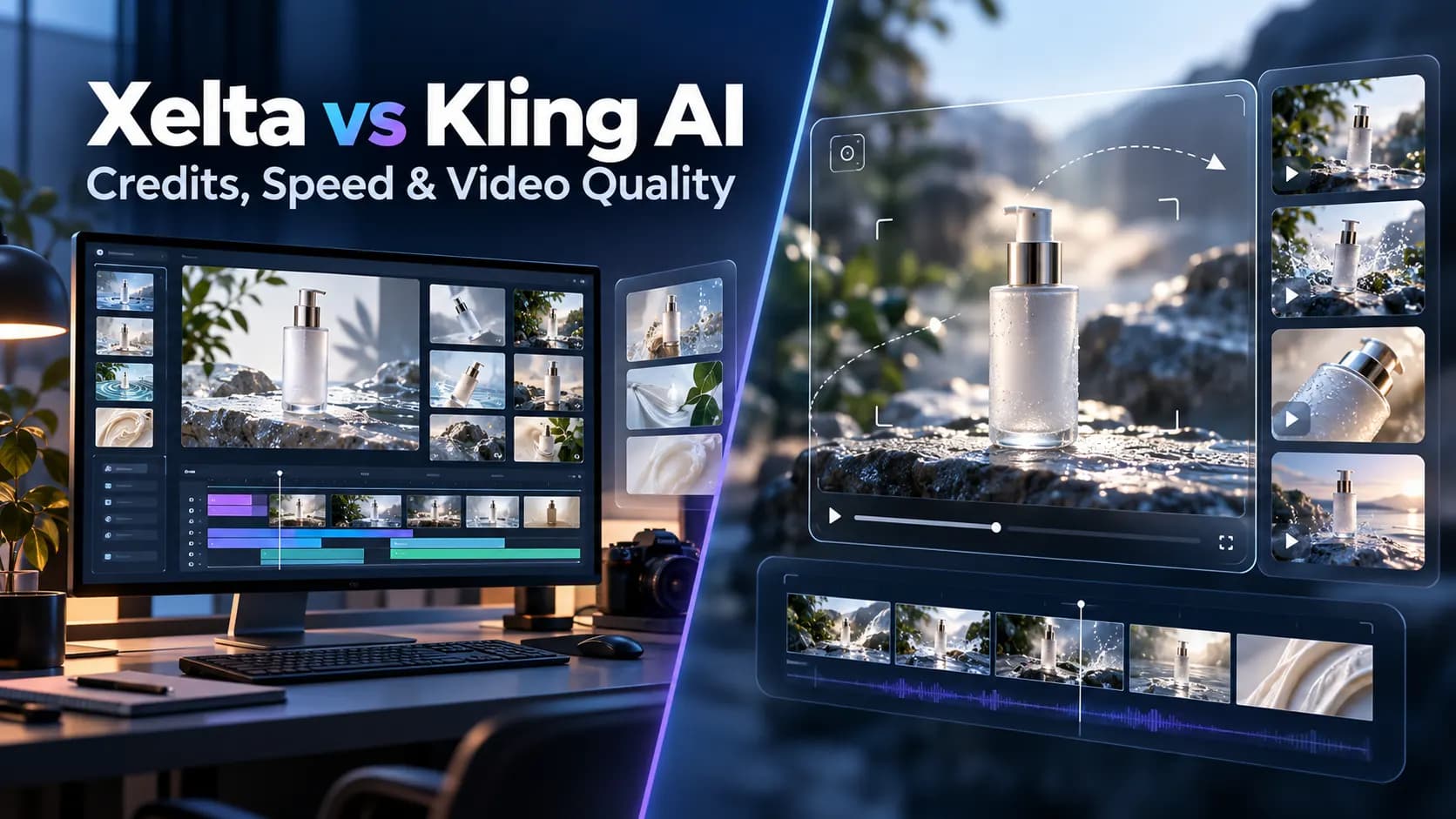
Credits, Speed, and Video Quality Compared
The ability to create a five second AI video is only the beginning. Generating a finalized advertisement or cinematic sequence might require several generations, image references, editing, audio and quality checks.
Which is why comparing Xelta vs Kling covers more than generation speed and video resolutions.
Both platforms offer AI video creation capabilities, but Xelta AI incorporates multiple AI models plus advertising, filmmaking, image editing and storytelling workflows. Kling AI focuses on its proprietary video generation models and creative controls.
Quick Answer
Xelta and Kling AI offer various AI video creation services. While Xelta provides users with the opportunity to access different AI models and specialized solutions for advertising, filmmaking, image creation, and storytelling, Kling AI focuses on its video creation models, motion design tools, reference based generation, and native audio. It depends on the user’s priorities to choose between Xelta and Kling AI. If one wants to explore different creative production tools, Xelta would be a better choice, while Kling AI is an excellent option for those who prefer to work with several video creation models directly. To compare the services offered by the two companies, it is possible to use the same prompt, product reference, video settings, and revision requirements and analyze such factors as the cost per approved video, generation speed, visual accuracy, and necessary editing.
Quick Comparison
| Feature | Xelta AI | Kling AI |
|---|---|---|
| Primary focus | Multi-model AI creative platform | Dedicated AI video and image generation |
| AI video models | Kling, Seedance, Veo and others | Kling's proprietary models |
| Text-to-video | Yes | Yes |
| Image-to-video | Yes | Yes |
| AI image generation | Yes | Yes |
| Native audio | Depends on selected model | Supported in Kling VIDEO 3.0 |
| AI advertising | Dedicated advertising workflows | General video creation tools |
| Filmmaking | Microdrama, cinematic and storytelling tools | Multi-shot video generation |
| Video editing | Additional editing and creative tools | Generation and editing features |
| Starting paid monthly plan | $10/month | $6.99/month introductory |
| Pay-as-you-go | From $6 | Credit-based options |
| Best suited for | Complete creative production | Kling-focused video generation |
The key distinction is that Xelta combines several creative tools and AI models, while Kling provides direct access to its own model ecosystem.
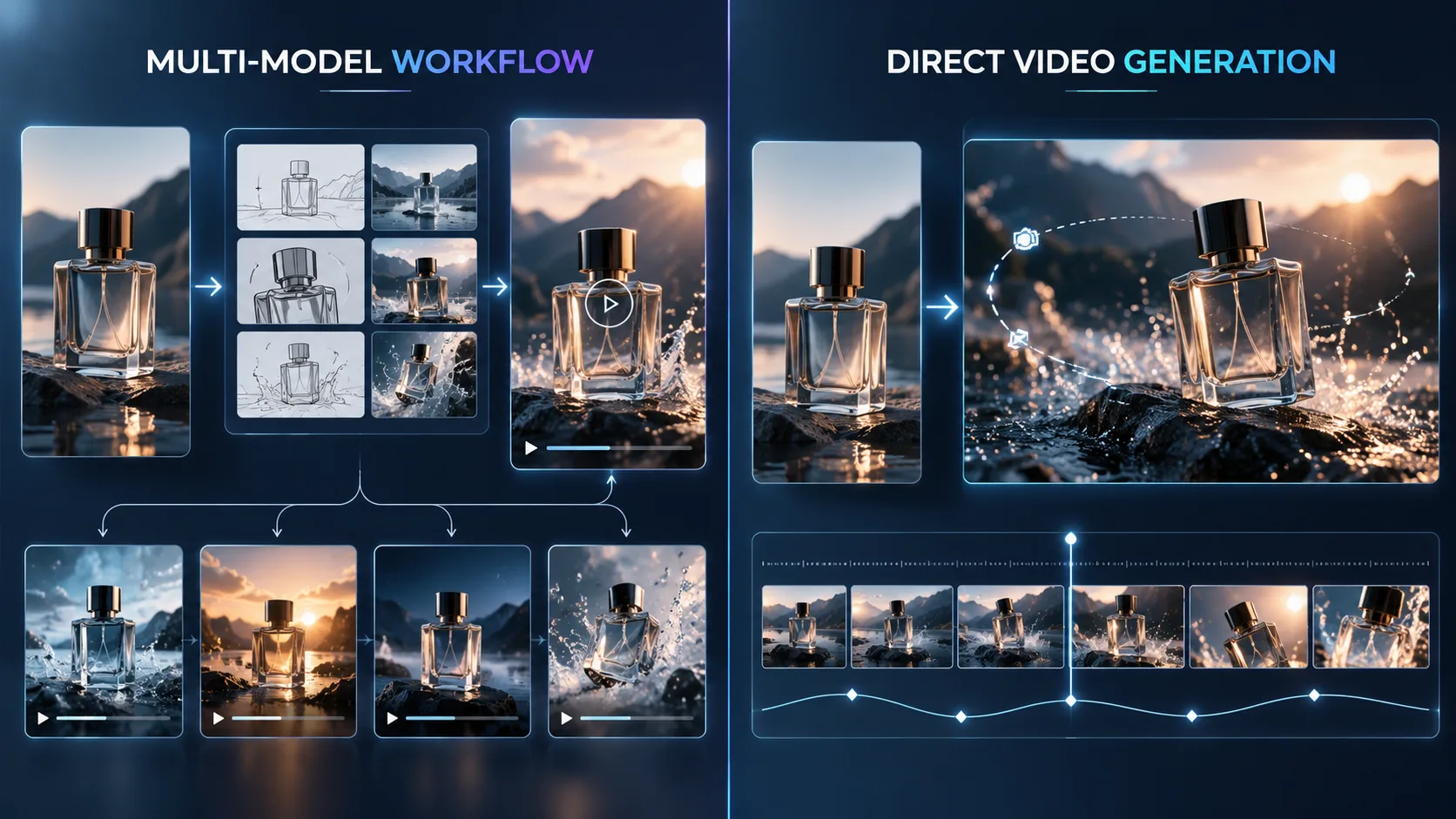
What Is the Main Difference Between Xelta and Kling AI?
Kling AI is specialized in AI generation of video.
Its VIDEO 3.0 models offer text-to-video, image-to-video, multishot, reference based subject and native audio.
These are all features that allow users to have control over the movement, characters and composition within the video.
Xelta’s approach is more broad.
Beyond a single family of models, Xelta offers access to multiple AI video models including Kling 3.0, image generation and creative production tools.
Its platform also includes dedicated tools such as the Instant Ad, Ad Maker, Prime Ad, Microdrama and Comic Flow.
This makes Xelta more compelling if the task requires more than the creation of isolated video clips.
Why Does Xelta Have an Advantage in Multi Model Video Creation?
Different AI models may provide varying results given similar prompts for creative production.
A model geared towards cinematic motion may be less effective than another for product showcase, or stylistic animations.
With Xelta’s model library you can experiment with different visual concepts without having to switch platforms.
The list includes Kling 3.0, Seedance, Veo and other video generation models.
You can take advantage of the various tools in Xelta’s AI library to select the most appropriate engine for your creative task, rather than relying on a single provider.
While Kling’s native portal is an appealing option to discover the latest motion, reference and audio capabilities.
Xelta’s key benefit: The offer of diverse AI models and production tools for advertising, narrative design and video editing.
How Many Credits Does a Five Second Video Cost?
Credit consumption is important because every regeneration can increase production costs.
Kling publishes specific rates for its VIDEO 3.0 model.
Kling VIDEO 3.0 Credit Consumption
| Video settings | Credits per second | Credits for 5 seconds |
|---|---|---|
| 720p, without native audio | 6 | 30 |
| 1080p, without native audio | 8 | 40 |
| 720p, with native audio | 9 | 45 |
| 1080p, with native audio | 12 | 60 |
These rates apply to the documented VIDEO 3.0 configurations. Additional controls, reference inputs or other model versions may change the required credits.
How Does Xelta Calculate Video Credits?
Xelat's generation costs will vary depending on the model, duration, resolution and workflow chosen.
The platform will display the applicable credit requirement prior to generation.
There is no single credit rate which accurately reflects every five second video available on Xelta.
Additionally, one Xelat credit cannot be treated as equal in monetary value to one Kling credit.
The more interesting question is how much each platform costs to produce an approved video.
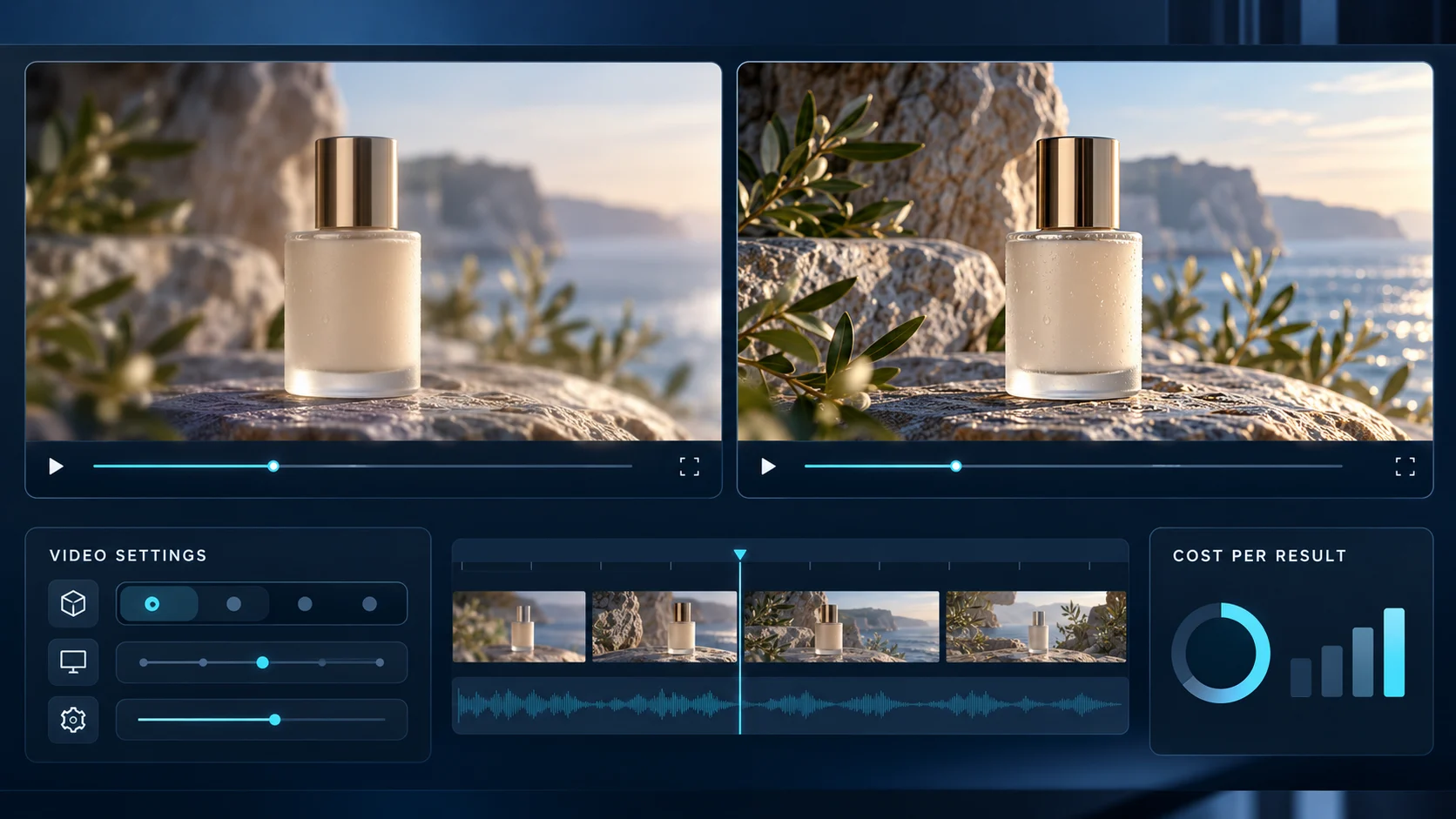
Pricing: Which Offers Better Value in 2026?
Both platforms provide credit based access, but their pricing structures differ.
According to the prices currently displayed on their websites, Xelta offers subscriptions and pay-as-you-go purchases, while Kling provides several membership tiers.
Xelta AI Pricing
| Plan | Price | Included credits |
|---|---|---|
| Pay As You Go | $6 | 600 |
| Pay As You Go | $12 | 1,200 |
| Social Media Starter | $10/month | 999 |
| Premium | $35.20/month | 3,499 |
| Creator Pro | $79.60/month | 7,999 |
Xelta's Social Media Starter plan advertises 100 images and 20 videos per month.
Premium and Creator Pro offer larger generation allowances, with access to additional capabilities depending on the plan.
The currently displayed subscription prices include promotional discounts.
Kling AI Pricing
| Plan | Introductory monthly price | Monthly credits |
|---|---|---|
| Basic | Free | No fixed monthly allocation |
| Standard | $6.99 | 660 |
| Pro | $25.99 | 3,000 |
| Premier | $64.99 | 8,000 |
| Ultra | $127.99 | 26,000 |
Kling's introductory prices apply to eligible first subscriptions.
Its published subsequent monthly renewal prices are $8.80, $32.56, $80.96 and $159.99 for Standard, Pro, Premier and Ultra, respectively.
Where Does Xelta Offer Better Value?
Kling has the lowest introductory subscription price. However, Xelta provides a $6 pay-as-you-go option, which would be better for those who want to buy credits without being tied to a monthly billing cycle
Xelta offers combined video generation, image creation, advertising and filmmaking solutions.
This is likely to limit the need for alternative creative applications.
Before purchasing, compare the current Xelta pricing plans against your intended production requirements.
Prices and promotional offers may change. Credit quantities across platforms are not directly comparable.
Which Platform Generates AI Videos Faster?
The generation speed depends on several factors, including the selected model, the length, the resolution, the audio configuration, and the overall complexity of the task. Both platforms do not guarantee a universally better speed for the same set of parameters during the test.
The overall process can be evaluated in three main stages:
- Queue time : the time spent in the queue before the generation starts.
- Render time : how long the model needs to render the output.
- The total time : Until the output is ready to be downloaded.
It would be helpful to generate a few videos with similar settings to measure the overall time required for the request to be fulfilled. In this case, neither of the platforms guarantees a better speed, and the final result depends on the specific model, size, resolution, and complexity. The additional benefit of Xelta is that it provides more creative options, and you can go further with your project without changing the platform.
Does 1080p Produce Better AI Videos Than 720p?
Resolution is one of the most important factors that determine the image’s quality. However, it is not the case with the video’s quality.
One frame of 720p resolution has 1280 × 720 pixels, and the 1080p has 1920 × 1080 pixels.
Therefore, 1080 has 2.25 times more pixels than 720p.
However, it does not mean that the higher resolution will result in more realistic videos with all the details.
Both platforms are suitable for working with the existing resolutions depending on the user’s needs.
For instance, 720p can be used for social media previews, and 1080p for product shots and bigger screens.
Moreover, bitrate is another factor that affects the video’s quality, and people tend to reduce it when compressing the file during exporting.
The best way to check if one platform’s video is better than others is to compare either the original files or equally encoded files (if it is possible).
Otherwise, the statement about one platform’s superiority will be incorrect.
How Would Xelta and Kling Handle the Same Product Advertisement?
Consider a skincare company preparing a 24 second vertical promotional video.
The team has approved product photographs, a campaign message and brand guidelines.
| Production stage | Xelta approach | Kling approach |
|---|---|---|
| Creative brief | Use a dedicated advertising workflow | Prepare generation instructions |
| Product images | Generate or reuse assets | Upload reference images |
| Storyboard | Review a storyboard through Ad Maker | Plan scenes and shots |
| Video generation | Select an available model or ad workflow | Use Kling video models |
| Editing | Continue with creative editing tools | Refine or edit generated clips |
| Final output | Review the assembled advertisement | Assemble and approve the campaign |
A useful prompt for the moving product shot would be:
Create a cinematic vertical shot of a moisturizer bottle on a warm stone surface. Use a slow camera push in, soft lighting and subtle background movement. Preserve the original packaging shape, label position and colors.
This example illustrates a possible workflow, not a completed comparison test.
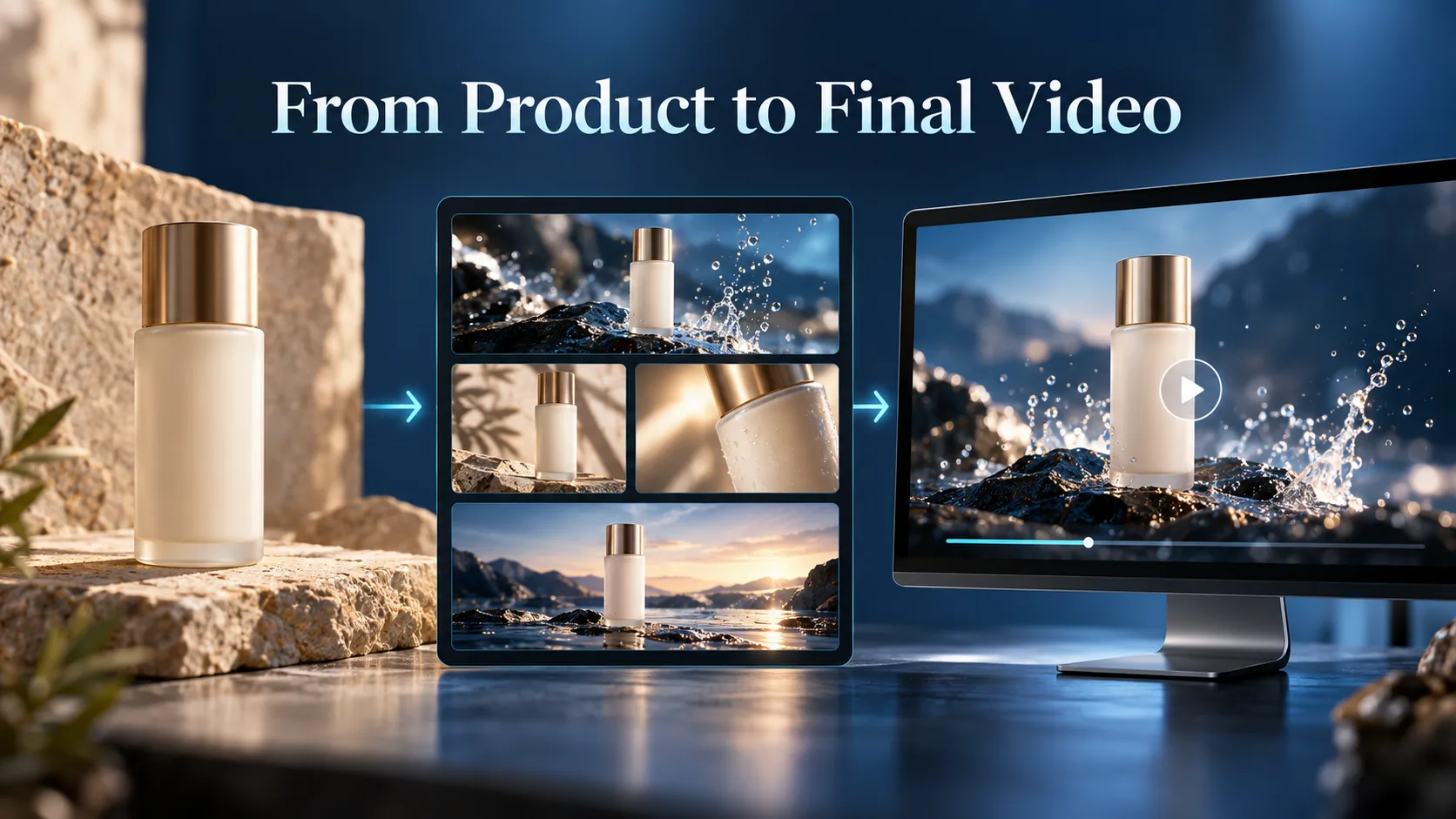
Xelta's Ad Maker can organize product information, a creative brief and an approved storyboard before video generation.
That structured process gives Xelta a practical advantage for campaign focused work.
Which Platform Is Better for Complete Creative Production?
Kling is an attractive option when the main task is generating video through its proprietary models.
Xelta becomes more compelling when a project requires different media types and several production stages.
For example, a campaign may need product images, video scenes, voiceovers, editing and multiple creative variations.
Xelta provides separate tools for these tasks, alongside dedicated advertising and filmmaking workflows.
Its AI image generator can help develop supporting visuals before they are used in video production.
However, teams should still review output consistency, editing requirements and licensing conditions.
Final Thoughts: Should You Choose Xelta or Kling AI?
Xelta vs Kling AI is an assessment of a multi model creative platform versus a video generation ecosystem.
The decision lies in whether you require different AI models, advertising and image creation tools, or want to work directly with the video-generation model and its motion, audio and reference controls.
For creators and marketing teams, which need to produce complete advertising campaigns as opposed to single video content pieces, Xelta provides a wider range of creative production tools.
The final choice should be made on the balance between the cost of the finished video, amount of editing, and approval of the final result.
For more AI creative insights, product updates and practical examples, follow Xelta AI on LinkedIn.