Key Takeaways
- Choose an AI platform based on your team's creative needs.
- Maintain brand consistency across images, videos, and social media assets.
- Test platforms using real products and campaign requirements.
- Priorities easy editing, revisions, and image-to-video capabilities.
- Compare product accuracy, collaboration, export options, and commercial rights.
- Evaluate the total cost, including subscriptions, credits, and editing.
- Always review AI generated content for accuracy and brand compliance.
Table of Contents
- 1.Best AI Creative Platforms: Features for Marketing Teams
- 2.Quick Answer
- 3.What Does a Marketing Team Actually Need From One Platform?
- 4.Which Platforms Are Worth Comparing?
- 5.How Do You Test a Platform on a Real Campaign?
- 6.Can You Move From an Image Concept to a Video?
- 7.What Happens When the Creative Direction Isn't Settled?
- 8.What Should Buyers Check Beyond Image Quality?
- 9.Final Thoughts
Best AI Creative Platforms: Features for Marketing Teams
After an initial beautiful image you’ll likely encounter some challenges. The manager will want to create a new batch of crops, the product owner will find a mistake and the ad team will need a short video on the same concept.
The best AI creative platform will be able to manage these changes in such a way that doesn’t lose sight of the original brief. More important than model numbers.
Quick Answer
The best AI creative tool will depend on what part of the process you need support with. Canva is great for creating editable branded templates, Adobe Firefly allows for image and video creation with creative tools, Freepik allows for creation and edits across multiple media types and Xelta provides an image, video and specialist creative tool. Compare the different products based on one campaign and ensure the accuracy of the product, number of edits and rights/permissions plus the overall cost of producing the campaign.
What Does a Marketing Team Actually Need From One Platform?
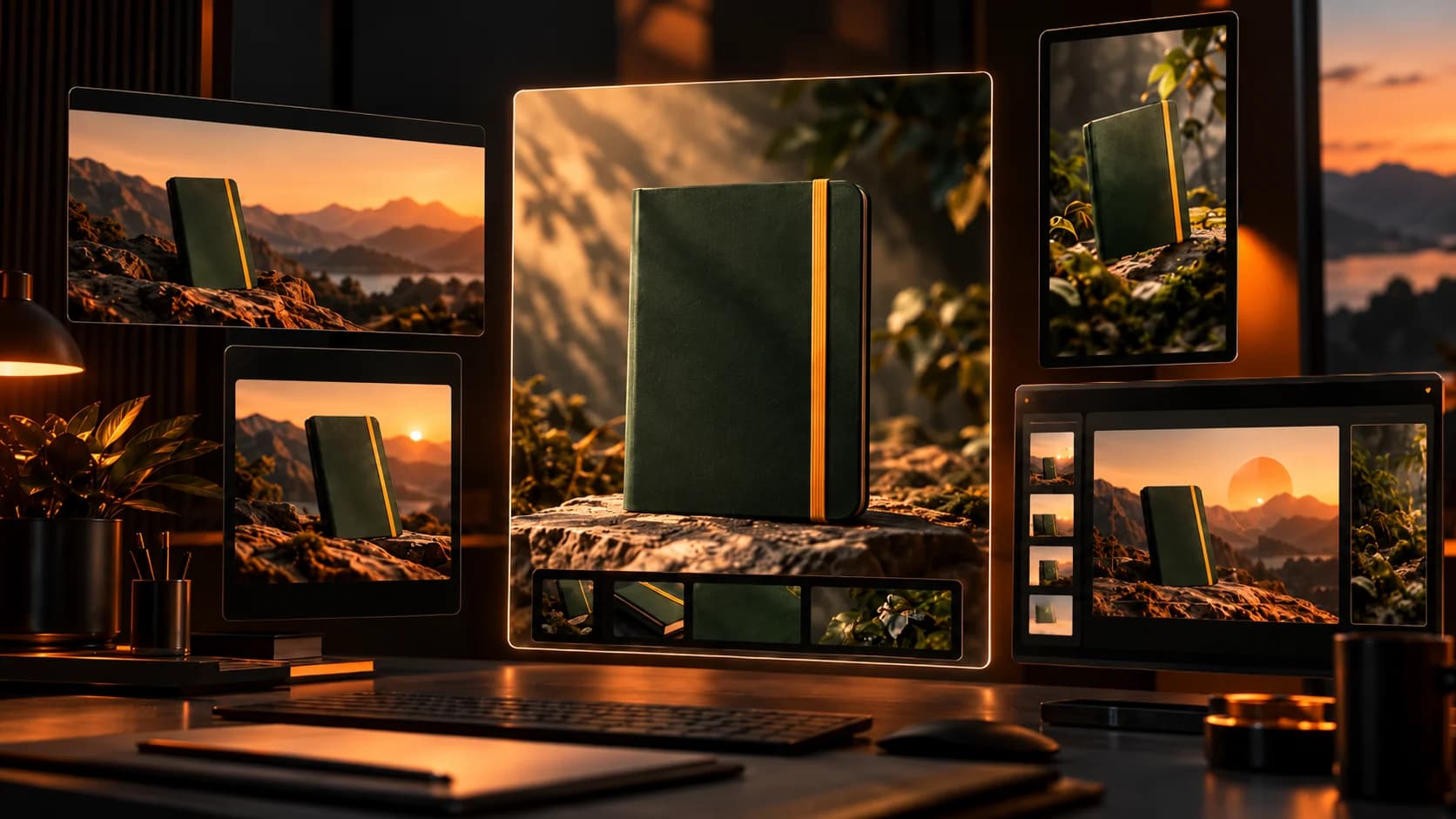
An example could be a small stationery business launching their forest green notebook. This has been approved with a yellow elastic band, rounded edges and small gold logo. You will need to create a hero image for the website, 2 social posts and a vertical video. However, you would want these to be consistent across all platforms. The notebook cannot have a new clasp added or have any changes to the colour.
Although having multiple different format creative tools can give you lots of options at the start, this does not mean that all images will be editable after exporting. Or that you can publish directly to your media accounts. How does your team go from draft to approved file?
If your dates, prices and layouts are constantly changing, having a large model library may not be as useful as having an easy to use editor.
Which Platforms Are Worth Comparing?
| Platform | Most relevant strength | Question for the trial |
|---|---|---|
| Canva | Branded layouts, templates and AI-assisted design | Can another marketer edit approved text safely? |
| Adobe Firefly | Generative imagery, video and editing | Can the team isolate and correct one visual detail? |
| Freepik | Image, video and audio tools in a broader creative suite | Are the same references usable across stages? |
| Xelta | Multiple models for images, video and specialised creative workflows | What survives a move from concept to new format? |
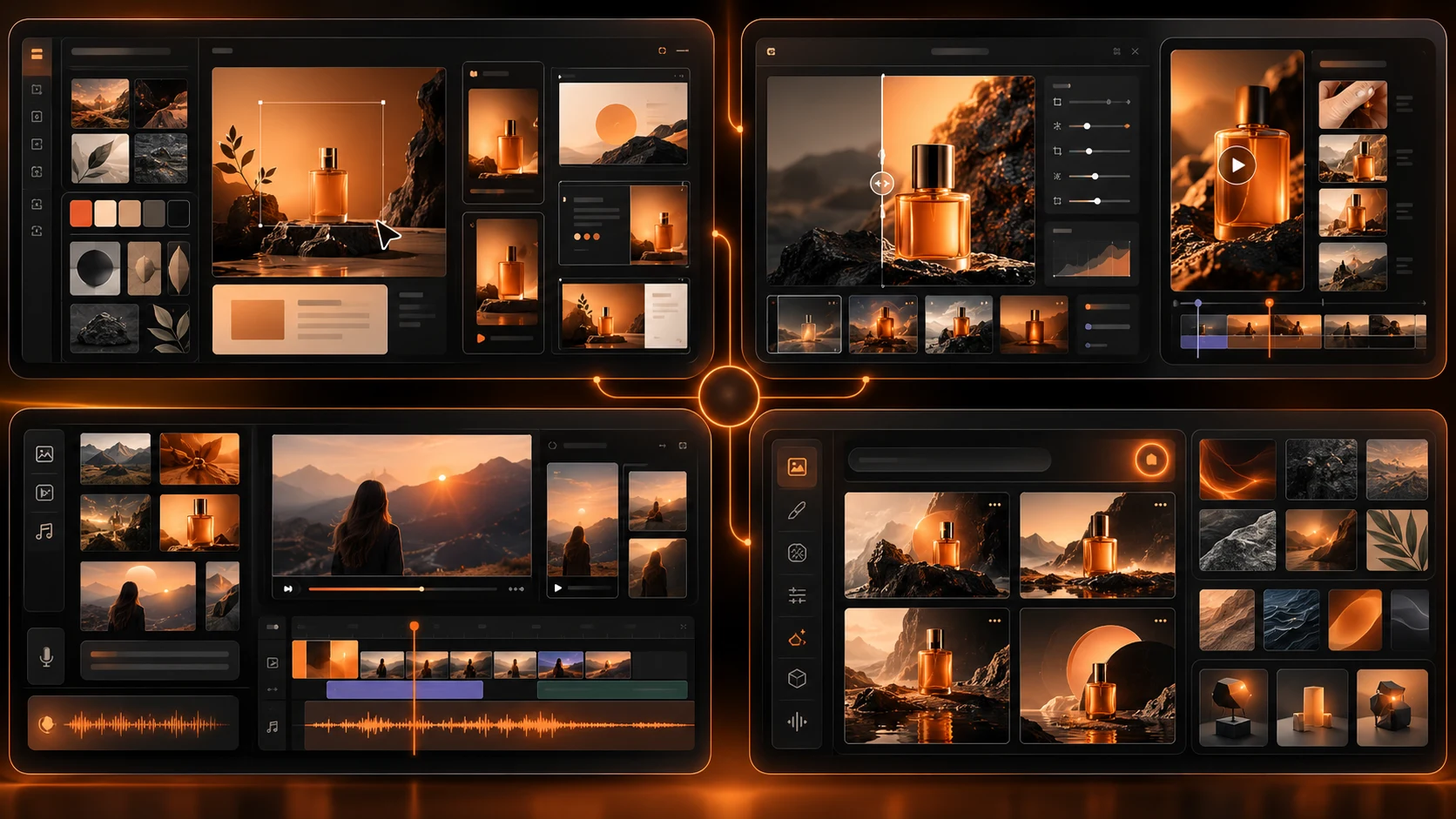
These are documented capabilities, not tested scores. Start with editable layouts for brochures and events; prioritise reference based generation when campaigns need new scenes and motion.
How Do You Test a Platform on a Real Campaign?
Use the notebook provided, not a fictional character. The approved photo, product information and brand colours should be used across all shortlisted platforms.
The brief needs to be very simple: 1 square image, 1 wide banner and 5 seconds of vertical video. Ensure that you have the correct video length.
For the first image try:
Using the notebook provided (forest green). Place it on a light wood desk with a capped pen next to it. Make sure the notebook has a yellow elastic band, curved corners, correct sizing and small gold logo. Add plenty of negative space to the right so that you can add an editable headline. Do not add any pockets, straps, text or new branding.
However, change the desk to dark stone. Make sure that you keep the notebook the same. Save your prompts, outputs and reasoning for why it was rejected.
Can You Move From an Image Concept to a Video?
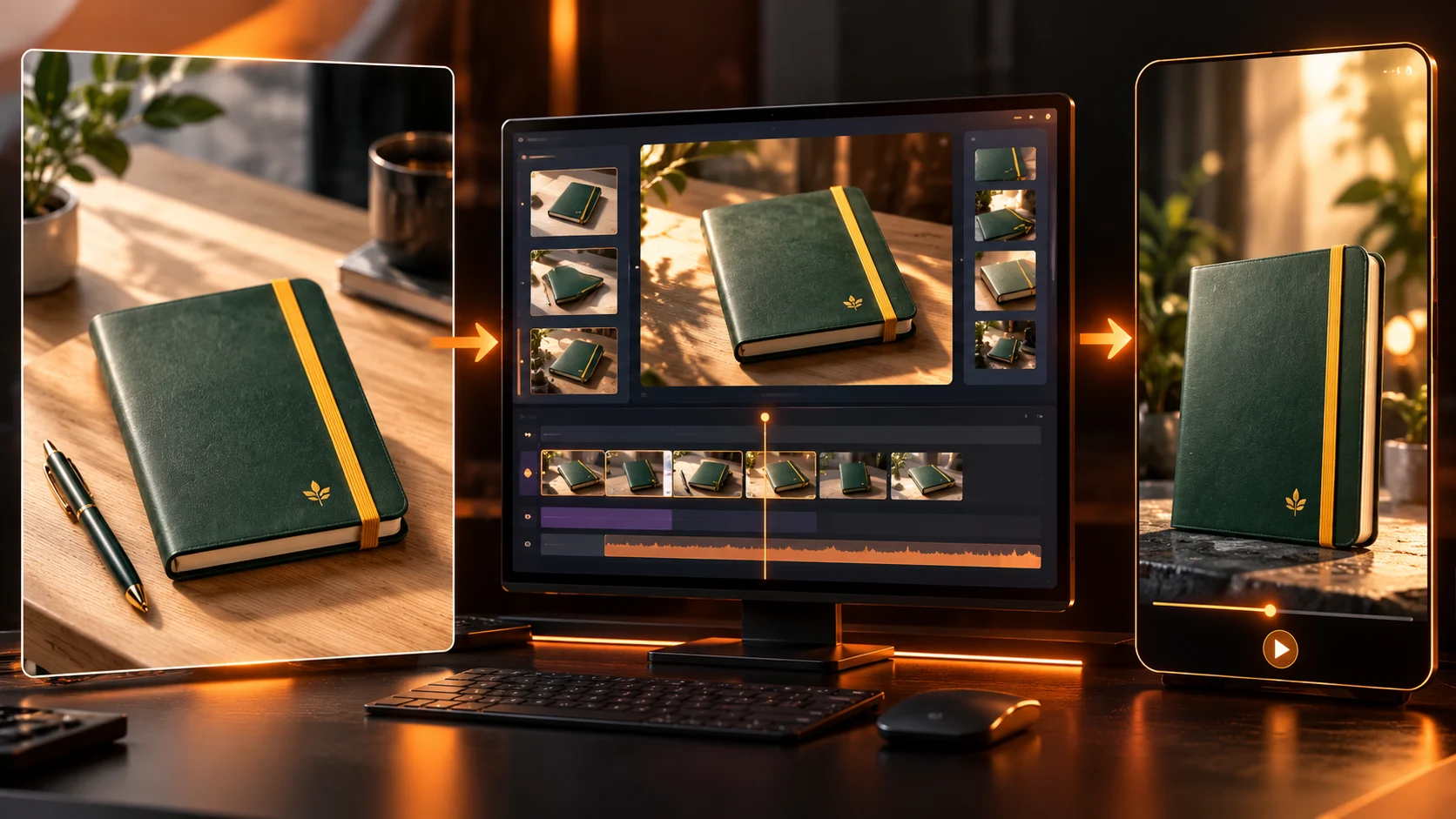
You may need an animated product shot.
Use the image generator with prompts and references to make the first scene.
Animate/edit using the correct video tool.
Add another set of prompts to tell the video to 'keep the notebook static and slowly zoom into the page. Elastic band and logo remain the same'.
If the elastic band moves or logo has any issues then this clip won’t work even if lighting looks good.
Ensure you know what length your model is for and the aspect ratio. Add the exact offer into the text box that can be edited.
What Happens When the Creative Direction Isn't Settled?
You may not have any issues with the production of your design but are left with a brief that just says ‘make it premium’. You’ll need to identify if you want a more subtle editorial style or a bright back to school theme.
Come up with 2 really different concepts.
Specialised design exploration tools can help teams investigate visual ideas, including sketch led or room based concepts where relevant.
This will not replace the brand guidelines once they have been approved. Choose your concept before creating your campaign assets.
What Should Buyers Check Beyond Image Quality?
Ensure the fix is included. For example editing a single claim across multiple assets, editing a product name or sending it to someone else.
Does the platform store prompts & the source files? Can you export in the right format? How will your team members get access?
| Review area | Pass condition |
|---|---|
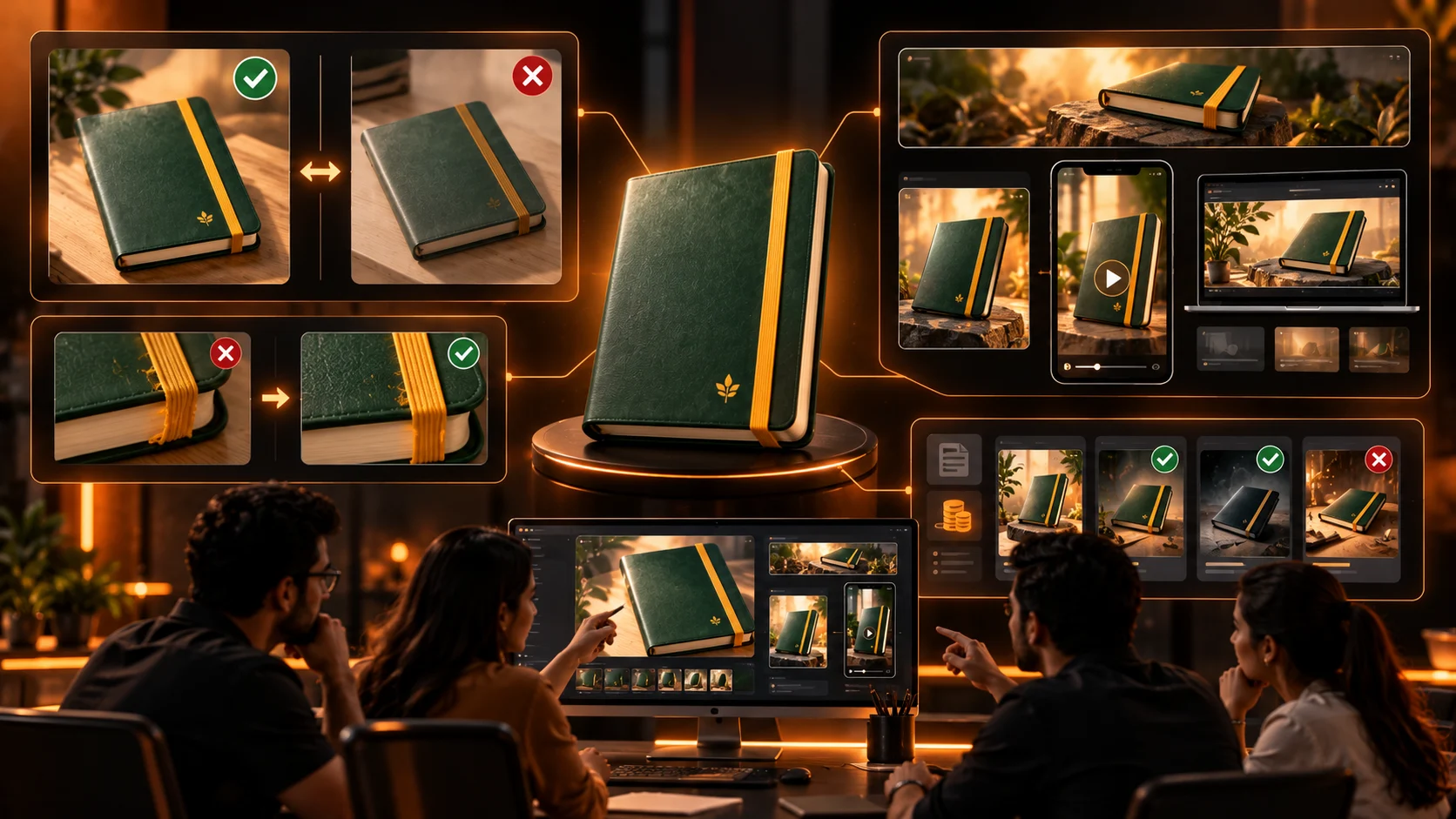
| Product accuracy | Colours, logos and physical features match the approved source |
| Revision control | One requested change does not undo unrelated approved details |
| Publishing readiness | Text is readable, crops work and rights are cleared |
| Cost | Credits, rejected attempts and external editing are counted |
Check each provider's current plan details. Including commercial use, credits for generation, privacy and ownership.
Never show an AI generated character as a real customer. Or packaging generated by AI that suggests features not available in the real product.
Final Thoughts
A realistic first image will grab attention and a realistic second image will give you confidence. However, at some point you will have to change your headline, the format or correct one of the product details. If everyone has to go back to the initial prompt and there is no documentation of what was approved, the process isn’t very robust.
Identify the most common creative task you’ll be doing. We’d suggest starting with Canva for branded designs, Adobe Firefly for generating and editing, Freepik for multiple media types and Xelta for trying out multiple models and creative specific tools.
Give two options to the same product but make it an awkward fix. Only count assets you’d actually use. The system that will retain the correct facts and allow your colleagues to complete the task is the way to go.
For more creative workflow examples, explore official video tutorials.