What Is Text-to-Video AI? A Complete Beginner's Guide
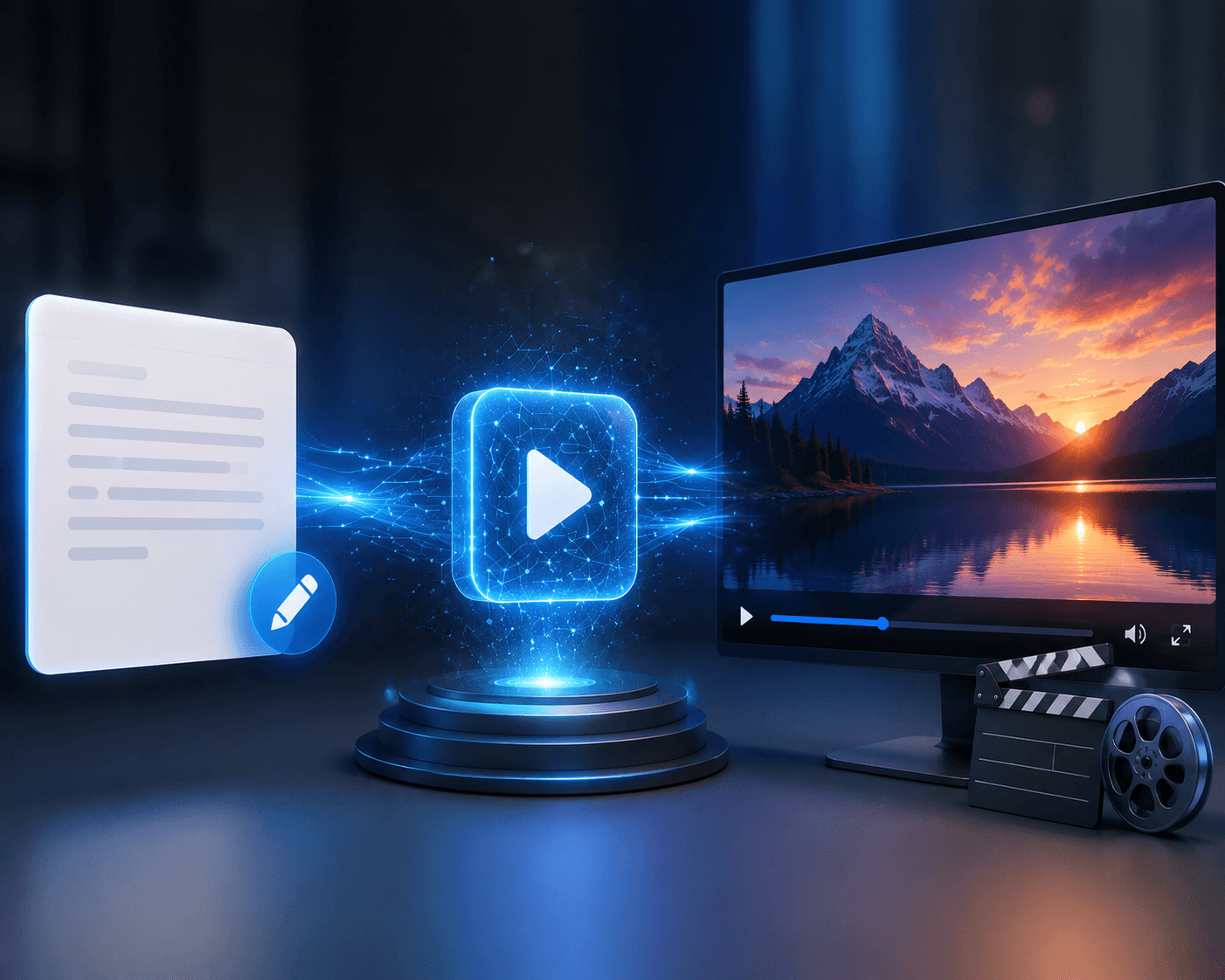
Text-to-video AI makes it possible to create videos using written instructions. Instead of recording footage with cameras, actors, and studio equipment, you describe the scene you want, and the AI generates it.
This guide explains how text-to-video AI works, what it can create, and how beginners can use it effectively. Platforms such as Xelta AI make this process more accessible by bringing video generation and other creative tools into one place.
Quick Answer
Text-to-video AI is a form of generative technology that converts written prompts into video clips. The AI interprets the subject, action, environment, camera movement, lighting, and visual style before creating a sequence of connected frames. These clips can then be edited and combined into longer videos.
A small red boat moving across a calm mountain lake at sunrise, wide aerial shot, soft mist, and realistic cinematic lighting.
The AI identifies the boat as the subject, the lake as the setting, and the aerial shot as the camera direction. It then generates a sequence of frames and adds movement between them.
Modern text-to-video models are trained to understand objects, environments, actions, lighting, and visual styles. However, they do not understand creative ideas exactly as humans do. Clear instructions are therefore important.
How to Create Your First AI Video
Begin with one simple scene rather than trying to generate an entire advertisement or short film at once. Your prompt should describe the subject, action, setting, camera shot, movement, lighting, style, and aspect ratio.
For example:
A black sports car driving slowly through a rain-covered city street, low-angle tracking shot, controlled camera movement, cool street lighting, realistic commercial style, 16:9.
After generating the clip, review the subject, motion, framing, and visual consistency. If the camera moves too quickly, adjust only the camera instruction. If the environment looks incorrect, rewrite only the setting.
Changing one detail at a time makes it easier to understand how the model responds. Xelta's AI video generator can be used to create video content from prompts and images for marketing, social media, education, and storytelling.
Text-to-Video vs Image-to-Video
Text-to-video begins with a written description and gives you greater freedom to explore original ideas. However, it may offer less control over the exact appearance of a character or product.
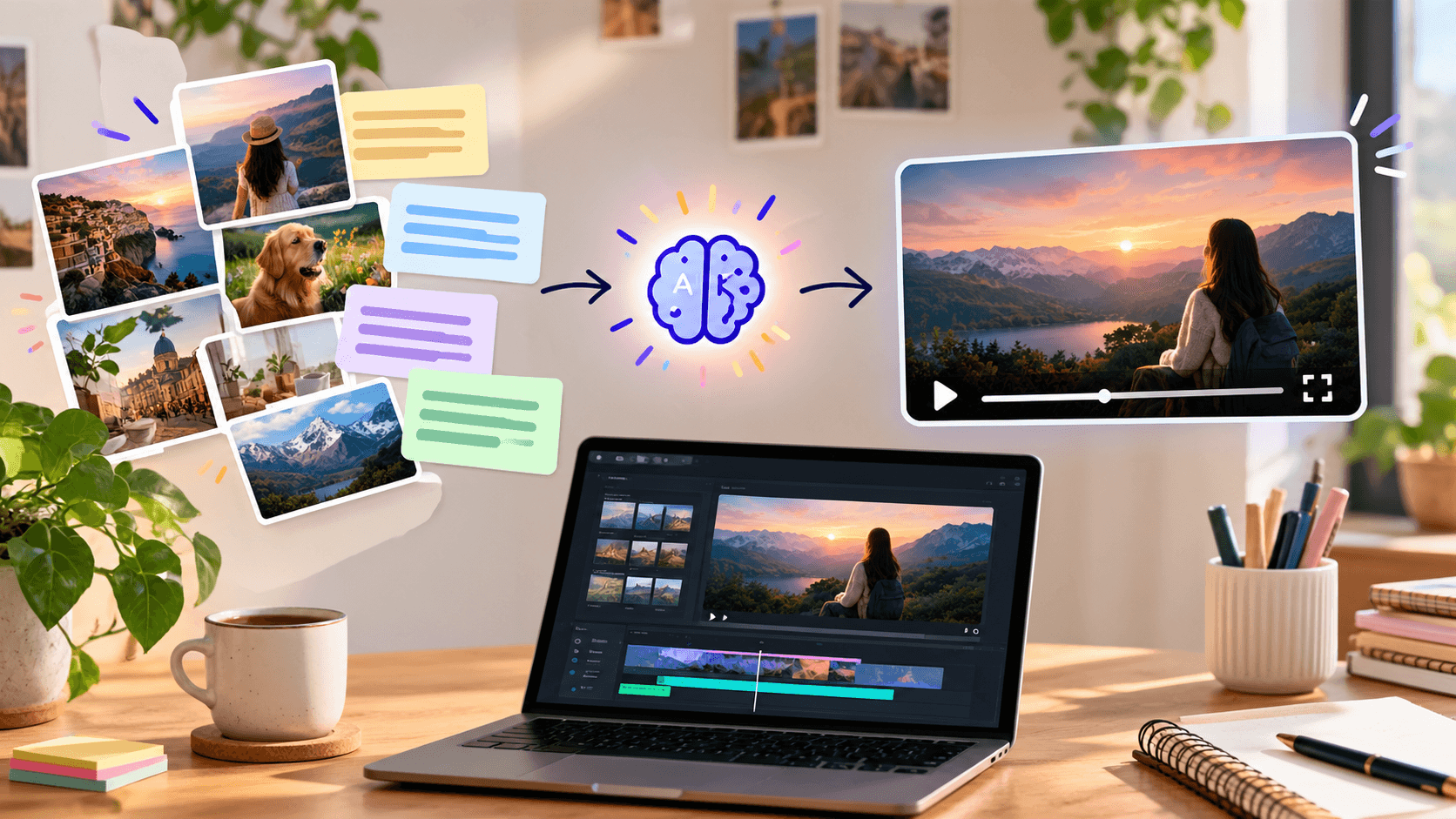
Image-to-video begins with an existing picture. The AI uses that image as the visual foundation and adds movement based on your instructions. This approach is often more suitable when a product, character, outfit, or environment must remain consistent.
Video-to-video works differently because it transforms existing footage. Avatar video tools are mainly designed for presentations, training videos, and narrated business content.
The right method depends on whether you want creative freedom, visual consistency, or control over an existing performance.
Where Is Text-to-Video AI Used?
Marketers can use text-to-video AI to create advertisement concepts, product scenes, and social media content. Filmmakers can use it for storyboards, visual development, and experimental shots. Educators can generate short visual explanations, while small businesses can produce promotional content without arranging a complete video shoot.
It is especially useful when teams need to explore several creative ideas quickly. One concept can be generated with different environments, camera angles, and visual styles before deciding which direction works best.
What Should You Evaluate?
A good text-to-video platform should follow prompts accurately and produce natural movement. It should also provide control over the aspect ratio, resolution, duration, camera direction, and reference images.
Pricing should be evaluated carefully because several attempts may be required to produce one usable clip. You should also check export quality, generation speed, and commercial usage rights before choosing a platform.
Beginners who want to compare available options can review the best text-to-video AI tools according to their preferred content style and workflow.
What Are the Current Limitations?
Text-to-video AI is improving, but it can still make noticeable mistakes. Faces, hands, clothes, and objects may change during a clip. Camera movement can become unstable, and characters may perform actions incorrectly.
The technology also struggles with readable text, accurate product packaging, and consistent logos. Important labels, prices, headlines, and calls to action should usually be added during editing rather than generated inside the scene.
Creating the same character across several clips can also be difficult. Reference images and repeated identity descriptions can help, but every output should still be reviewed.
Common Beginner Mistakes
One common mistake is including several scenes in a single prompt. A request that contains multiple characters, locations, actions, and camera movements can confuse the model. Each shot should have one clear purpose.
Another mistake is using vague instructions such as "make it cinematic" or "make it amazing." These words do not explain the desired framing, lighting, movement, or mood.
Beginners may also accept the first generation without checking visual errors. A strong workflow involves generating, reviewing, changing one instruction, and trying again.
Final Takeaway
Text-to-video AI turns written descriptions into moving scenes. It gives creators, marketers, educators, and businesses a faster way to explore video ideas without beginning with recorded footage.
The best results come from clear prompts, simple actions, controlled camera directions, and careful editing. Start with one short scene and build longer videos one shot at a time.
Bring your first written idea to life with Xelta AI and refine it through clear, focused prompts.
Frequently Asked Questions
Can Text-to-Video AI Create a Complete Video?
Some platforms can assemble scenes, narration, music, and captions. Other models create short clips that must be edited together.
Do I Need Video Editing Experience?
Advanced editing experience is not required to generate a basic clip. Simple editing skills are helpful for combining scenes, improving pacing, and adding accurate text.
What Should a Text-to-Video Prompt Include?
A useful prompt should describe the subject, action, setting, camera shot, movement, lighting, visual style, and aspect ratio.
Is Text-to-Video the Same as Image-to-Video?
No. Text-to-video begins with written instructions, while image-to-video uses an existing image as the visual starting point.
Can AI-Generated Videos Be Used Commercially?
Commercial rights depend on the platform, model, subscription, and source assets. Always review the applicable usage terms before publishing or selling the content.