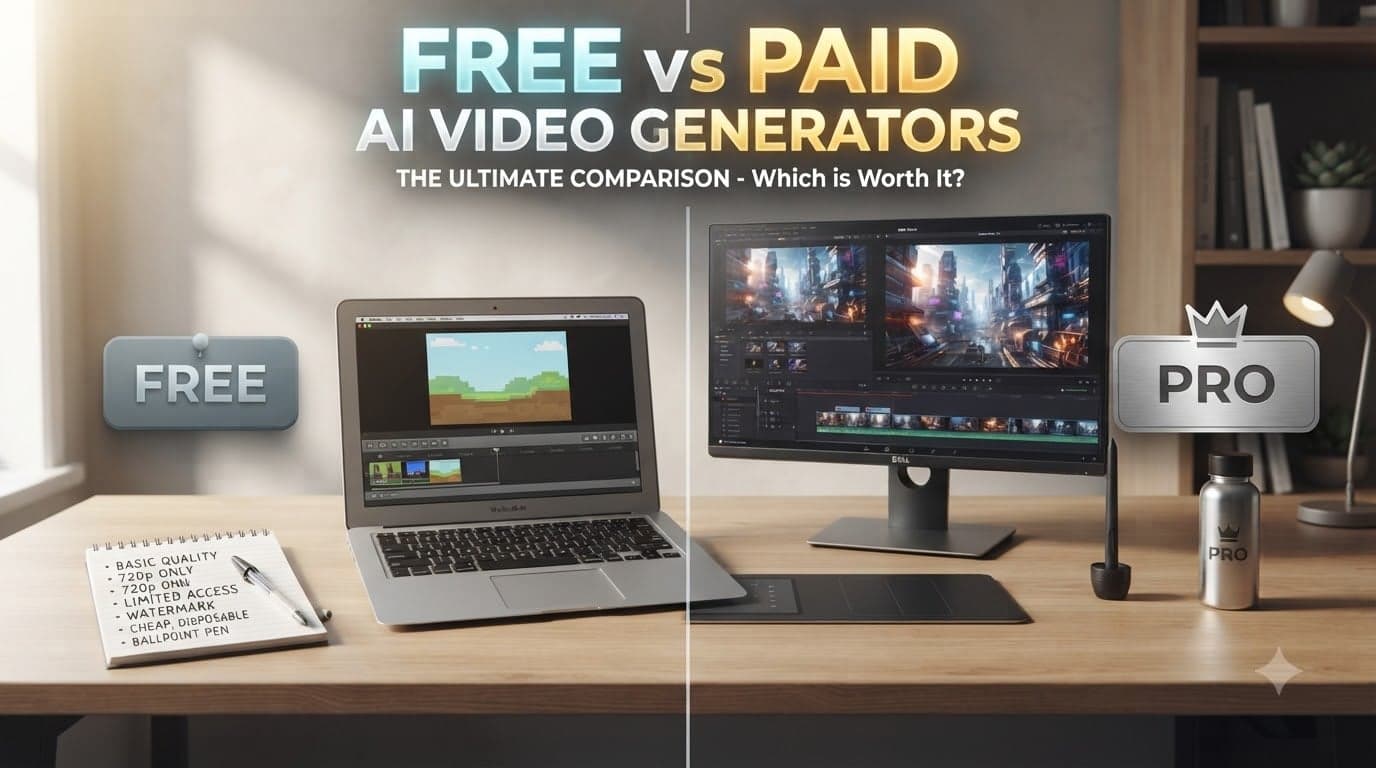
Free AI Video Generator vs Paid AI Video Generator: Which Should You Choose?
A free AI video generator can be enough to turn an idea into a clip.. Once you need clean exports, repeated revisions, higher resolution, commercial usage, consistent output or a reliable production workflow the limitations of a free plan can become more important than its $0 price.
This guide compares free vs paid AI video generators based on the factors that actually affect production: credits, retries, watermarks, resolution, commercial rights, generation speed, model access, editing workflows and scalability. You’ll also see when staying free makes sense and when paying for an AI video generator can save time and effort than it costs.
Quick Answer
Choose a free AI video generator when you are learning, experimenting, creating personal content, or validating an idea. Choose a paid AI video generator when you need production, more generations, higher-quality exports, commercial usage, faster workflows, or repeated revisions. The right choice depends less on the subscription price and more on the cost of creating an approved video.
What "Free" Really Means in AI Video Generation
“Free” does not always mean unlimited video creation.
AI video platforms typically use one or more restrictions:
- Monthly or daily credits
- One-time trial credits
- Lower video resolution
- Shorter maximum video duration
- Watermarks
- Limited model access
- Slower queues
- Restricted commercial usage
- Fewer editing capabilities
- Reduced export options
For example, current AI video services use very different approaches to free access. Adobe Express offers a free tier with limited generative AI access, while its Premium plan adds substantially more generative video capacity.
The practical question is therefore not:
“Is this AI video generator free?”
It is:
“Can the free tier complete the workflow I actually need?”
That distinction matters.
A free plan may be excellent for producing three concept variations but unsuitable for producing 30 approved marketing assets.
Where Free AI Video Generators Make Sense
Free tools are particularly useful when the cost of experimentation matters more than production volume.
1. You are learning AI video creation
If you are unfamiliar with prompting, image-to-video workflows, camera instructions, or AI editing, paying immediately may be unnecessary.
A free plan gives you an opportunity to understand:
- How prompts affect motion
- Which reference images work
- How many iterations you normally need
- Which video styles fit your content
- Whether the workflow feels intuitive
2. You are validating an idea
Suppose you want to create a 10-second product concept for an upcoming campaign.
You don't necessarily need a production budget to discover whether the concept works.
A few free generations can answer questions such as:
- Does this visual direction work?
- Does the character remain recognizable?
- Does the motion look believable?
- Is the opening frame strong enough?
If the concept fails, you have learned something without committing to a subscription.
3. You create videos occasionally
For personal projects, experiments, memes, simple social posts, or occasional creative tests, a free tier may provide enough capacity.
The supplied comparison research similarly distinguishes between free-credit platforms and open-source options, noting that free access is useful for testing workflows while open-source tools shift costs toward GPU time, storage, and technical setup.
When a Paid AI Video Generator Becomes Worth It
The transition from free to paid usually happens when production requirements become predictable.
Consider paying when you regularly need:
Higher-quality exports
A low-resolution preview can be perfectly adequate for testing an idea.
It may not be adequate for:
- Brand campaigns
- Product advertising
- YouTube content
- Client deliverables
- Website videos
- Professional presentations
Higher-resolution output can also matter because social platforms and editing software may compress uploaded video further.
Attempts and revisions
AI video rarely produces the perfect result on the first generation.
You may need to change:
- Camera movement
- Subject position
- Lighting
- Background
- Duration
- Motion intensity
- Reference image
- Aspect ratio
That means credits per approved asset can be more important than credits per generation.
Commercial usage
If a video will support a business, advertisement, product listing, client campaign, or monetized channel, check the plan's commercial-use terms before publishing.
A free video that cannot legally or contractually be used for your intended purpose is not actually useful for that project.
Faster and predictable workflows
Production teams care about more than generation quality.
They also care about:
- Queue times
- Number of concurrent generations
- Export reliability
- Editing capabilities
- Model availability
- Asset management
- Support
That is where paid platforms can provide value beyond credits.
The Hidden Cost of Free AI Video Generation
The biggest mistake is comparing subscription price instead of production cost.
Imagine a creator needs one 10-second video.
If the creator generates six versions before finding the right result, the relevant calculation isn't:
“The tool is free.”
It is:
Time spent + generations + editing + waiting + export limitations + potential upgrade cost.
A free tool can become expensive in time.
This is especially important for businesses. If a marketer spends two hours assembling free tools to create one usable ad, the software may cost nothing while the workflow consumes valuable working time.
A better evaluation method is:
Cost per approved asset = software cost + generation cost + revision cost + editing time + workflow overhead
That gives you a more realistic comparison.
We Evaluated Free and Paid AI Video Generators
For this comparison, the useful evaluation criteria are:
1. Generation capacity
How many meaningful attempts can you make before reaching the plan limit?
2. Output quality
Does the available resolution and generation quality meet the intended publishing destination?
3. Revision flexibility
Can you iterate without exhausting credits?
4. Commercial rights
Can the generated content be used for the intended business purpose?
5. Workflow efficiency
Does the platform cover generation, editing, assets, audio, and exporting in one workflow?
6. Model access
Does the plan provide access to the models and capabilities you actually need?
7. Scalability
Will the same workflow still work when you move from two videos a month to 20 or 100?
8. Predictability
Can you estimate the cost of producing your volume?
This last factor is often overlooked. A platform with transparent credit usage can be easier to budget than one with an attractive headline price but unclear generation limits.
A Practical Decision Framework
Use this framework before choosing a plan.
Choose free if:
- You're learning AI video generation.
- You create videos occasionally.
- You're testing a creative concept.
- You don't need professional exports yet.
- You don't need commercial rights.
- You can tolerate limited generations.
- You're still deciding which workflow suits you.
Consider paid if:
- You create videos every week.
- You repeatedly regenerate clips.
- You need higher-resolution output.
- You create content for clients.
- Your videos support advertising or sales.
- You need commercial usage rights.
- You need production capacity.
- Waiting or switching between tools is slowing you down.
Choose a usage-based model if:
- You have unpredictable production volume.
For example, a marketing team may create ten videos during a campaign month and two the following month. In that case, a usage-based or flexible credit model can be worth comparing against a fixed subscription.
Where Xelta Fits Into the Free-to-Paid Workflow
The choice does not have to be free vs subscription immediately.
A useful approach is to start with a test, understand your workflow, and then scale when the requirements justify it.
Xelta provides a free starting path with 100 credits for users, allowing users to explore its AI workflows before committing. Its AI video generator supports both text-to-video and image-to-video workflows, along with video editing, motion control, visual effects, voice, and other production steps.
You can explore the Xelta AI video generator when you want to move from generation into a broader creation workflow.
For users who need production capacity, Xelta currently offers pay-as-you-go credits as well as monthly plans. Its pricing page lists options ranging from credit purchases to Starter, Premium, and Creator Pro tiers, with different credit allocations and feature access.
This makes the free-to-paid decision more practical:
Test → measure your usage → identify bottlenecks → choose the capacity.
Xelta's own pricing guidance also recommends looking beyond headline pricing at render volume, retries, output length, resolution, expiration, queue limits, and editing overhead.
Common Mistakes When Choosing an AI Video Generator
Choosing based only on the word "free"
A free plan can have restrictions that make it unsuitable for your actual project.
Comparing credit numbers without understanding credit usage
100 credits on one platform can mean different levels of video creation power compared to 100 credits on another platform.
Assuming your first attempt is the only one you will need
Think about how many tries you really need to get the result you want.
Checking rights too late
Don't build an entire marketing campaign before finding out that the plan you chose has limits on using the videos for business purposes.
Spending money on features you don't need
An expensive plan is not always better for every person who makes videos.
If you only make two personal videos every month, paying for high-end production features may not be needed.
Using many tools at once
Using one free tool for making videos, another for editing, another for sound, and another for making them sharper can add hidden costs to your work.
Sometimes a more expensive tool that does everything in one place is easier and more efficient.